




Pelican press FAQ
The basics
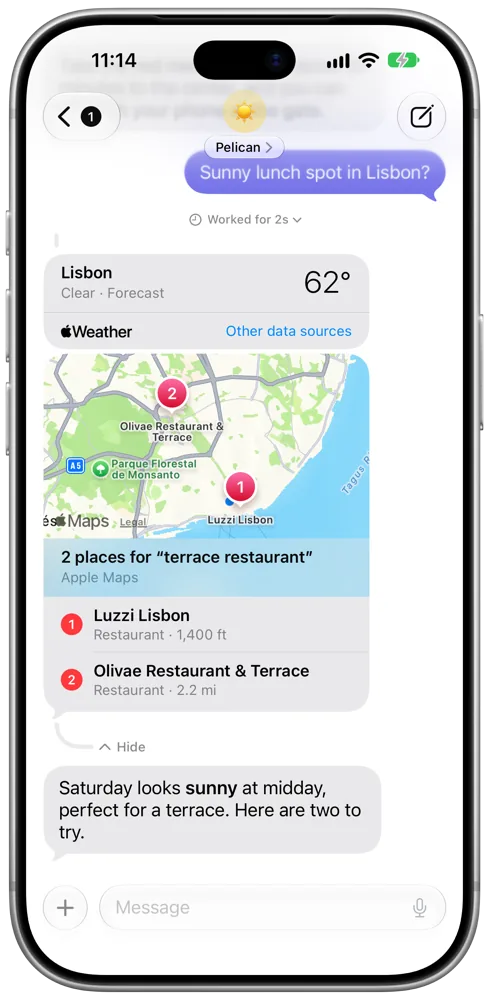
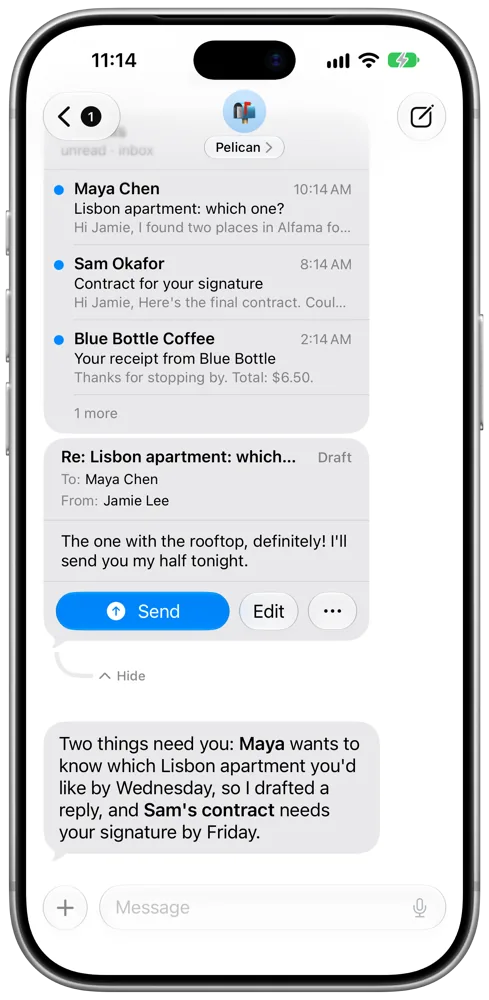
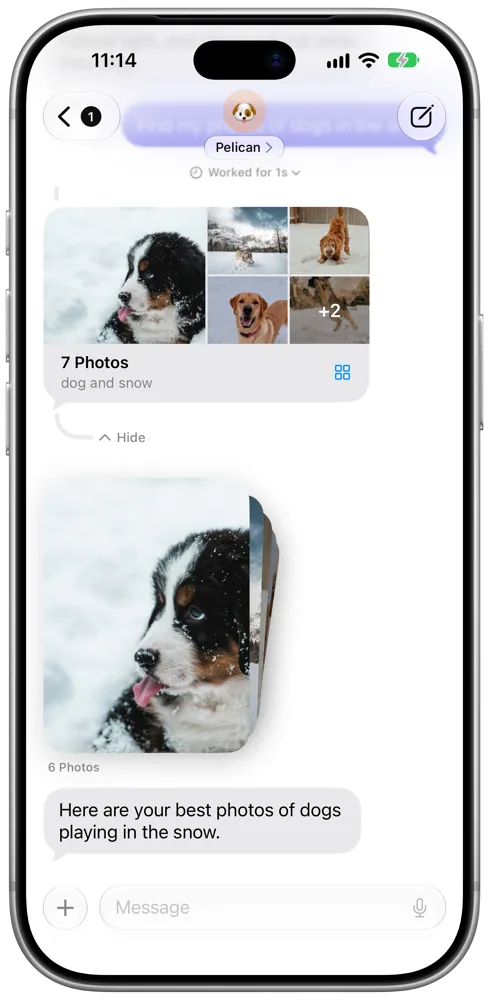
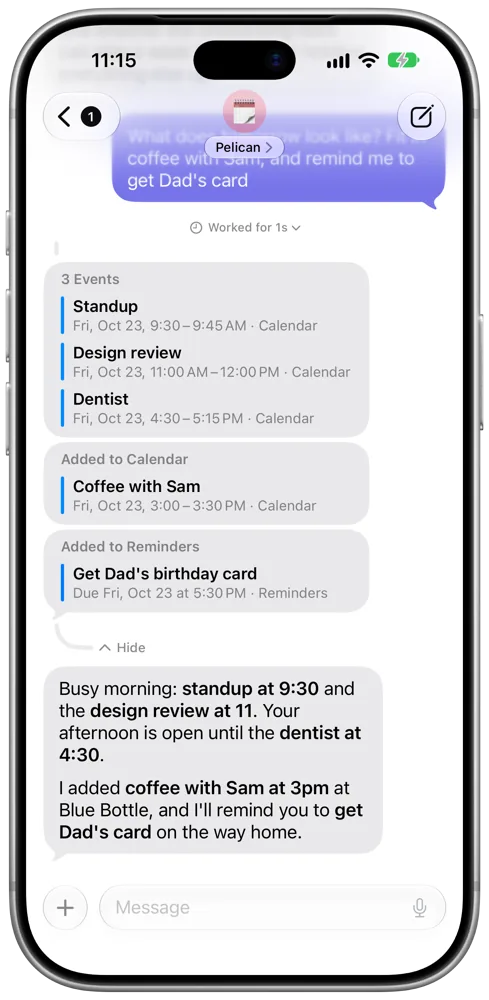
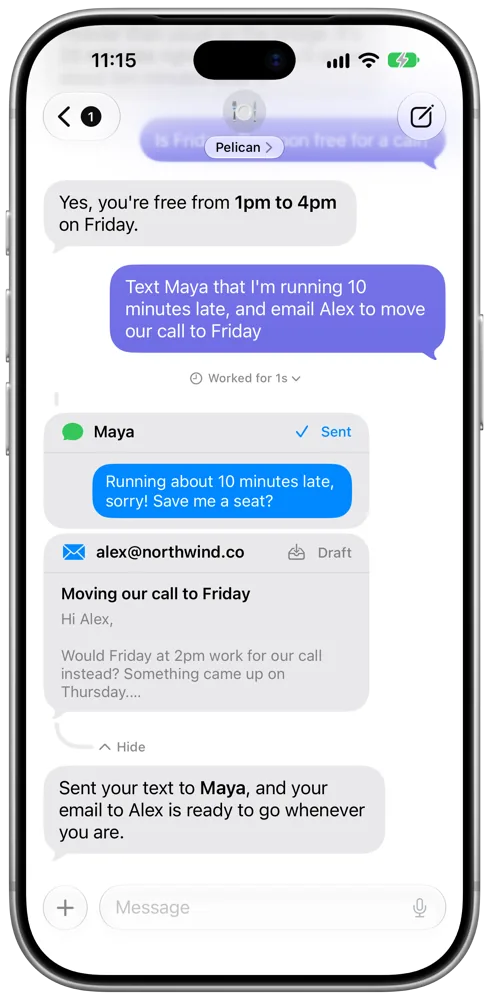
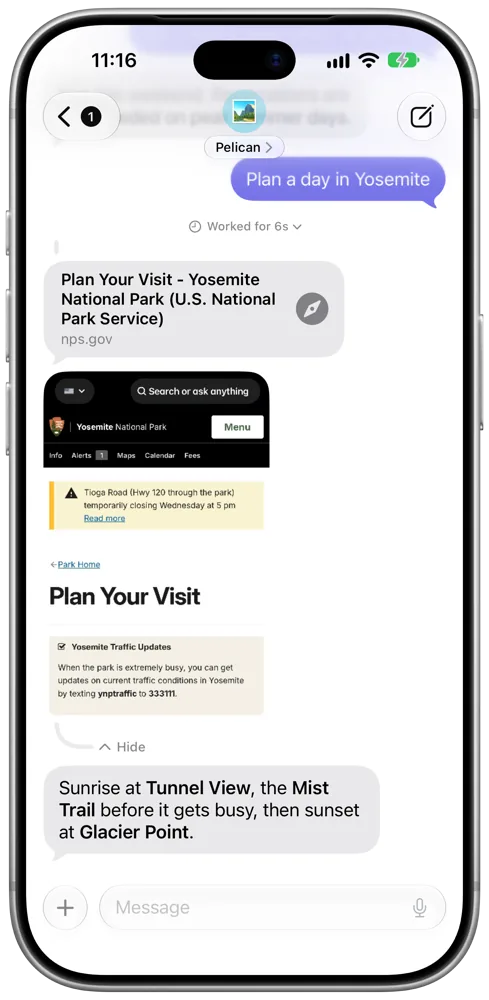
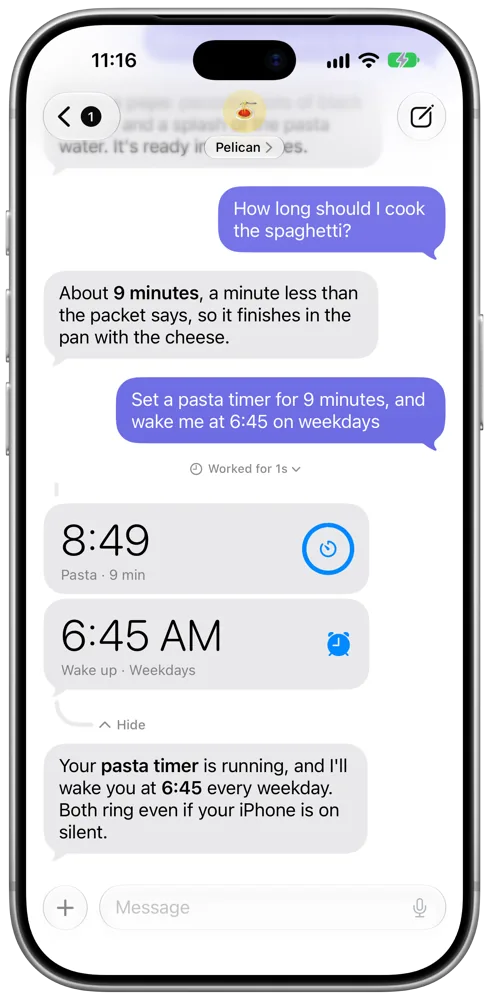
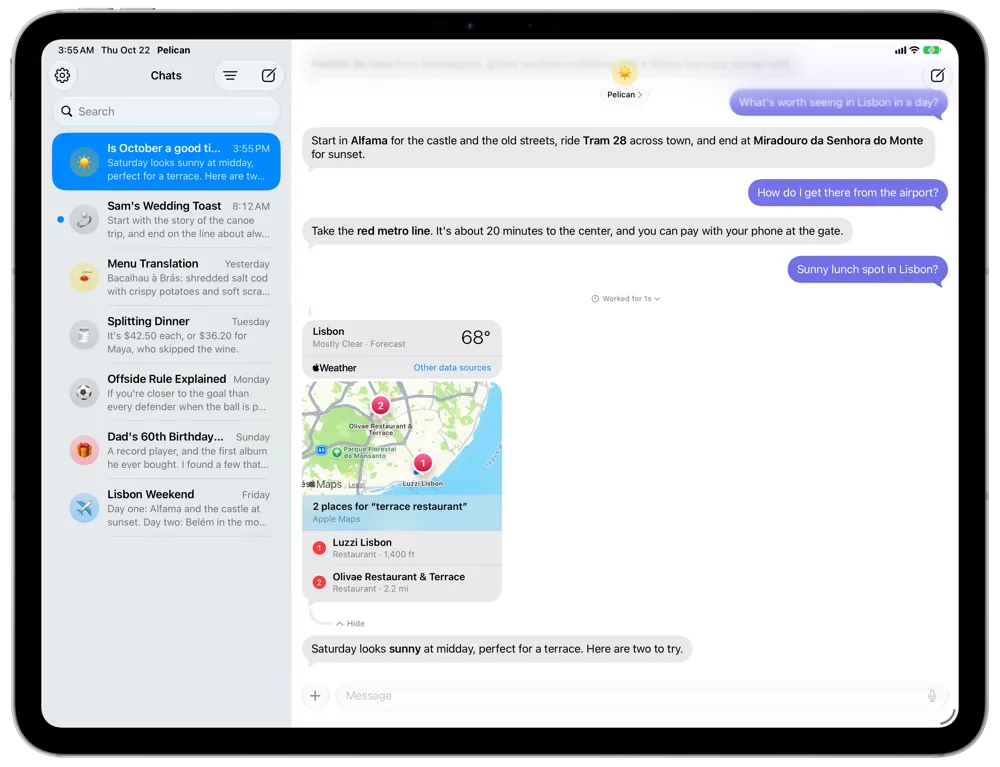
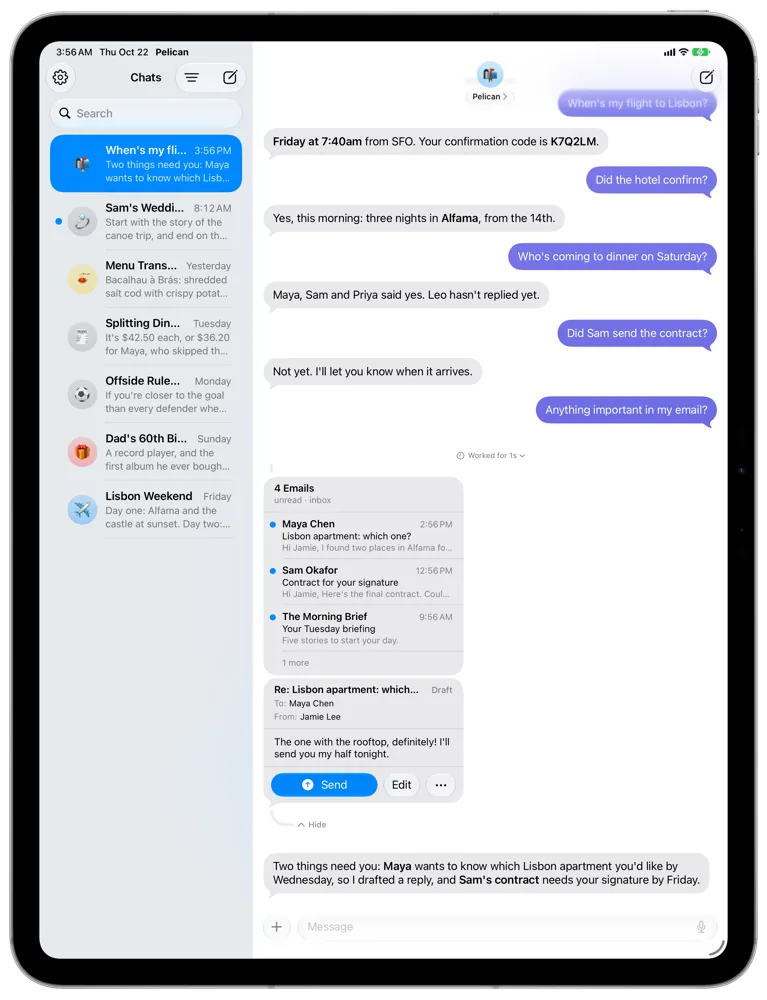
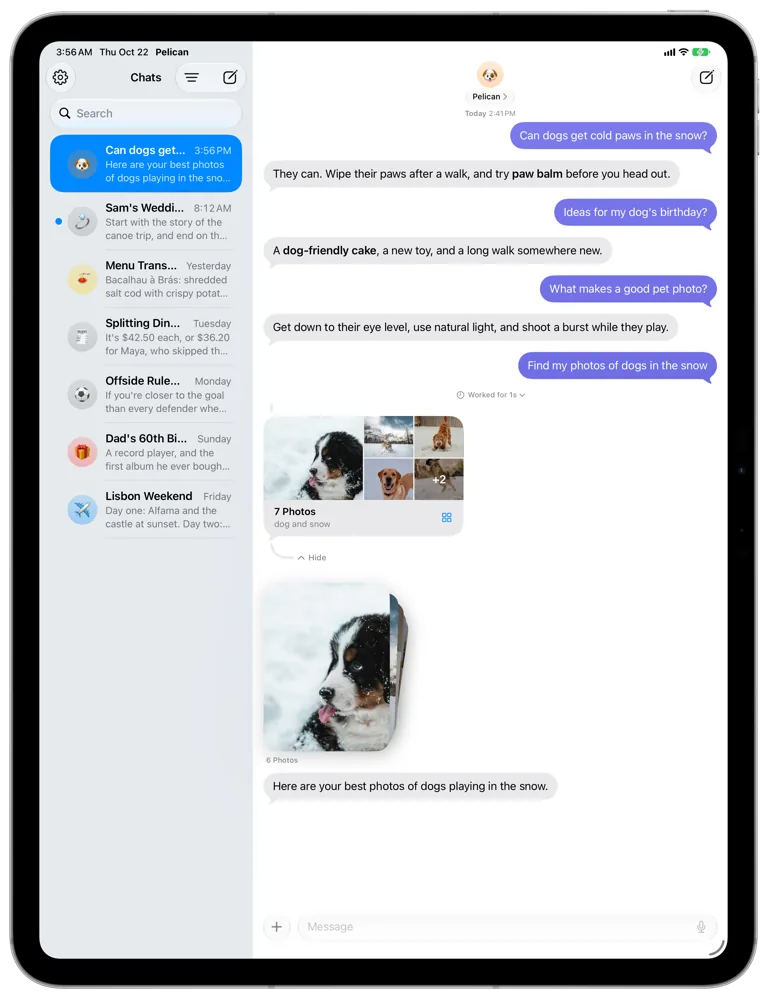
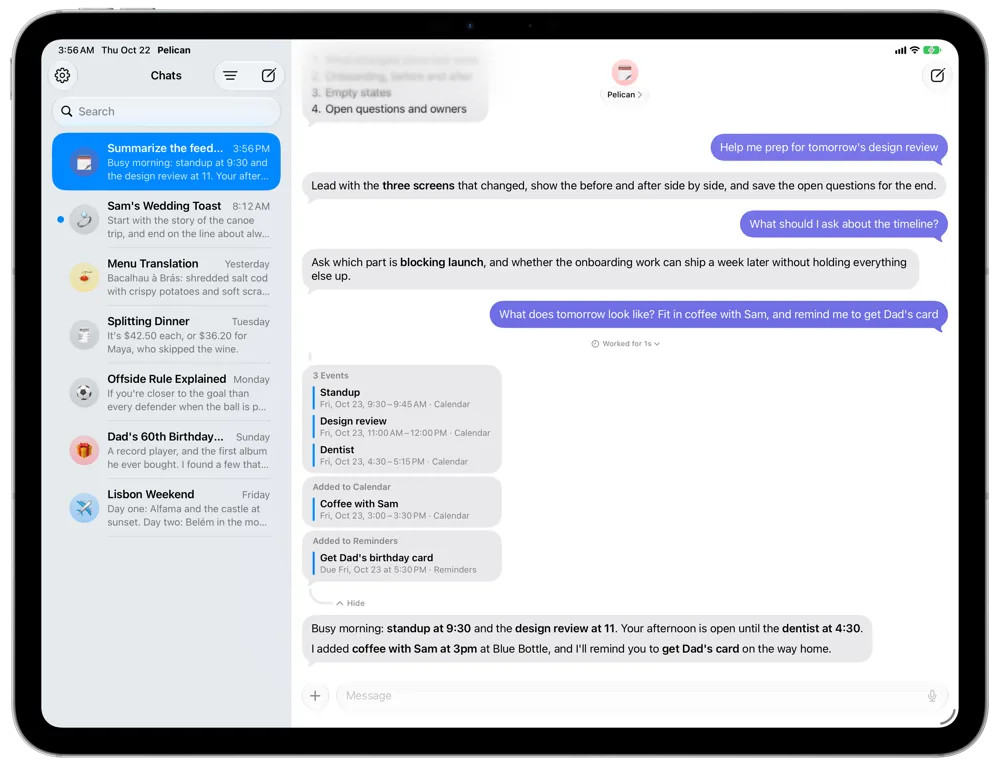
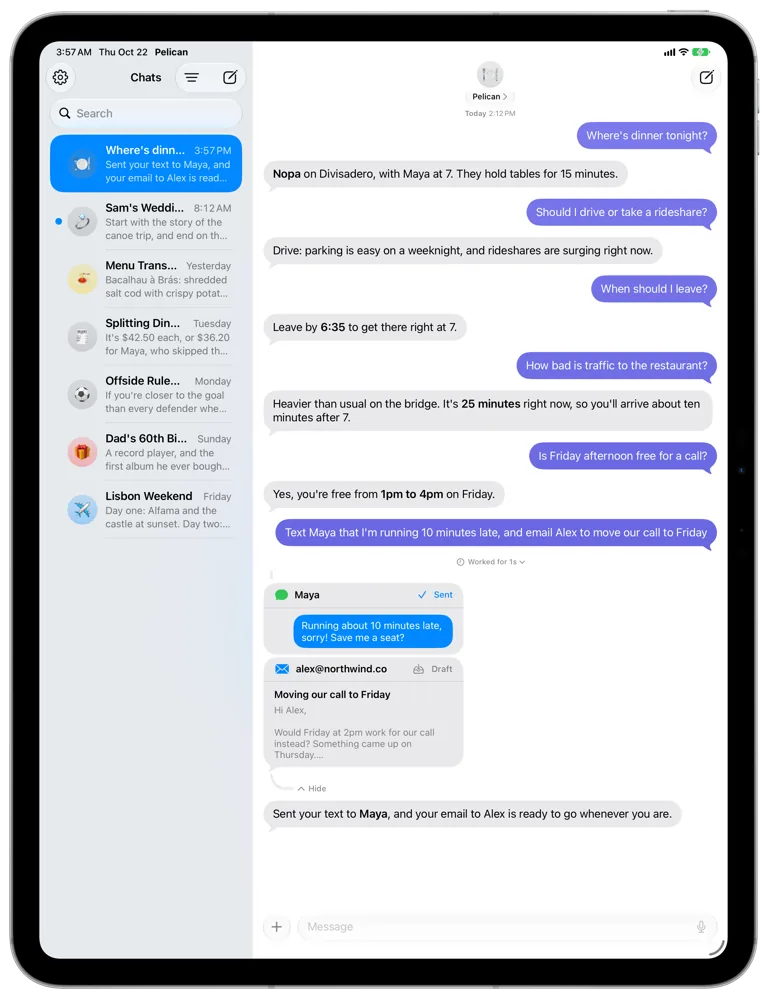
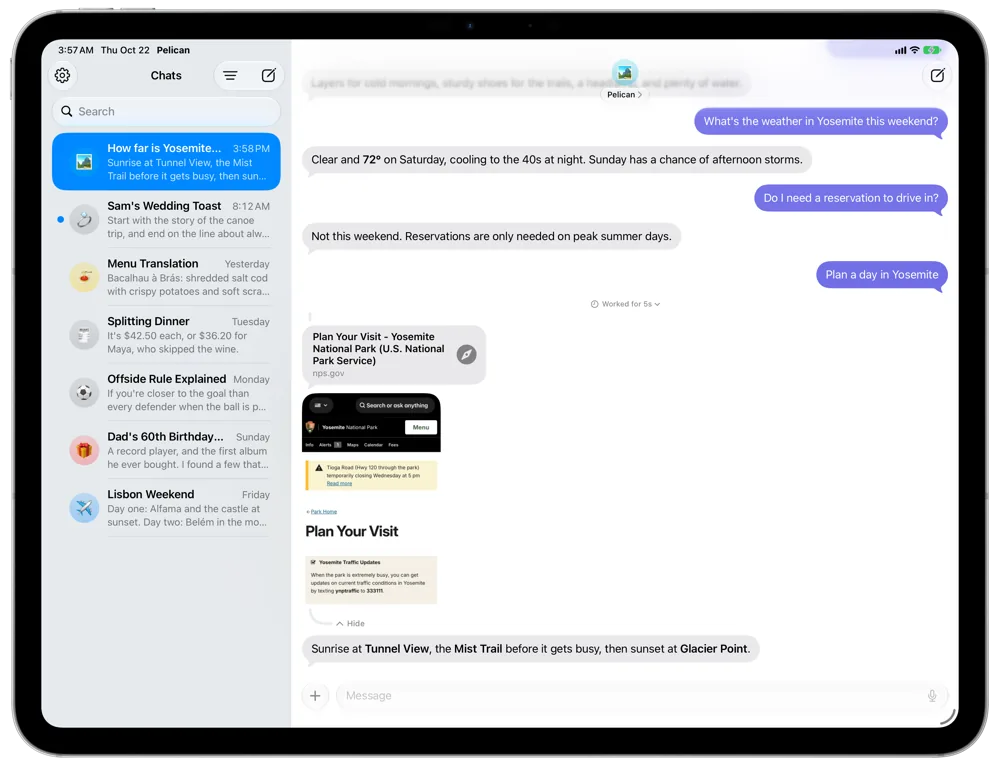
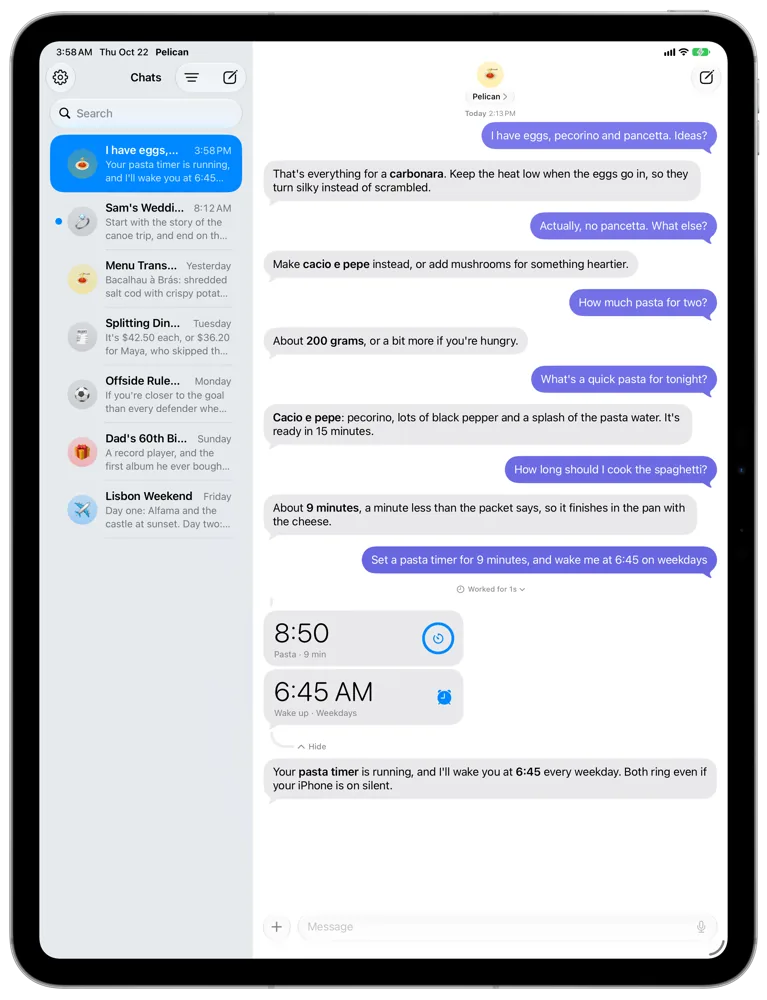
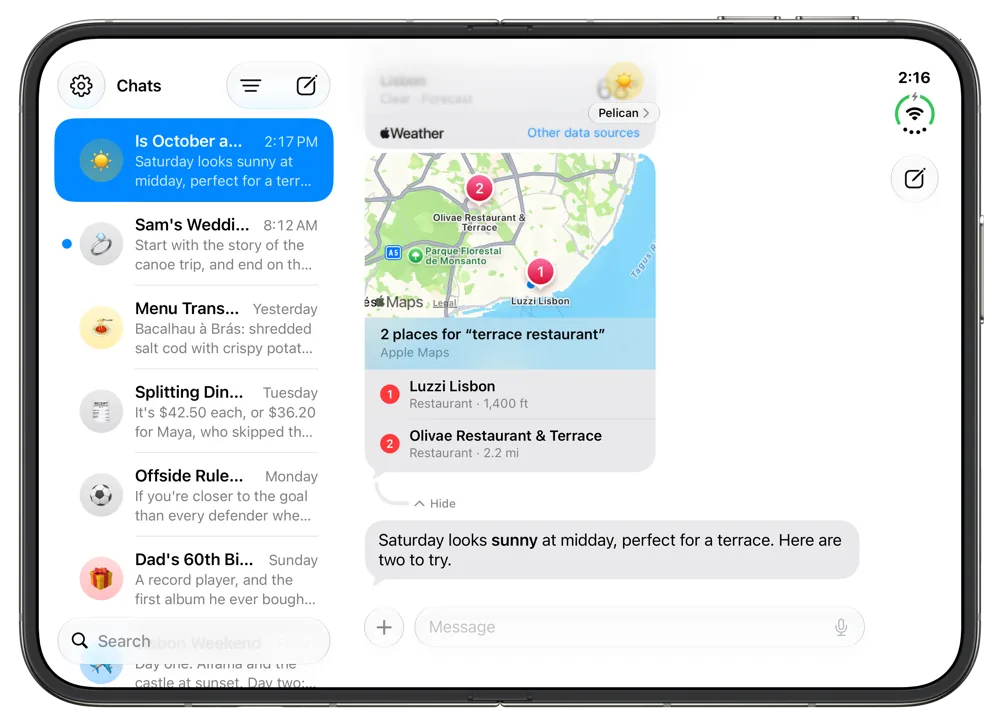
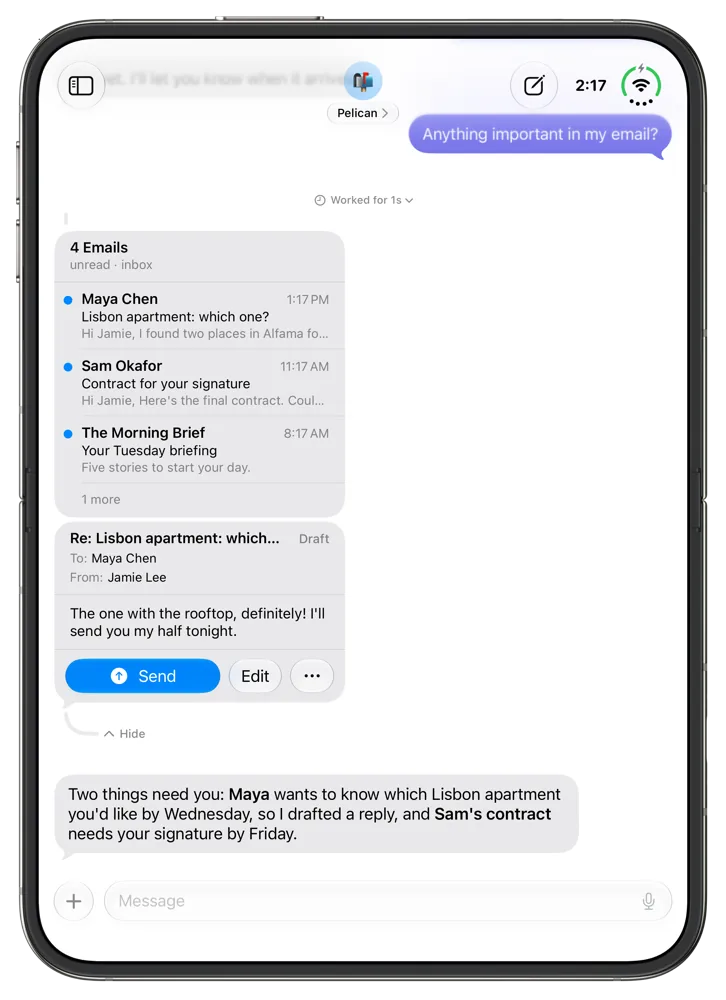
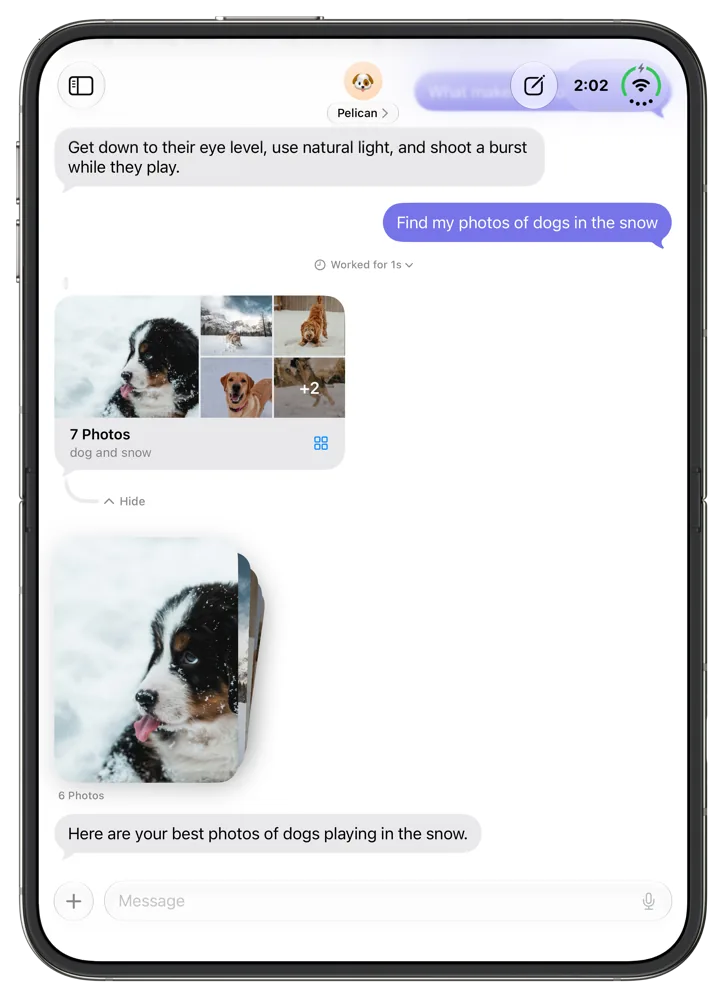
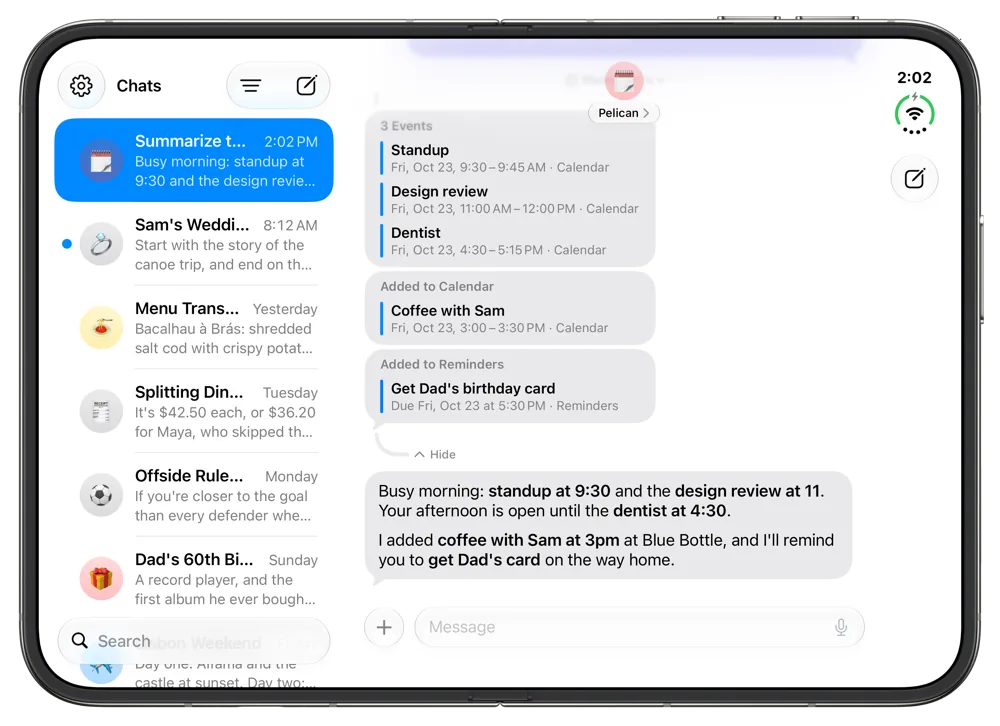
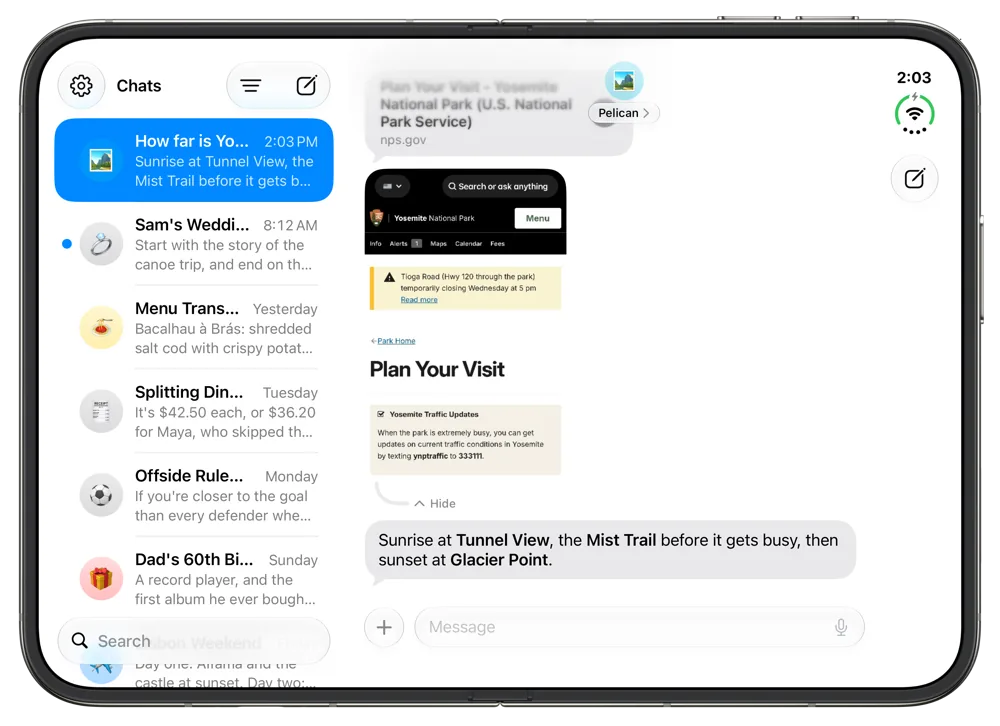
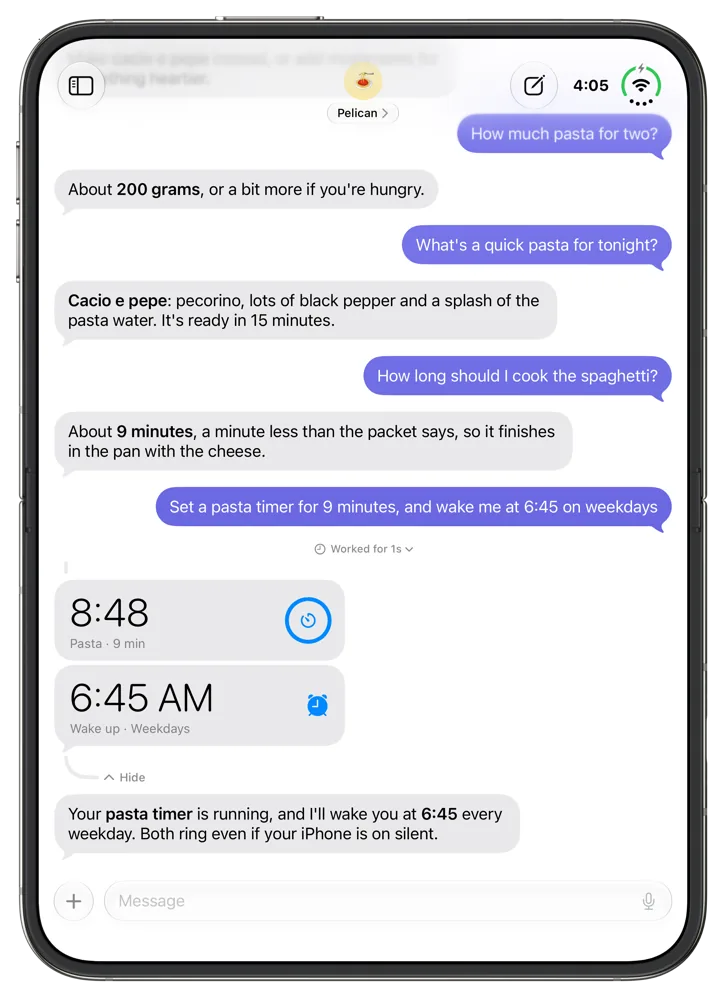
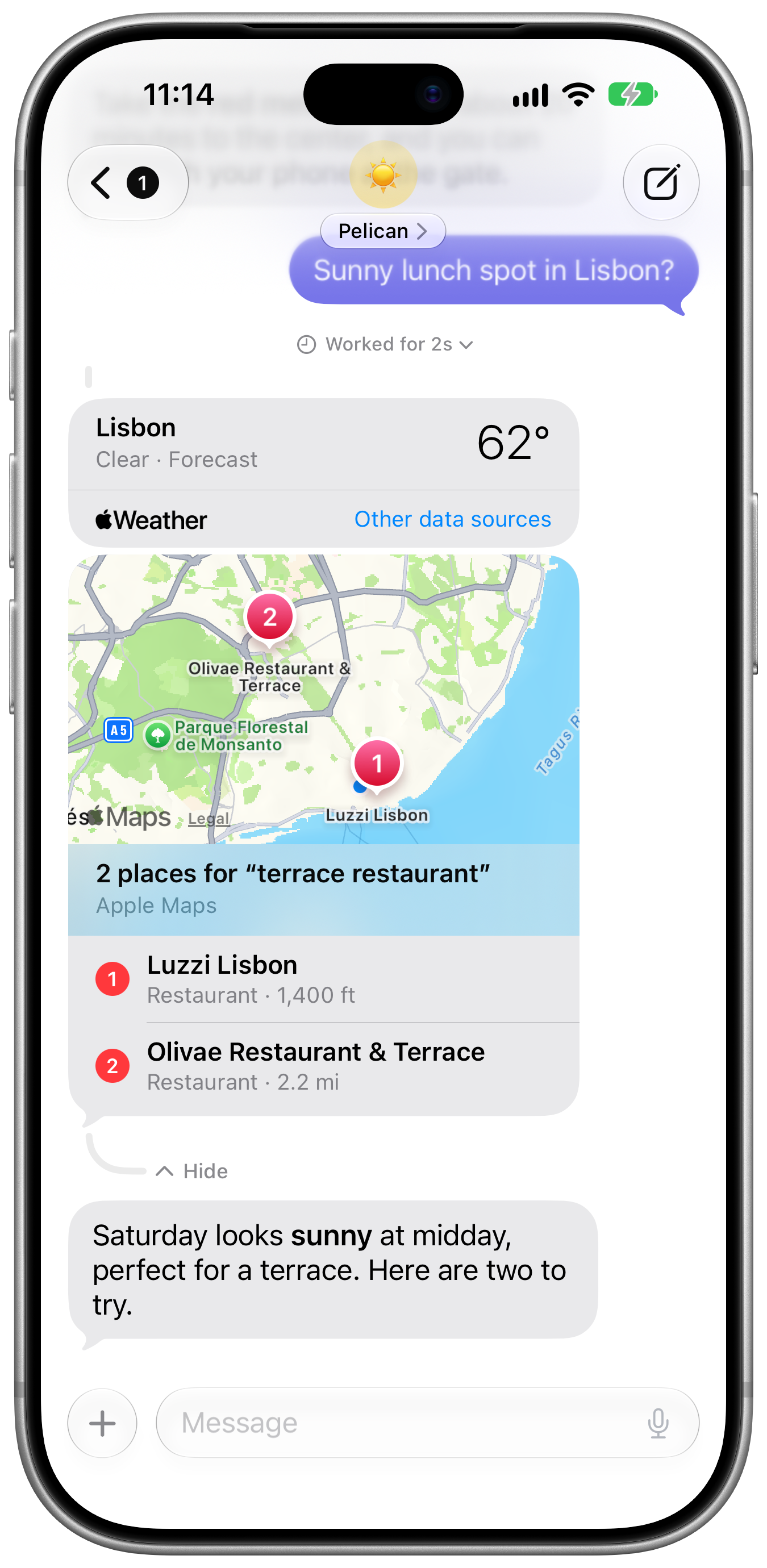
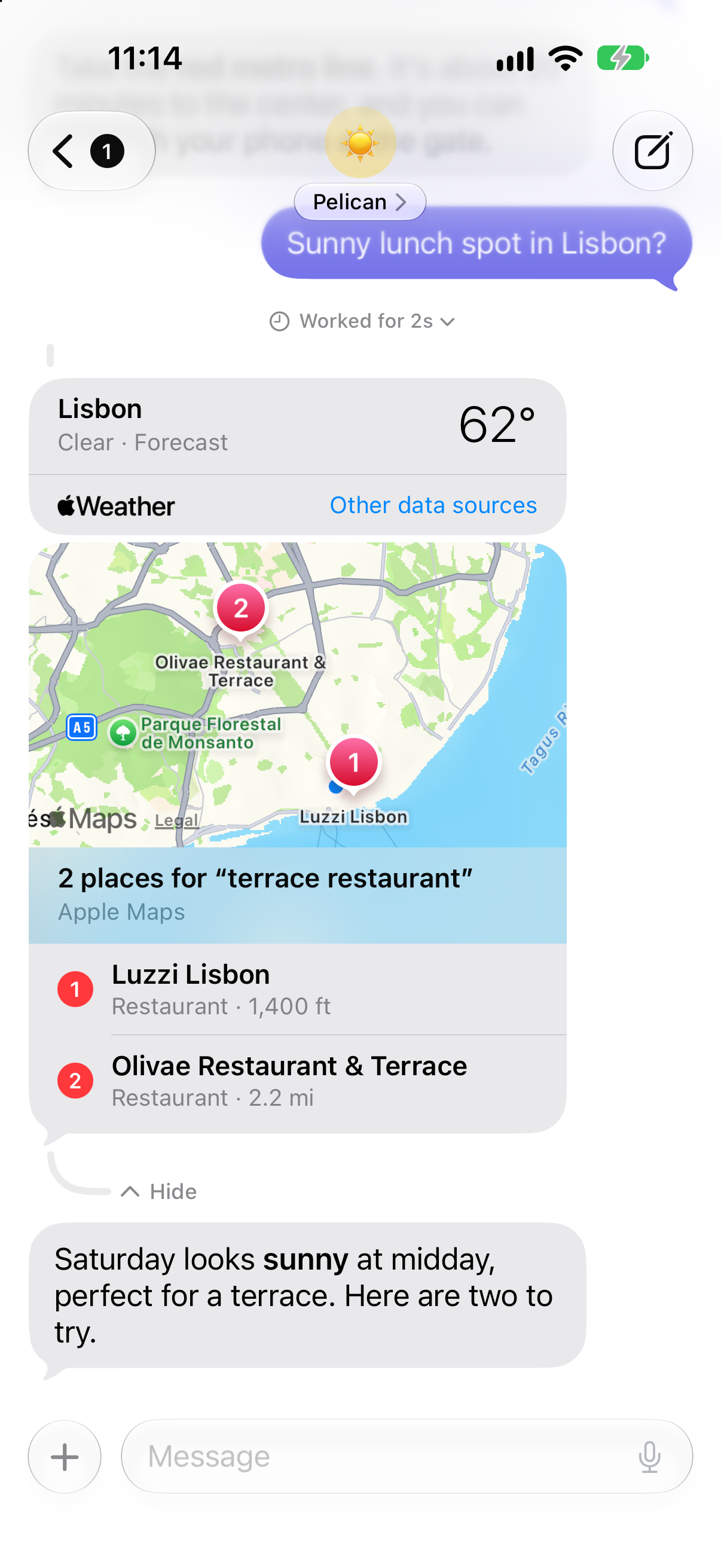
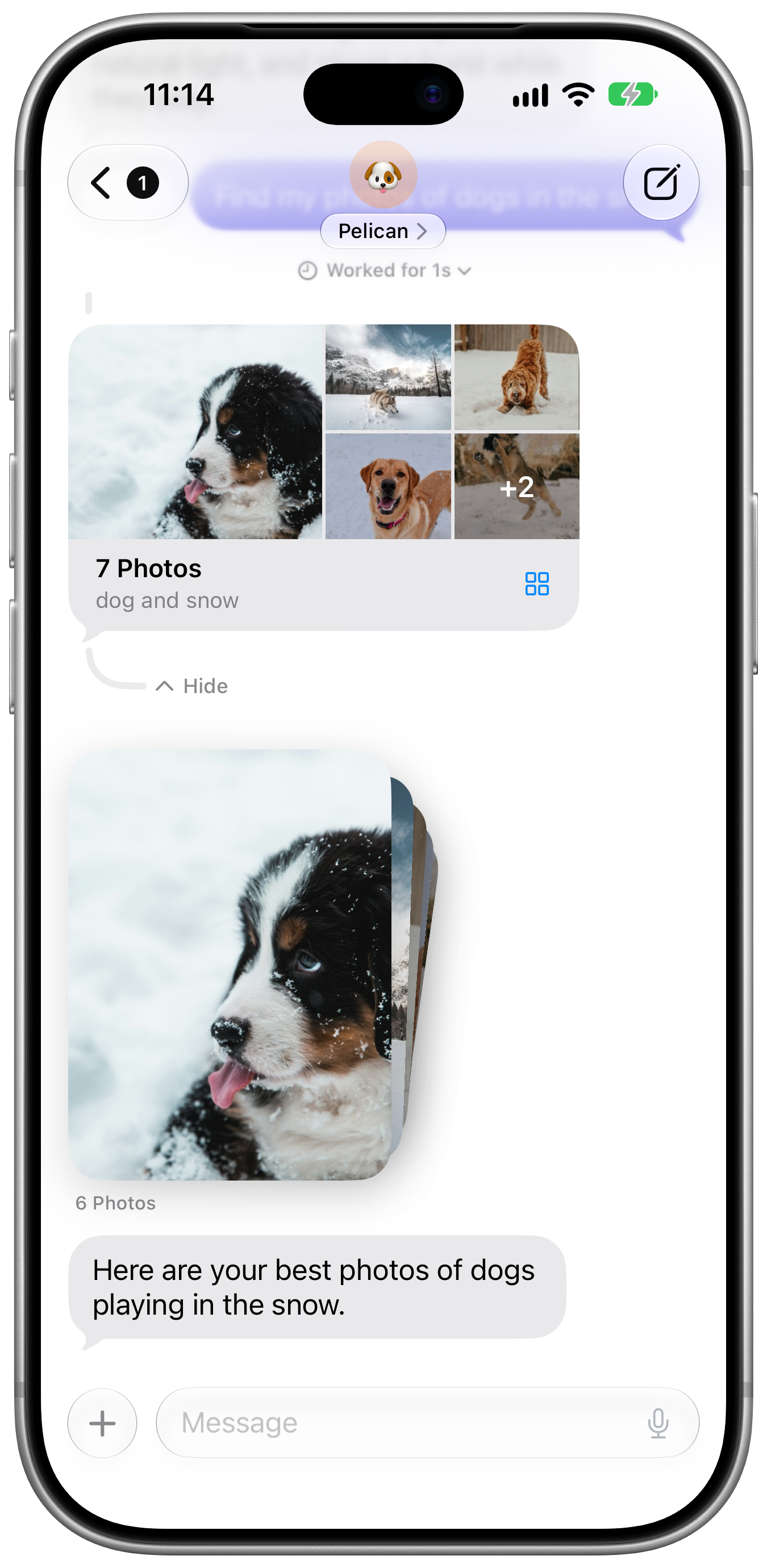
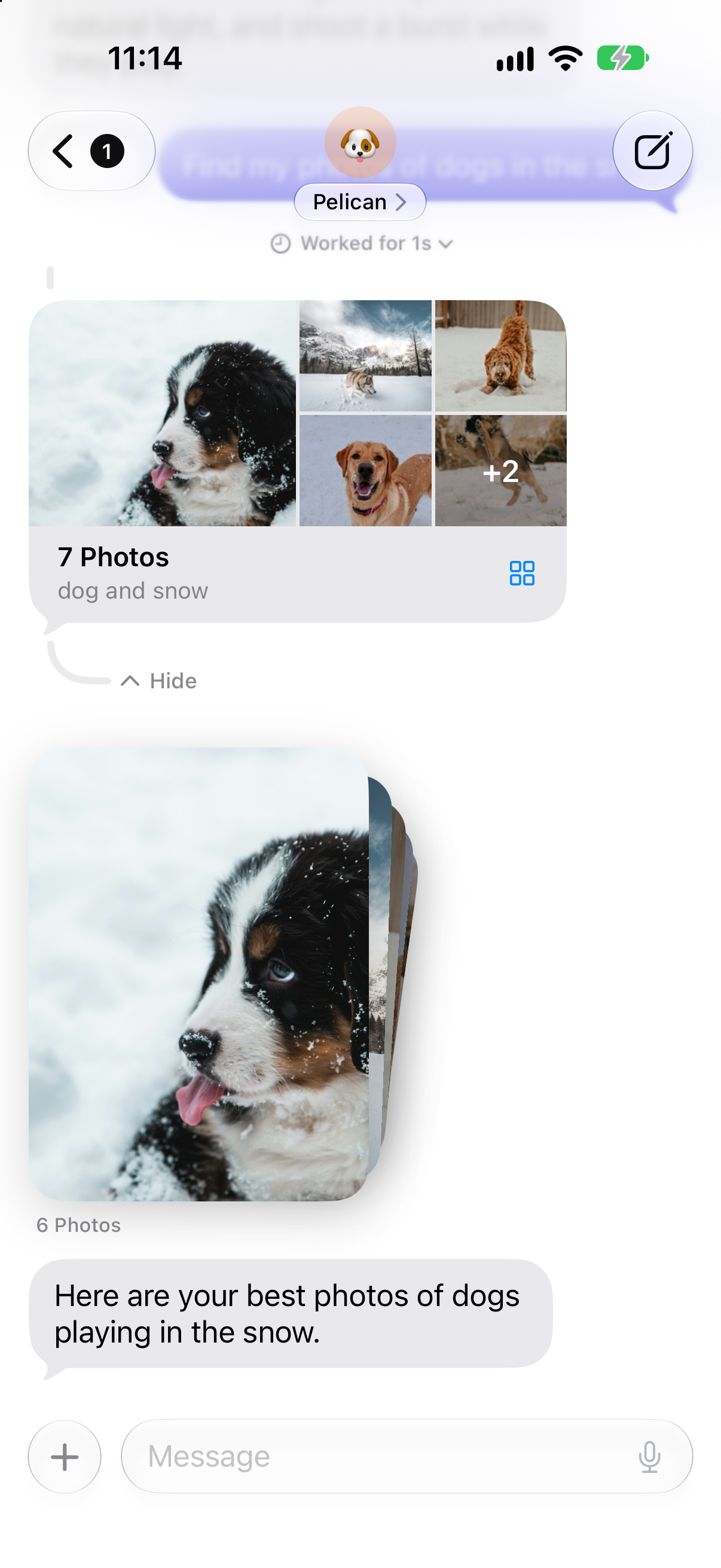
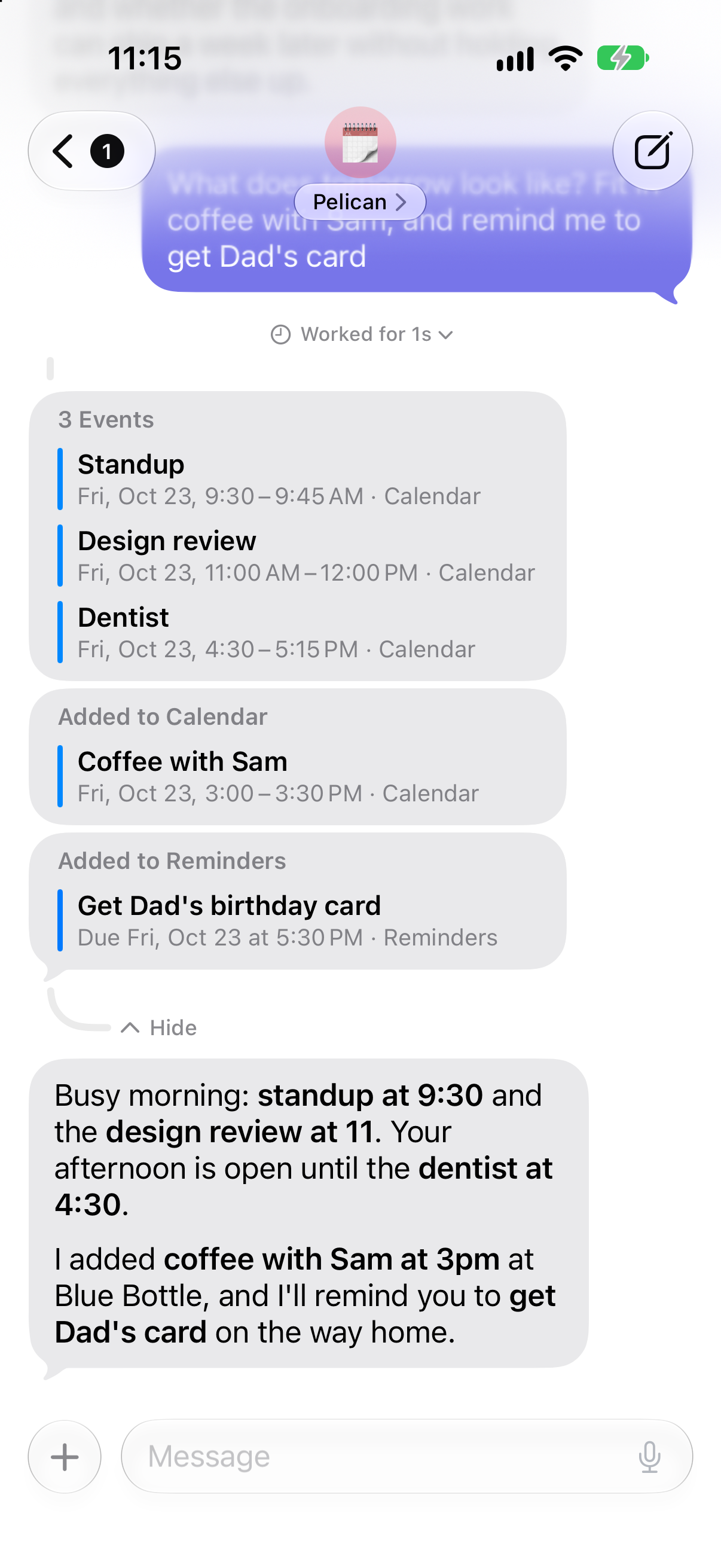
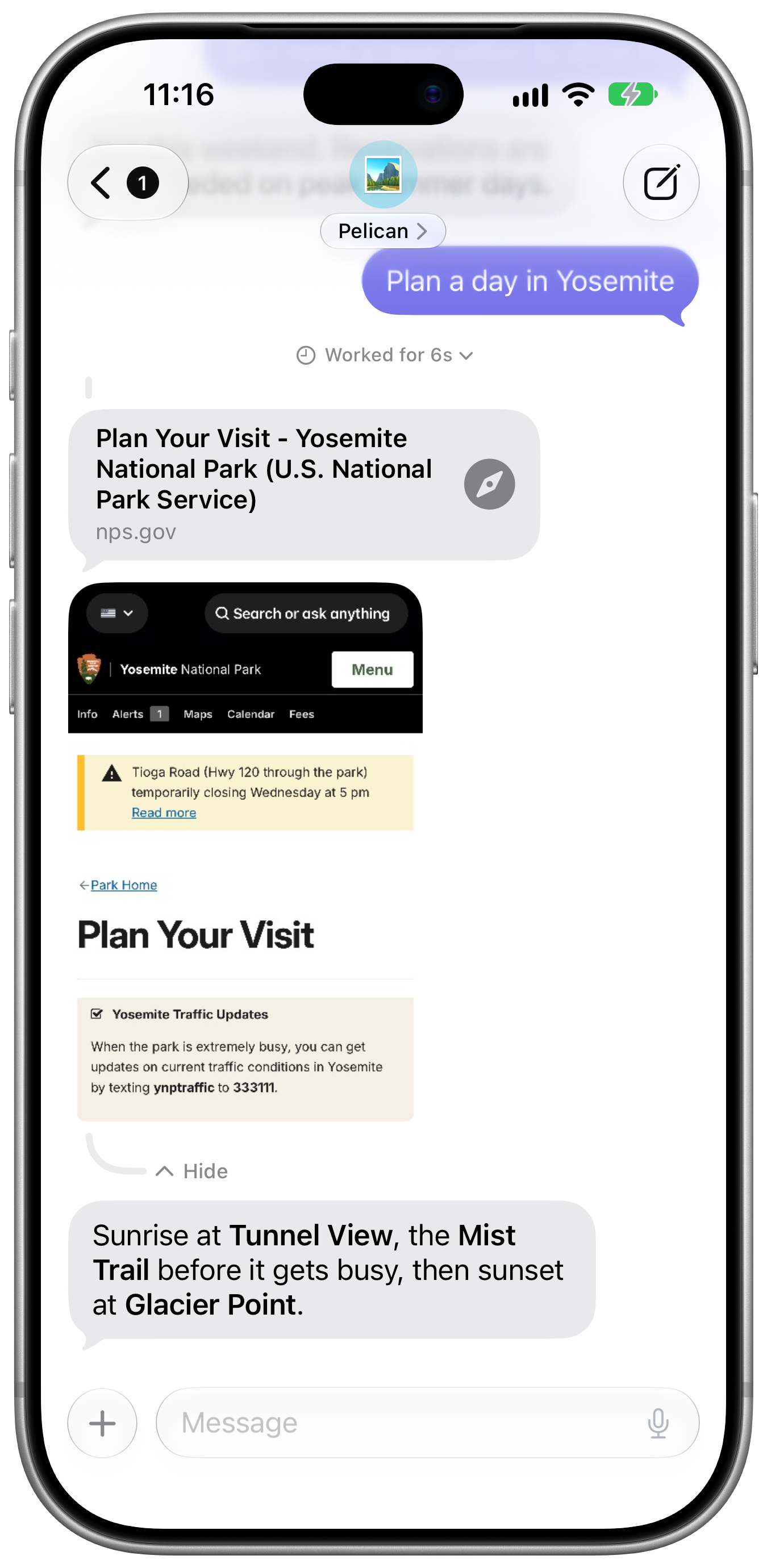
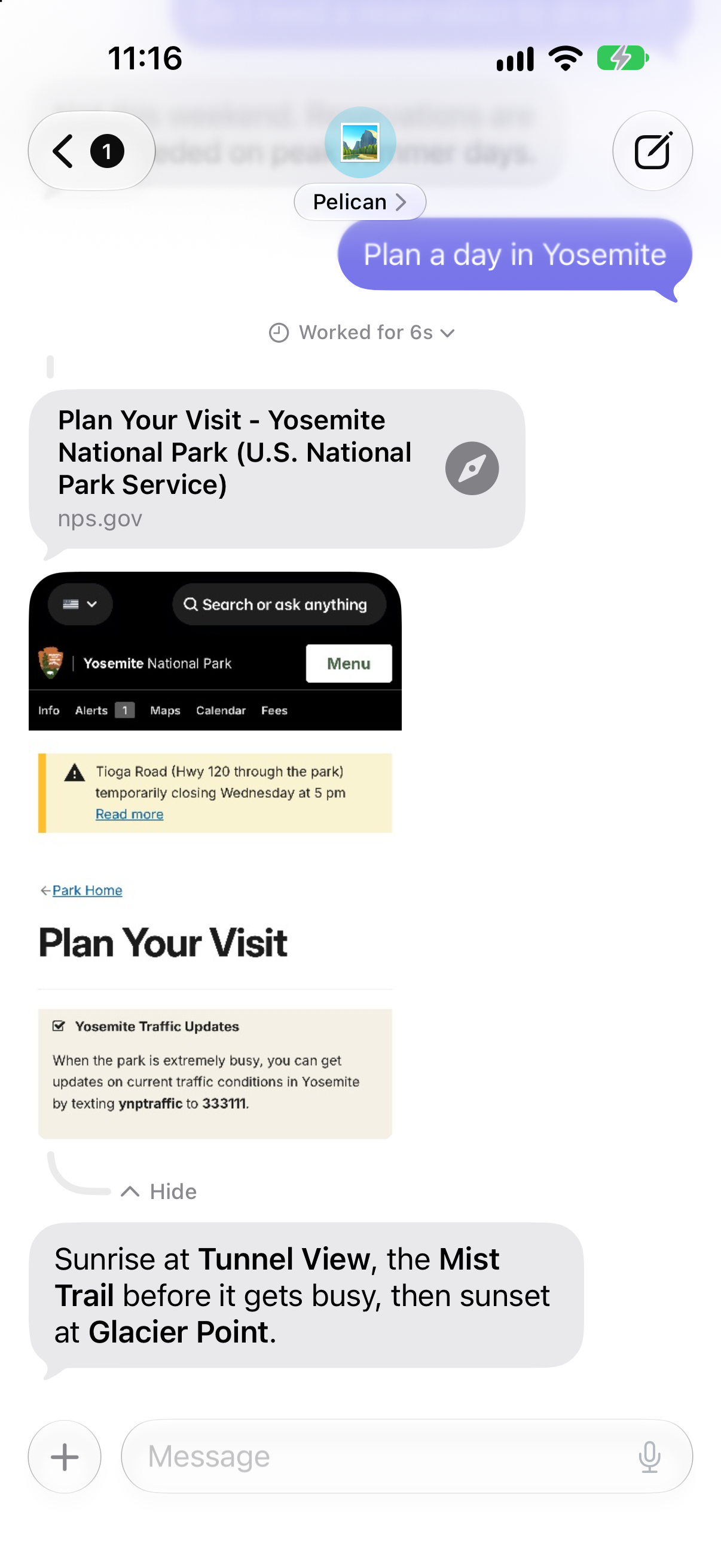
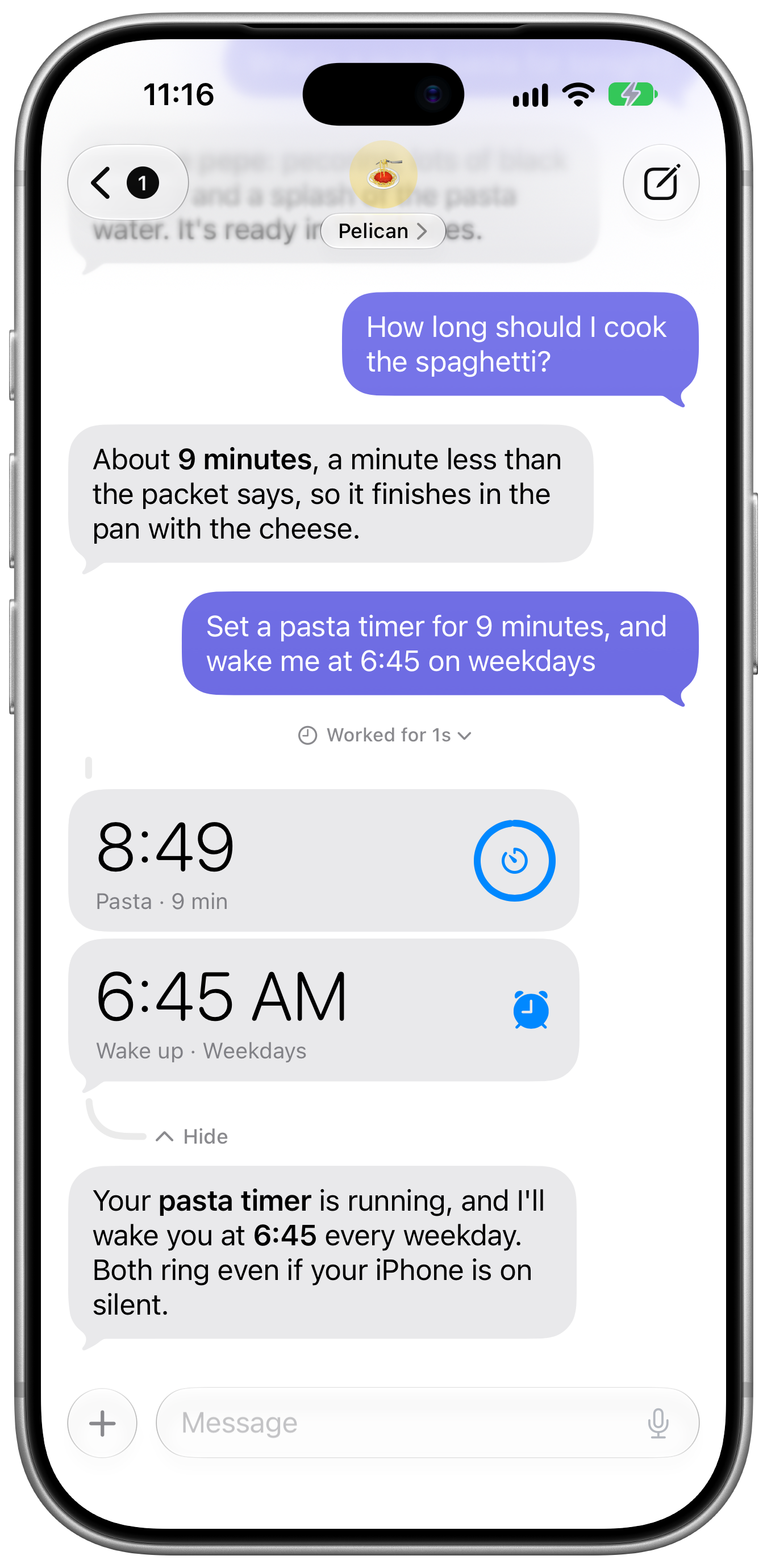
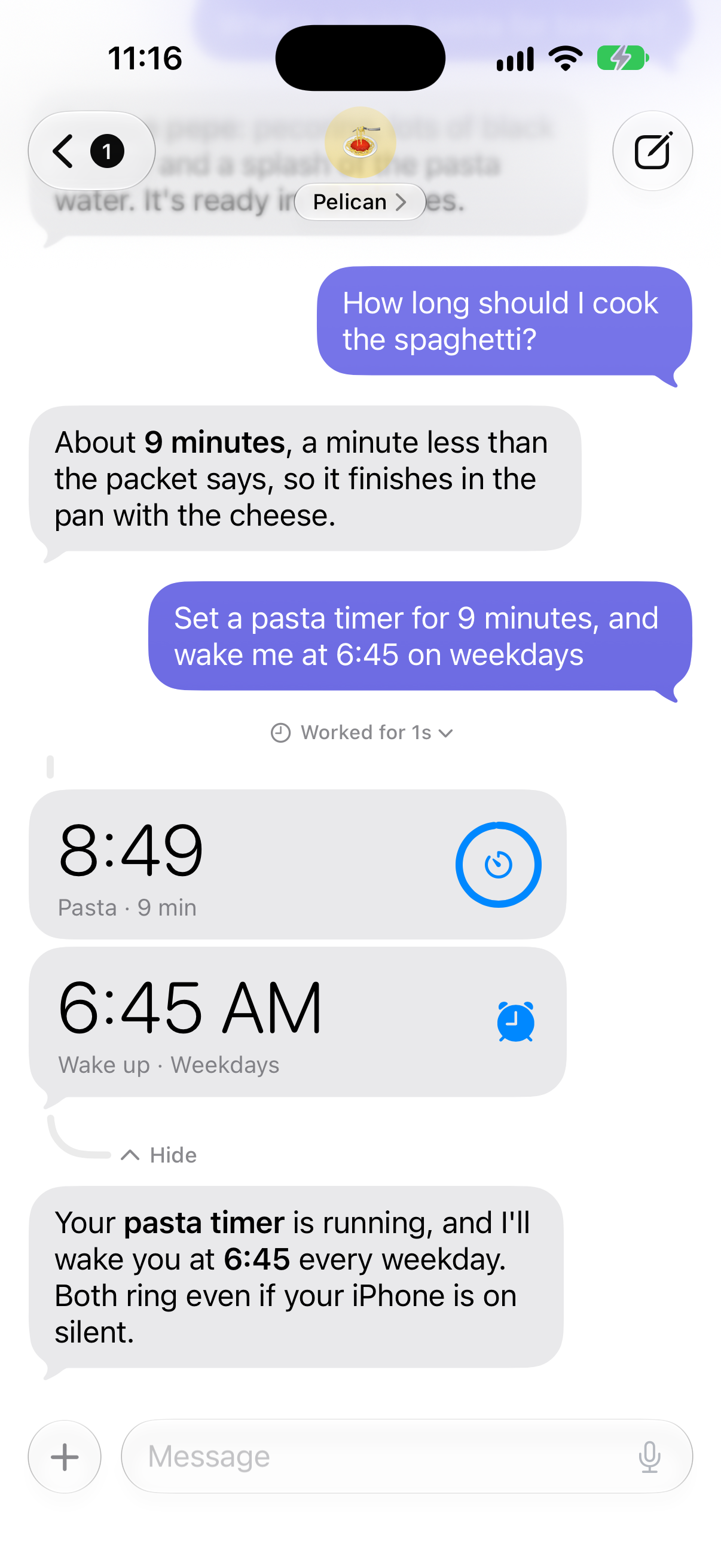
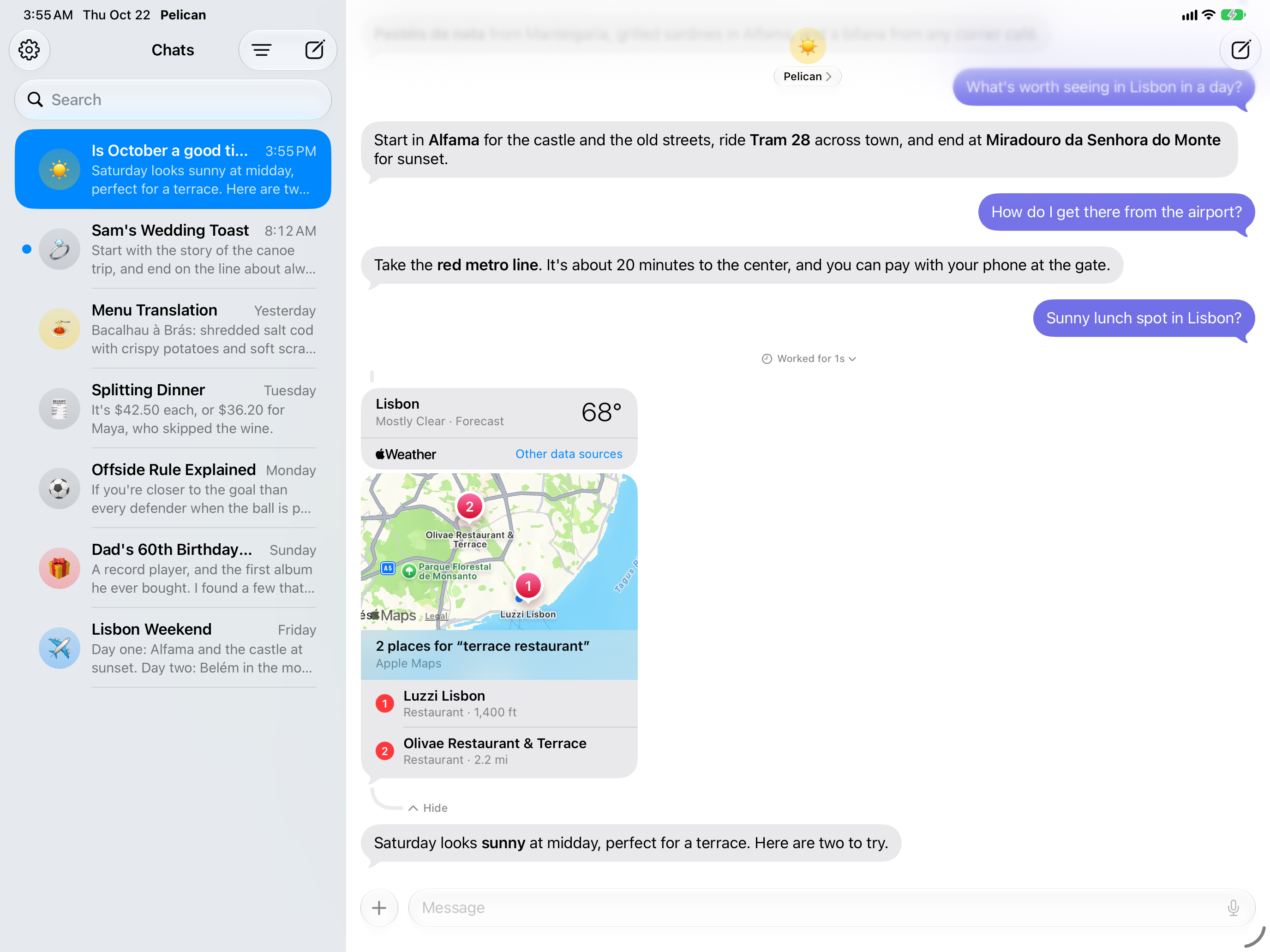
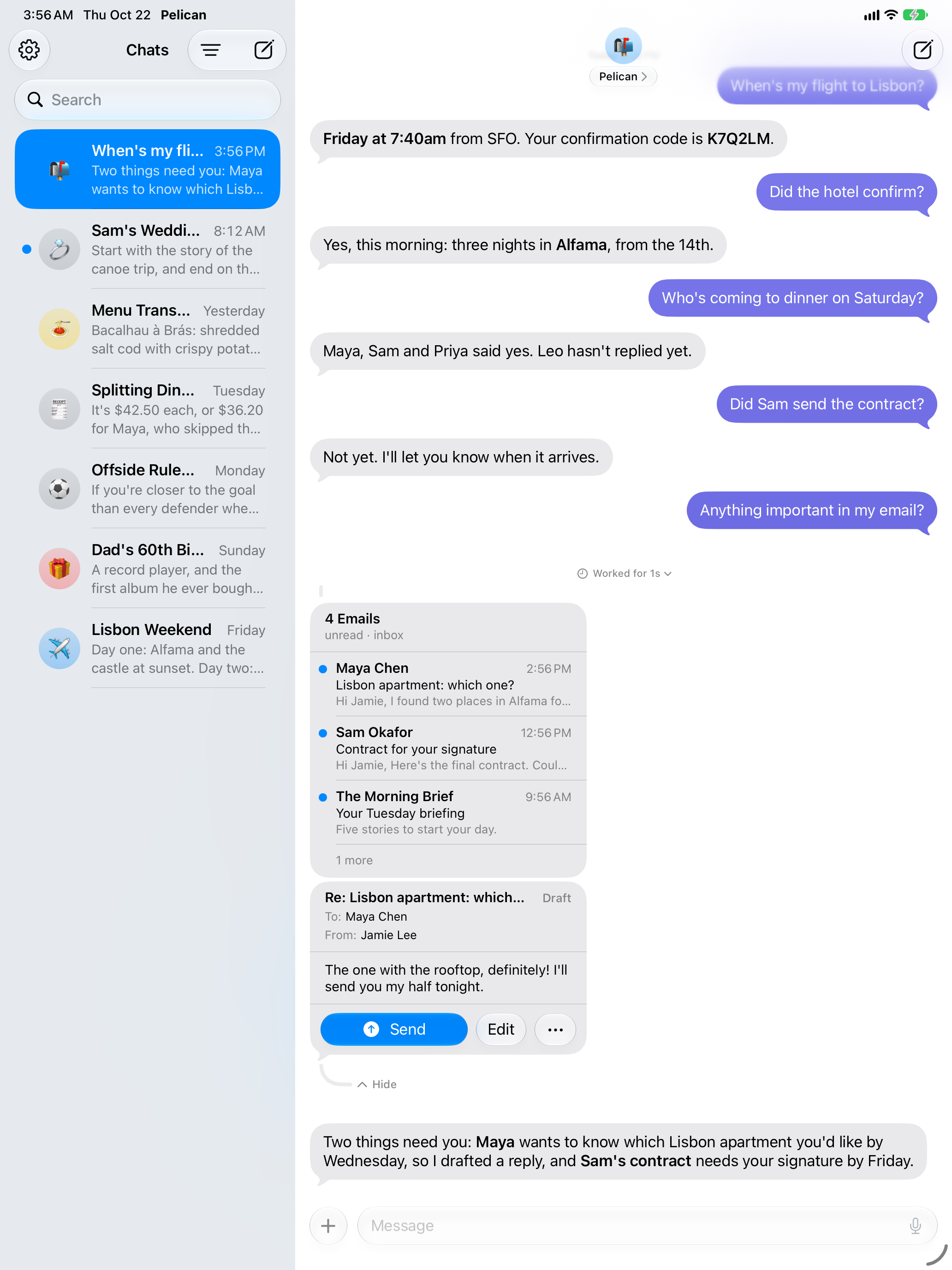
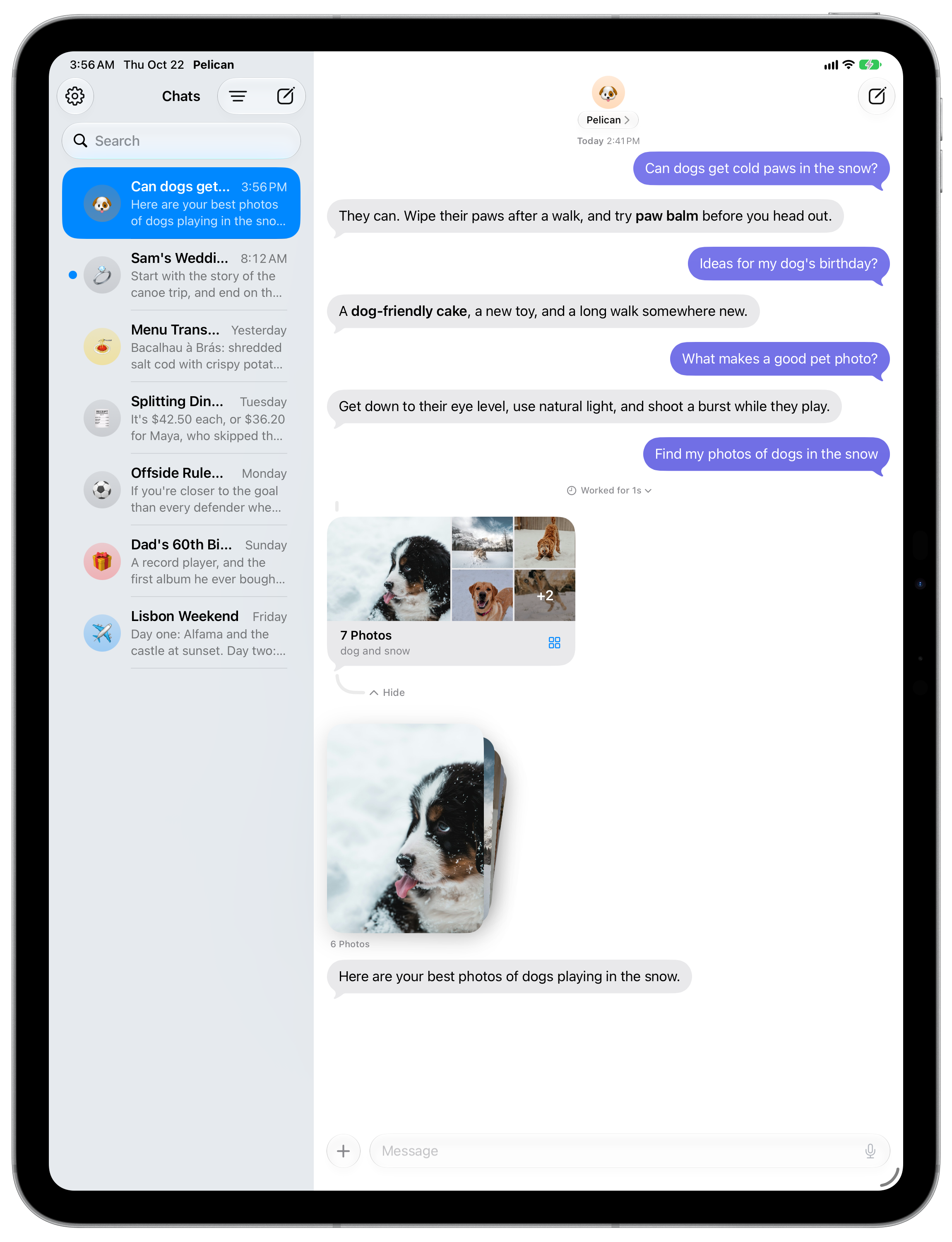
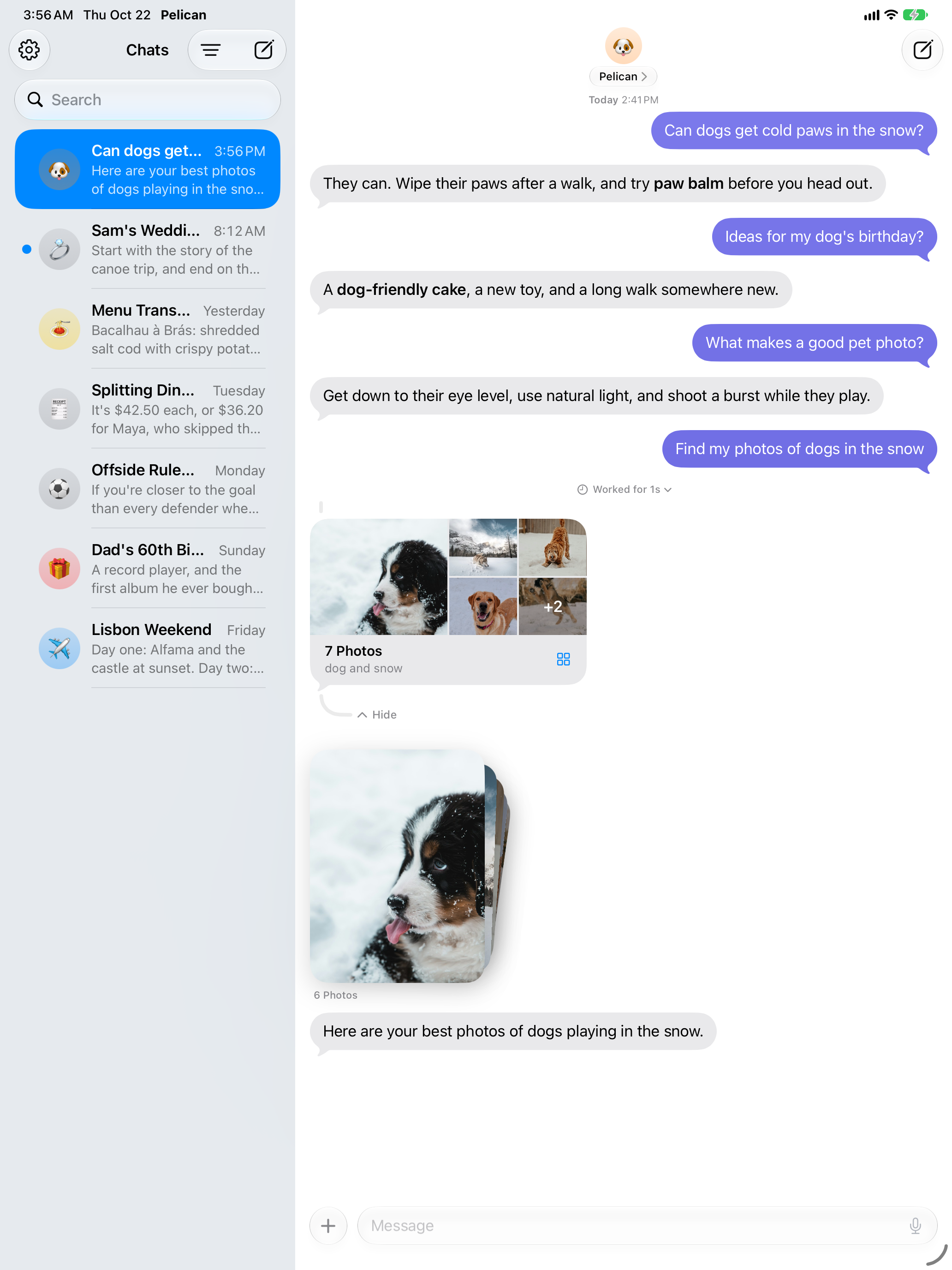
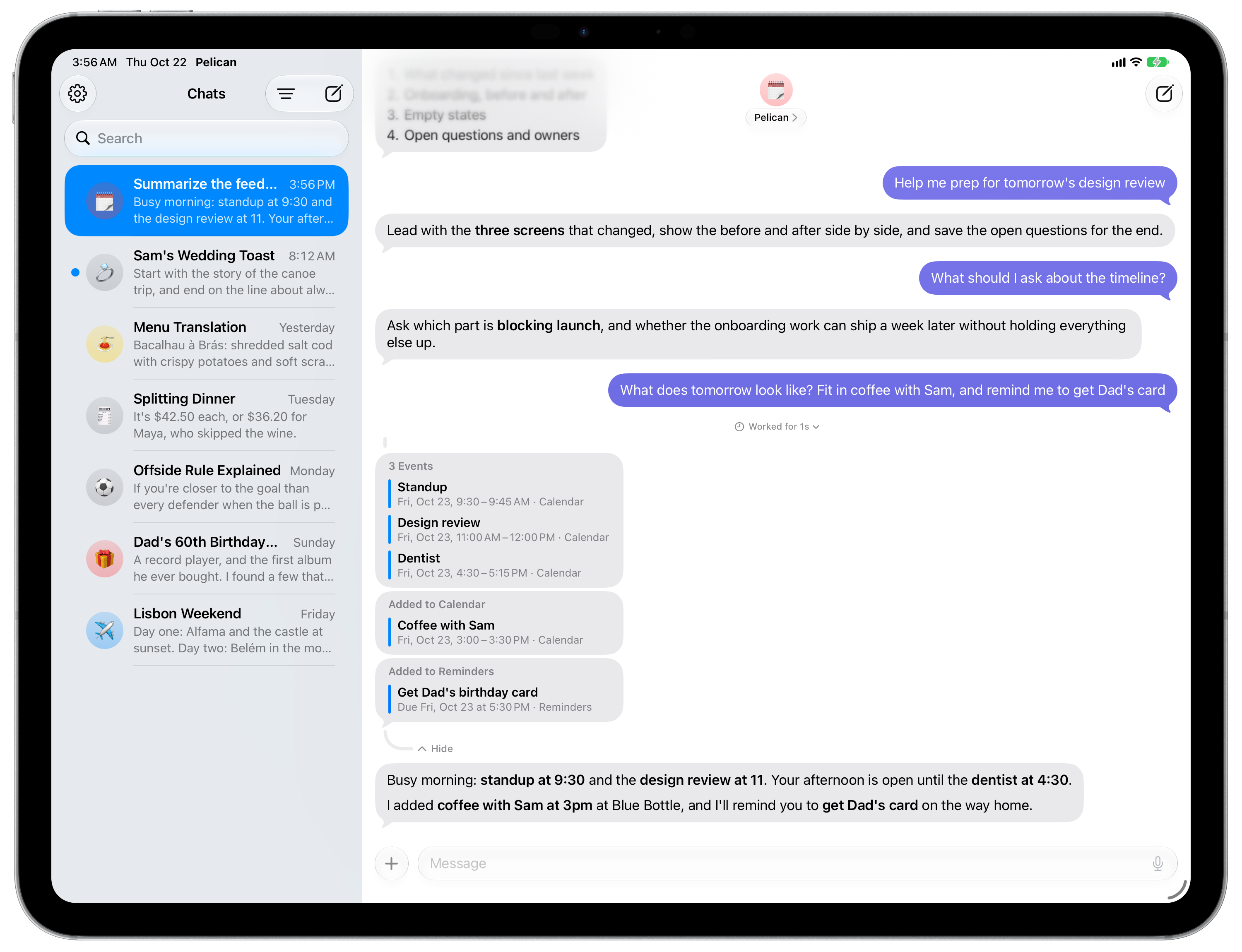
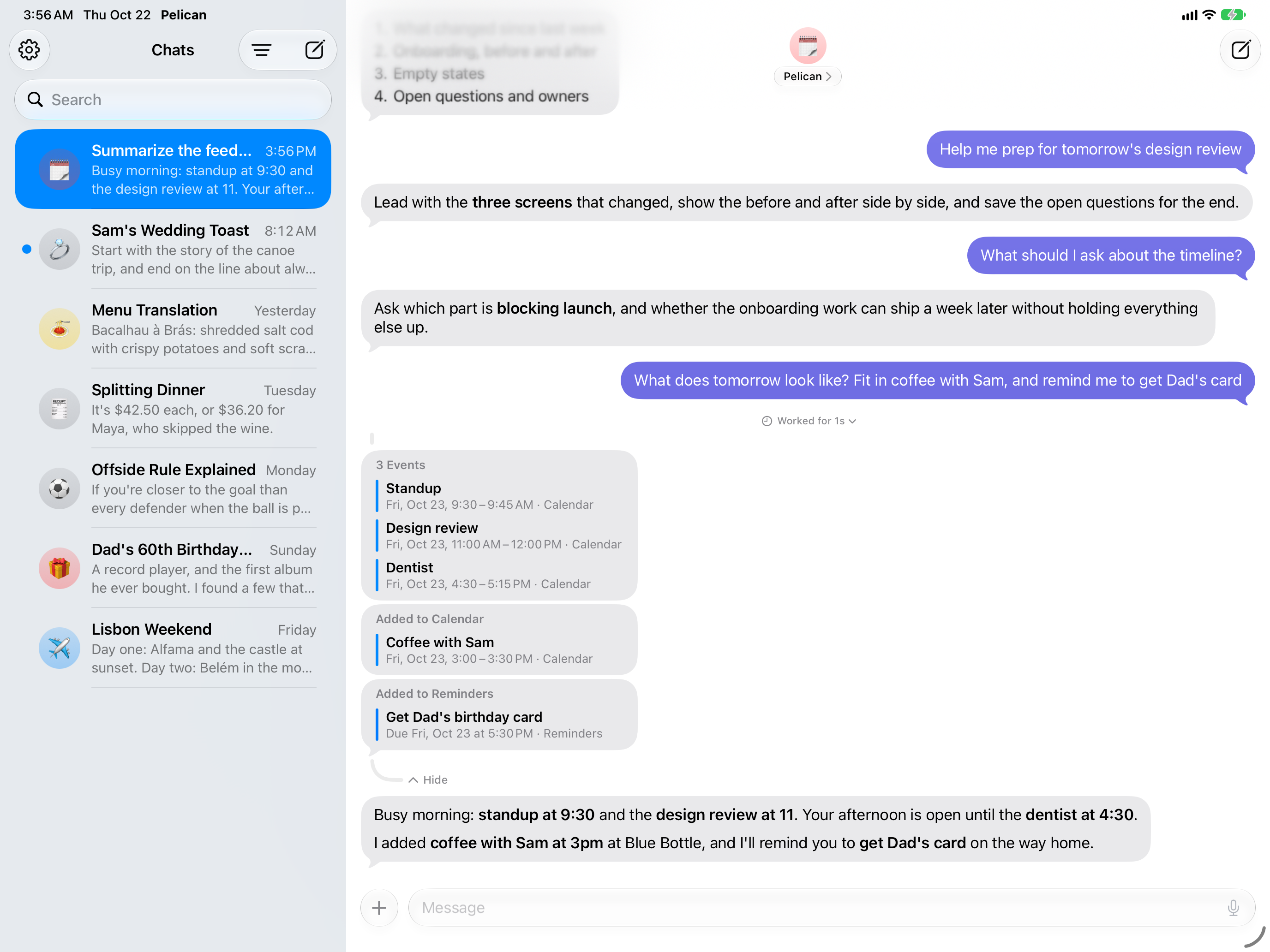
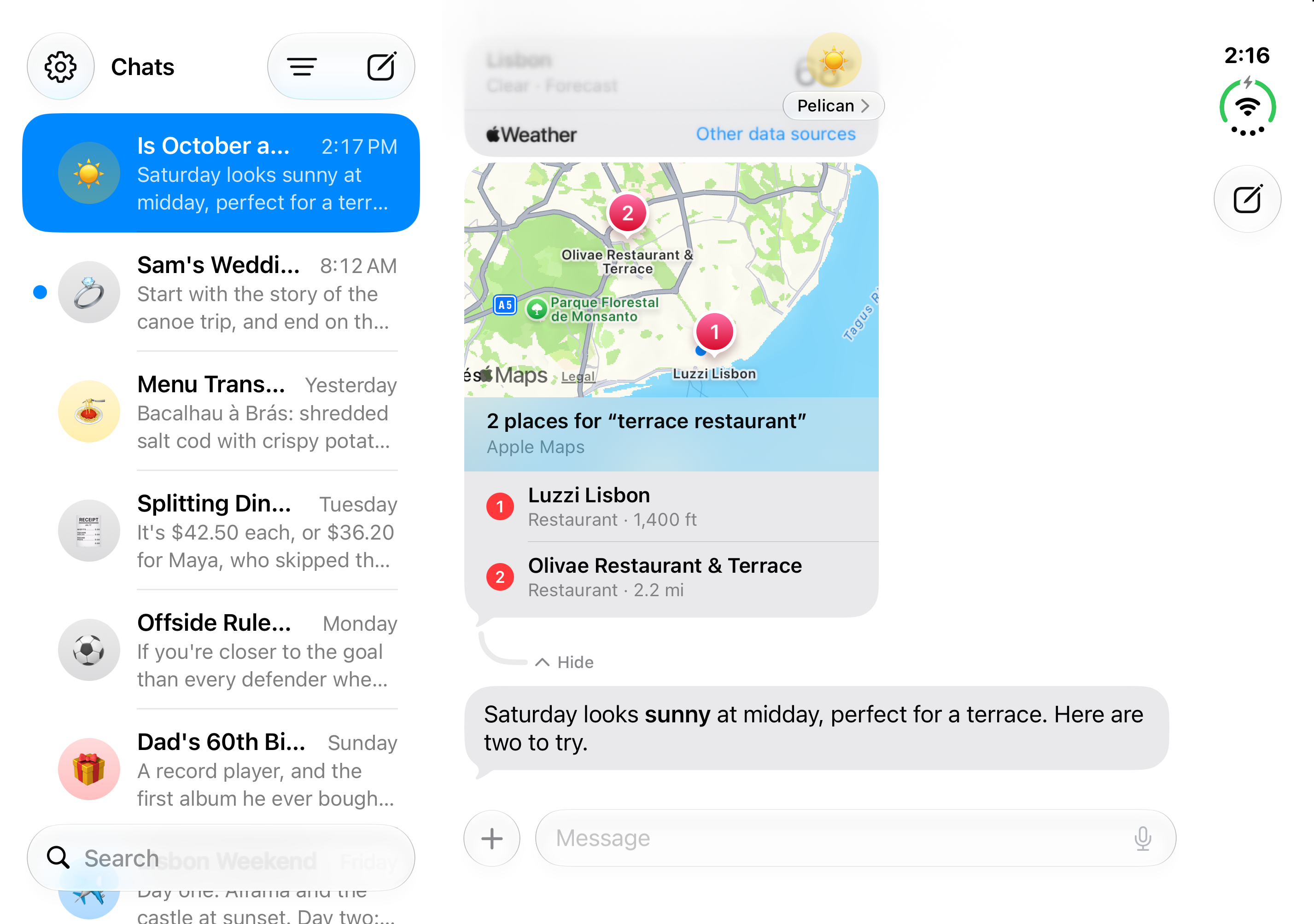
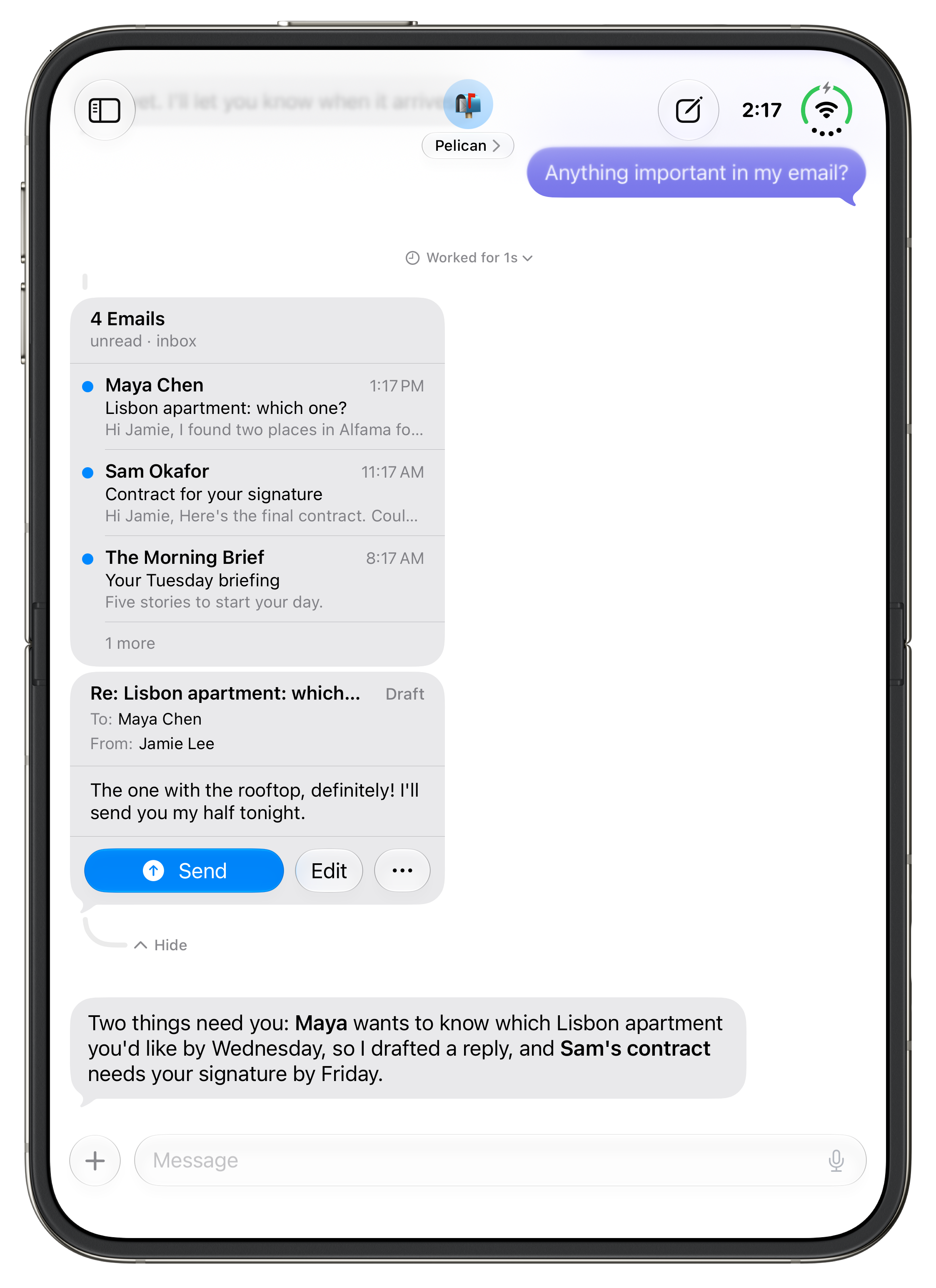
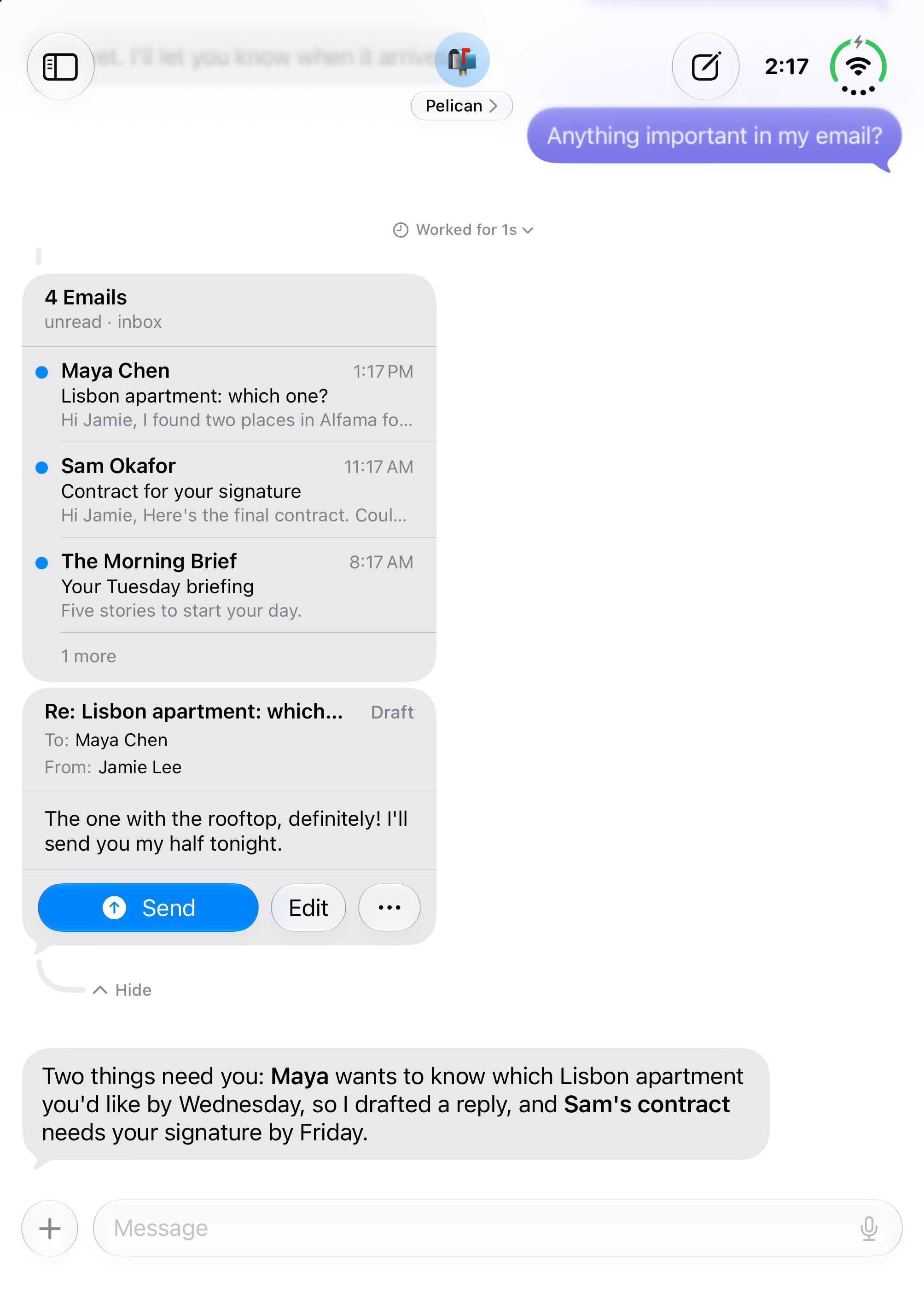
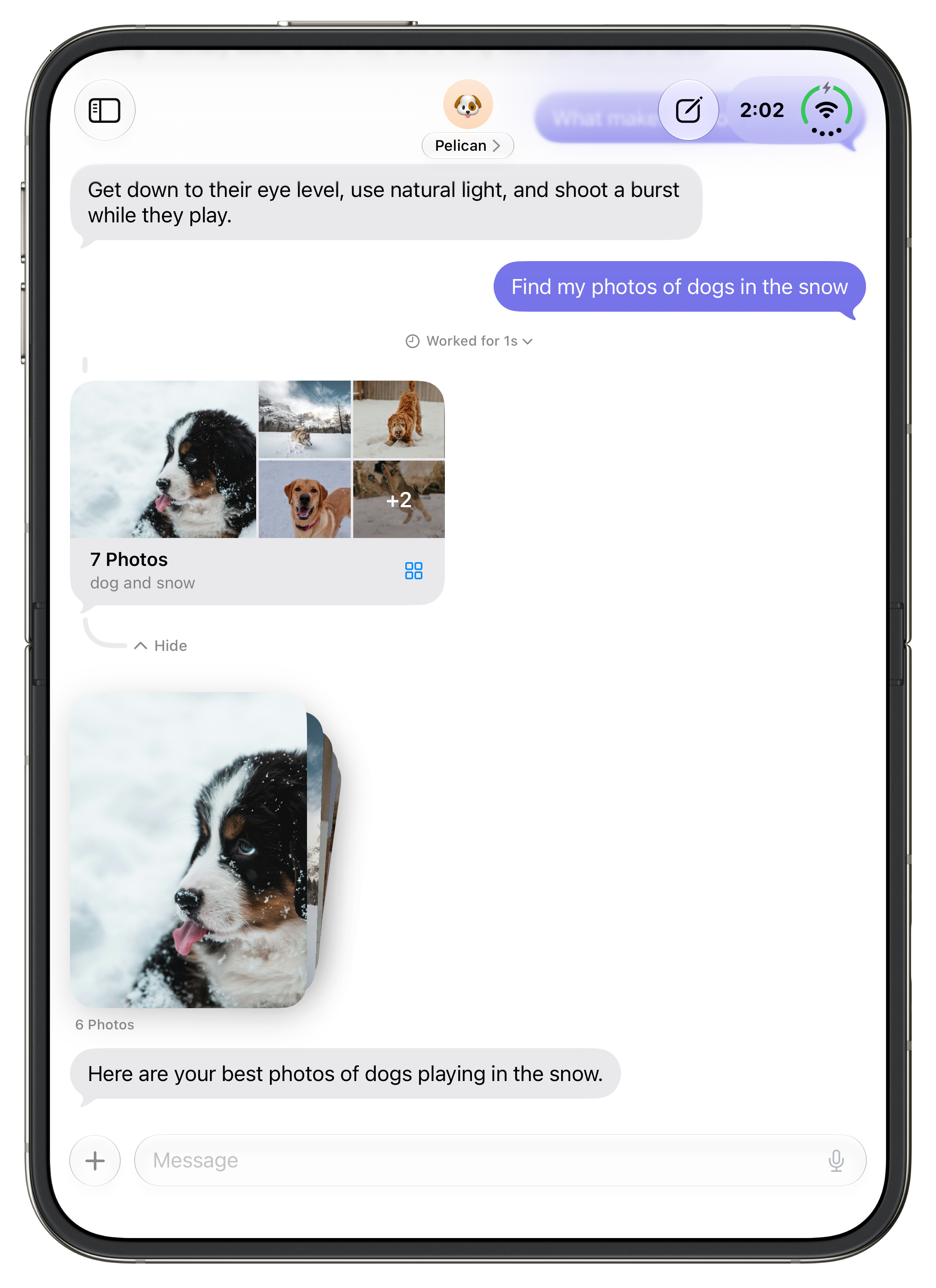
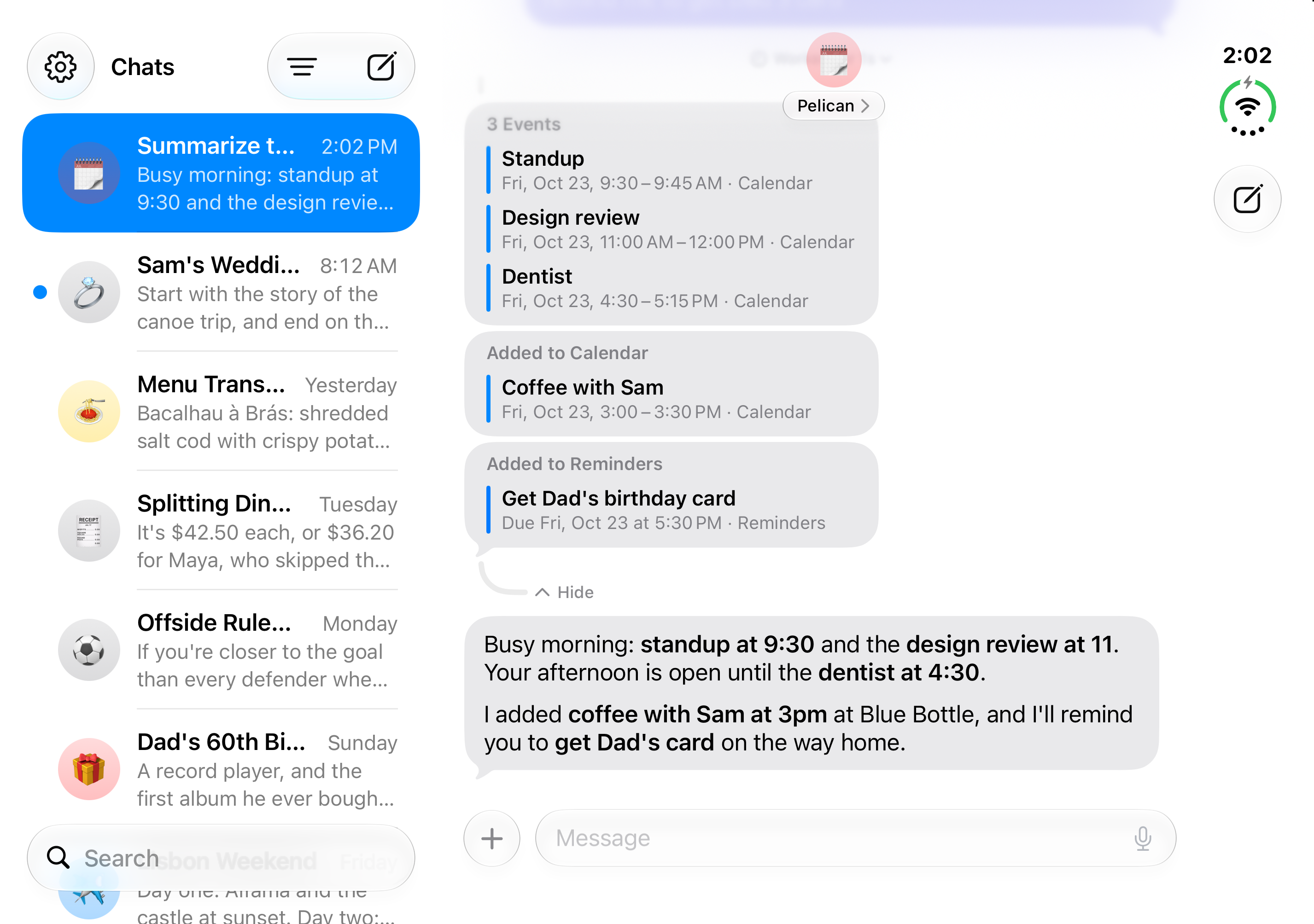
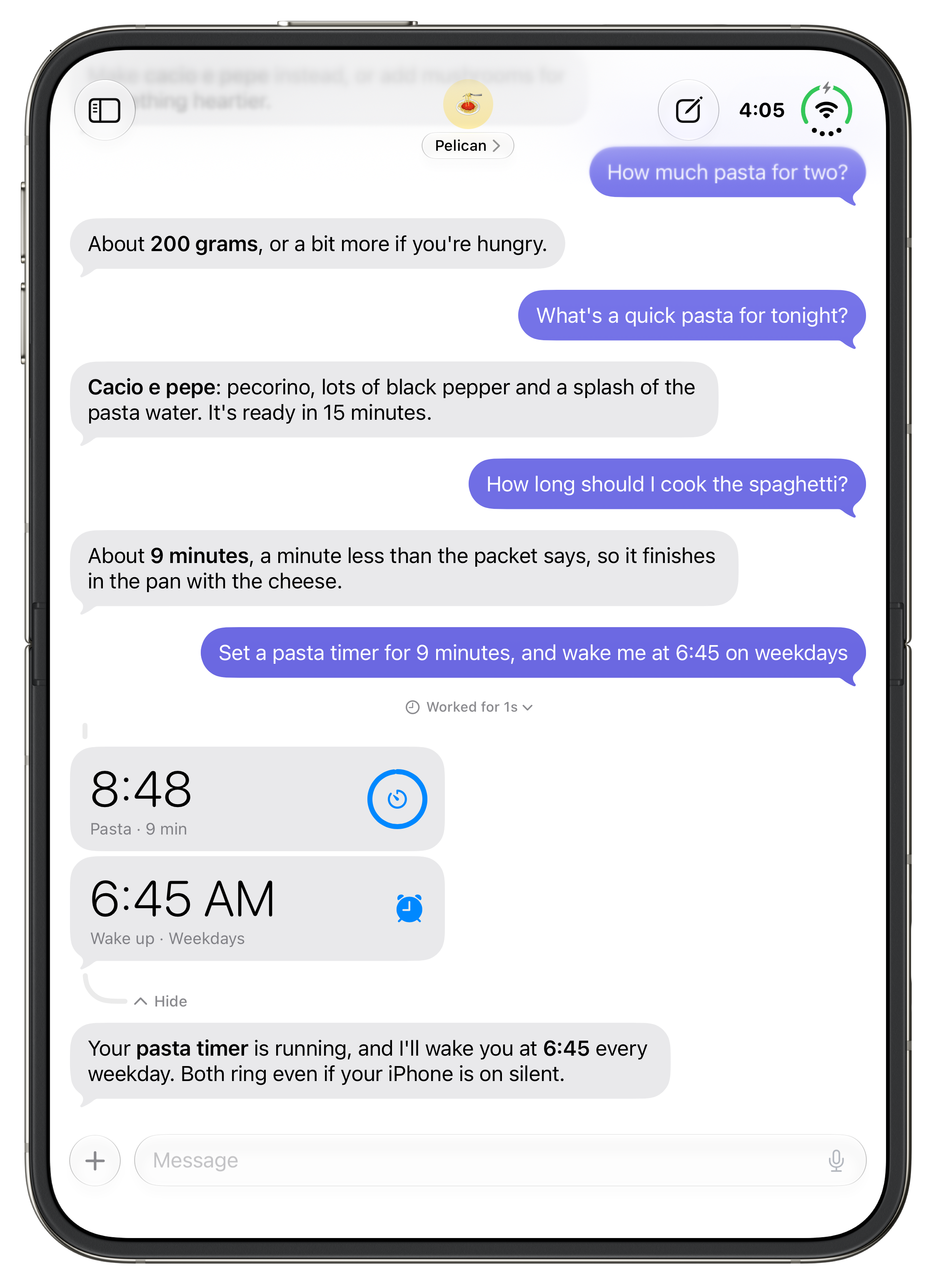
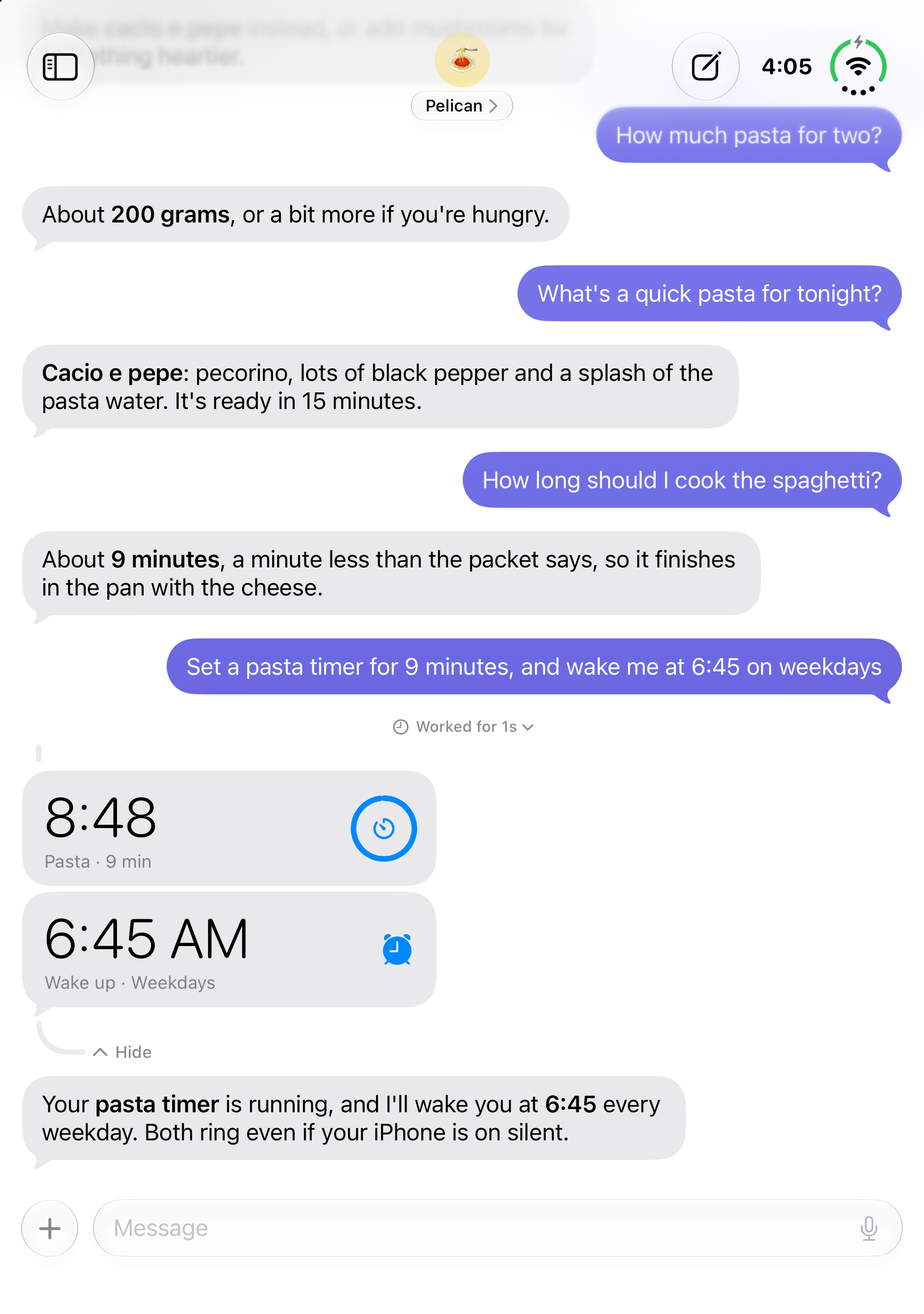
What is Pelican? An AI assistant for iPhone and iPad that gets things done. You text it, and it works in Calendar, Reminders, Contacts, Mail, Photos, Home, Maps, Weather, alarms and timers, Shortcuts and the web to do what you ask.
Who makes it? Finn Voorhees, an independent developer in Ireland.
When is it available, and what does it cost? It’s out now on the App Store, released Monday, November 9, 2026. Pelican is free to download. Chatting, memory, the web, Maps, files, the photos you share and one routine are free. Pelican Pro adds the rest (Calendar, Reminders, Contacts, Mail, Private Photo Access, Home, alarms and timers, text and email drafts, Shortcuts, Weather, profiles, more routines, MCP servers and SSH) for $7.99 a month or $49.99 a year, with a free week to start on the yearly plan.
What does it need? iPhone or iPad with iOS 27 or iPadOS 27 or later. Apple’s built-in model needs a device with Apple Intelligence.
How is it different from a chatbot app? Pelican acts in the apps on your iPhone rather than only answering in text. It also remembers what you tell it across chats, runs routines on a schedule in the background, and lets you choose and mix AI models.
How does it relate to Siri? Pelican works alongside Siri. You can start a chat with Pelican from Siri, Siri can search and open your Pelican chats, and you can touch and hold anything in a chat to ask Siri about it.
Do I need a Mac or a server? No. Pelican runs on your iPhone. There’s nothing to install on a computer, though you can connect a model running on your own computer if you want to.
AI models and cost
Which models does Pelican use? The one you choose. Apple’s model on Private Cloud Compute is built in and needs no account. You can also add Claude, ChatGPT, Gemini and other providers with your own API key, or a custom provider such as Ollama, LM Studio, llama.cpp or vLLM running on your own computer. You can pick a different model for any chat, and each profile can have its own.
Does using my own API key cost extra? Your provider bills you directly for what you use, at its own rates. Pelican doesn’t add anything on top. Apple’s model costs nothing to use.
Does Pelican train AI models on my data? No. Pelican doesn’t train or fine-tune any model. When you use a provider, your messages are handled under that provider’s own terms and privacy policy.
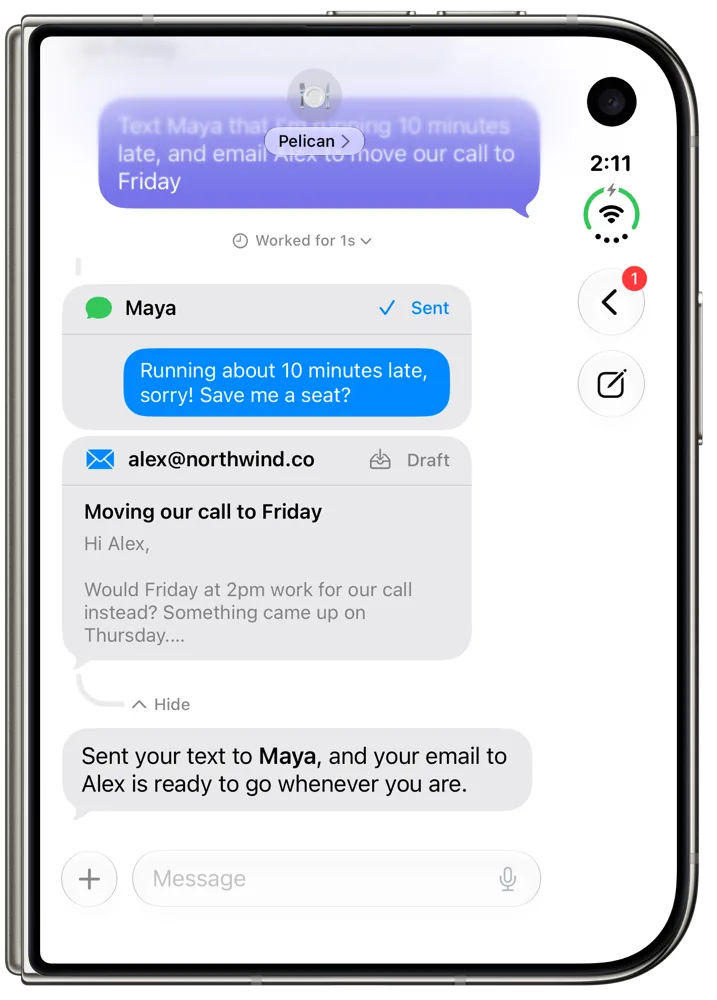
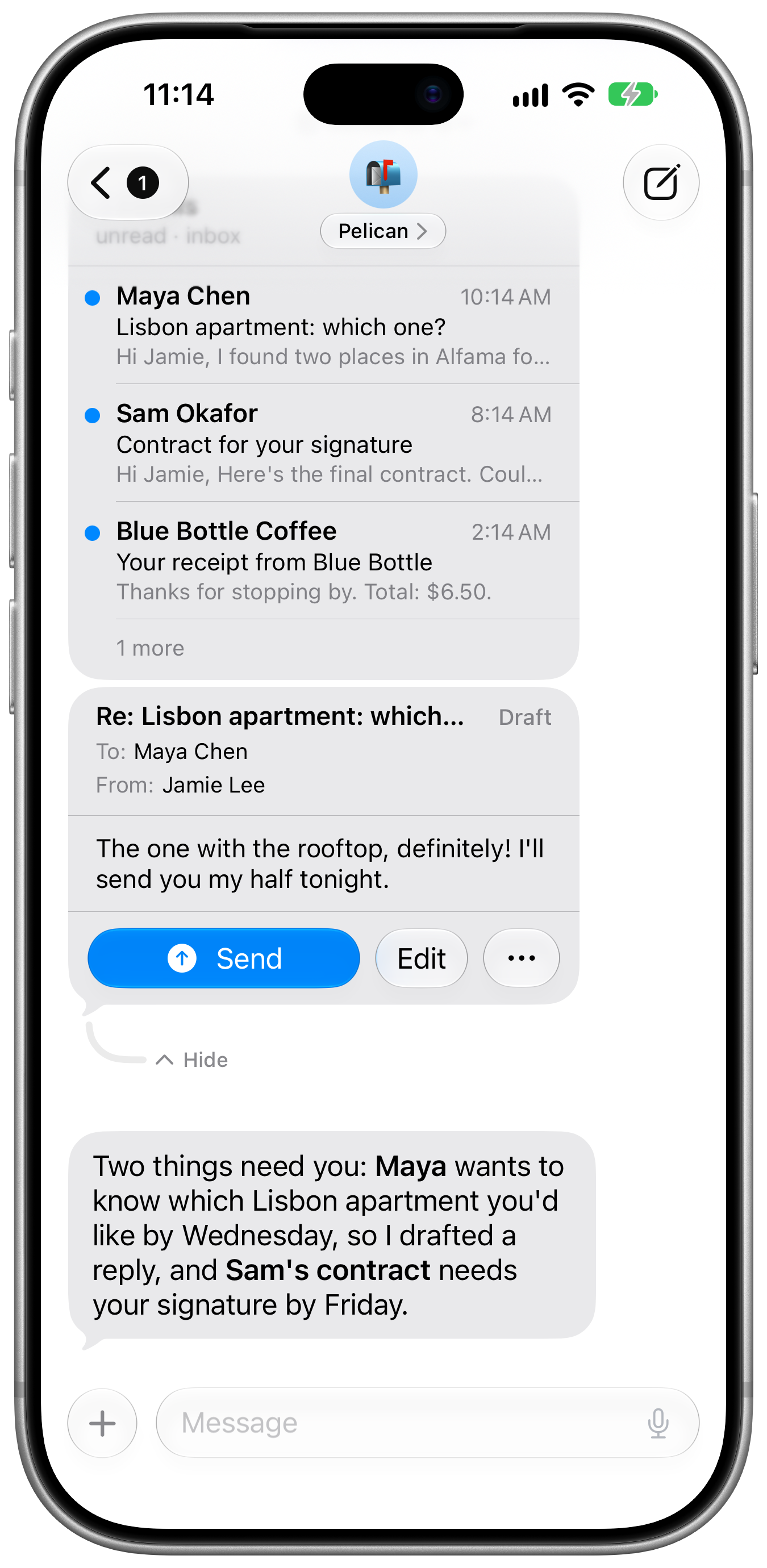
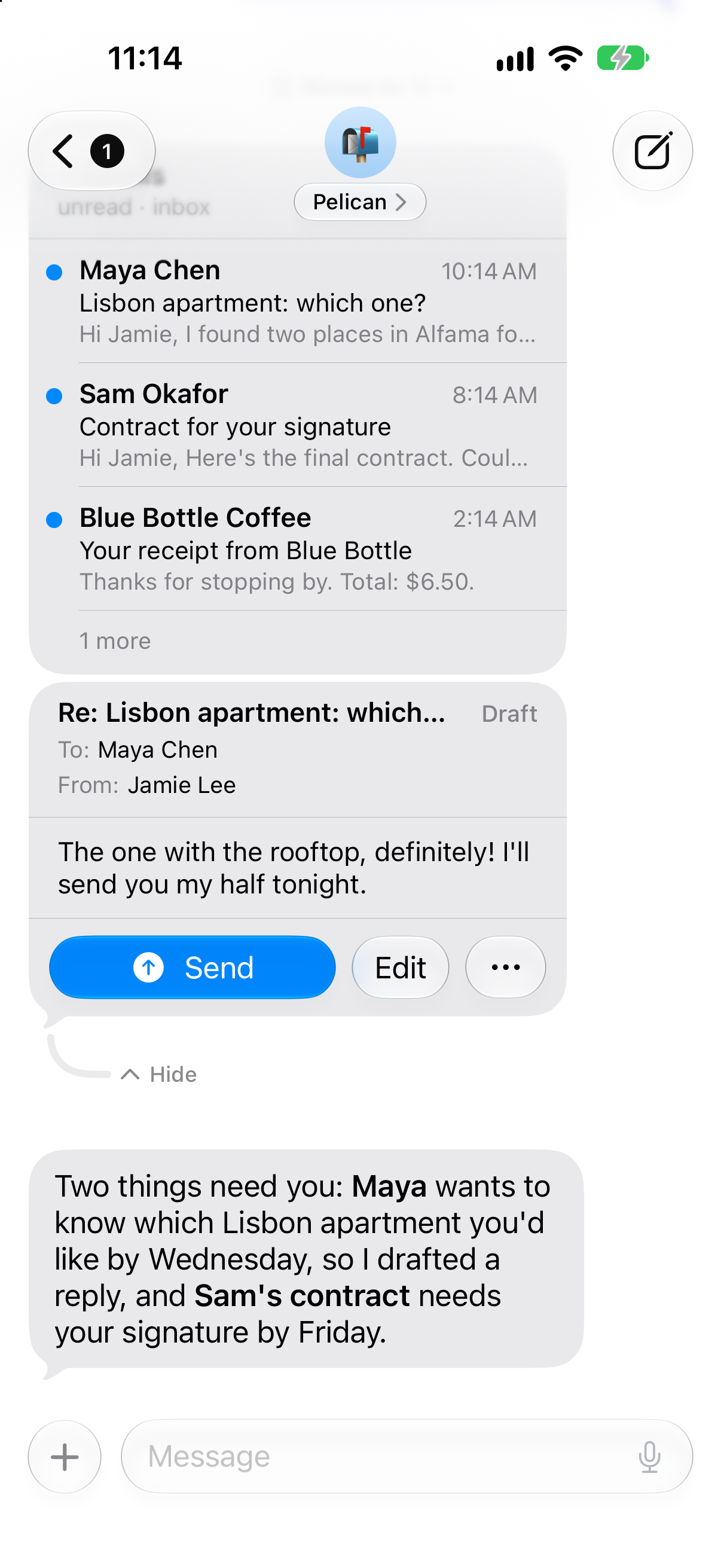
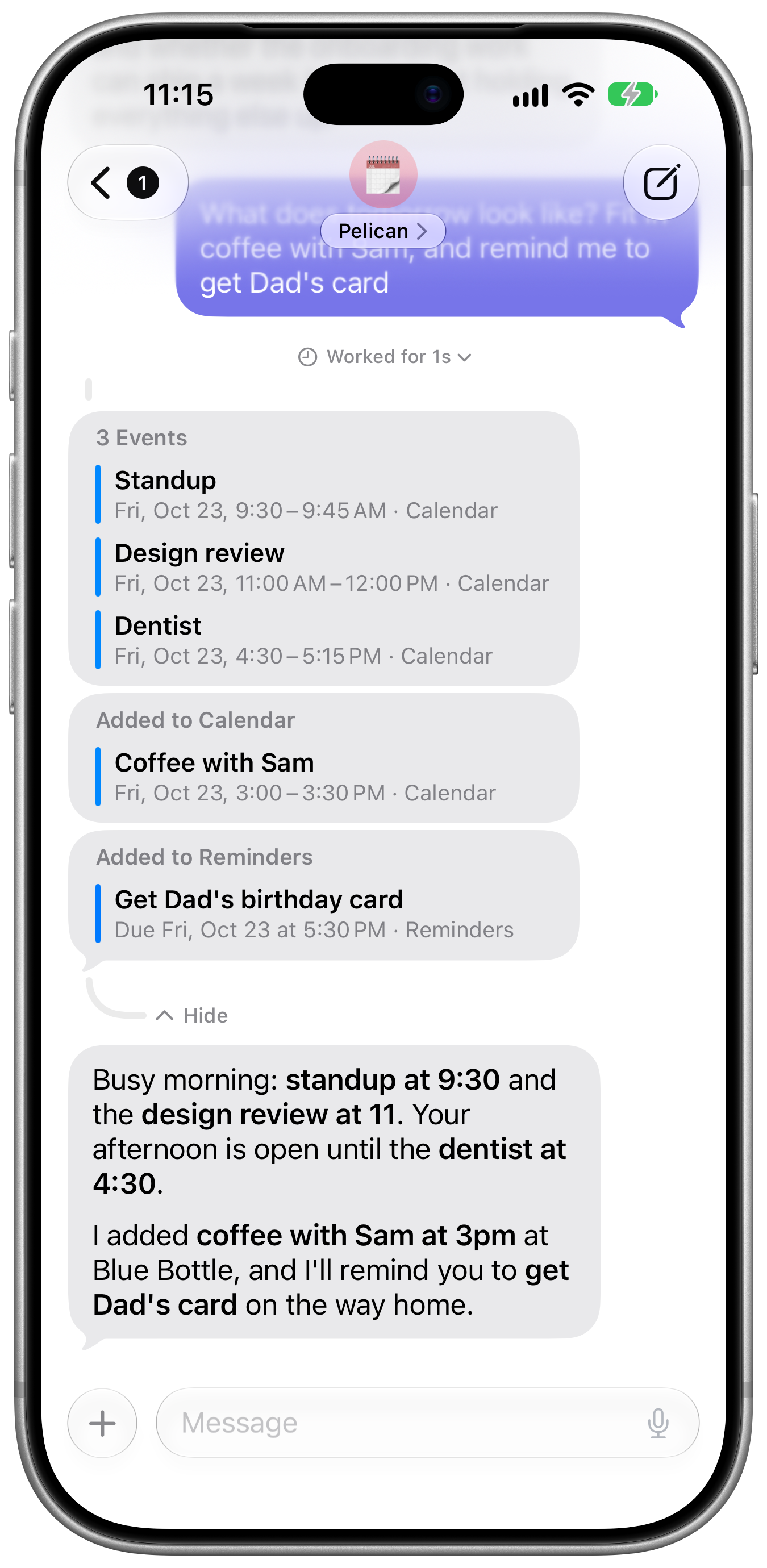
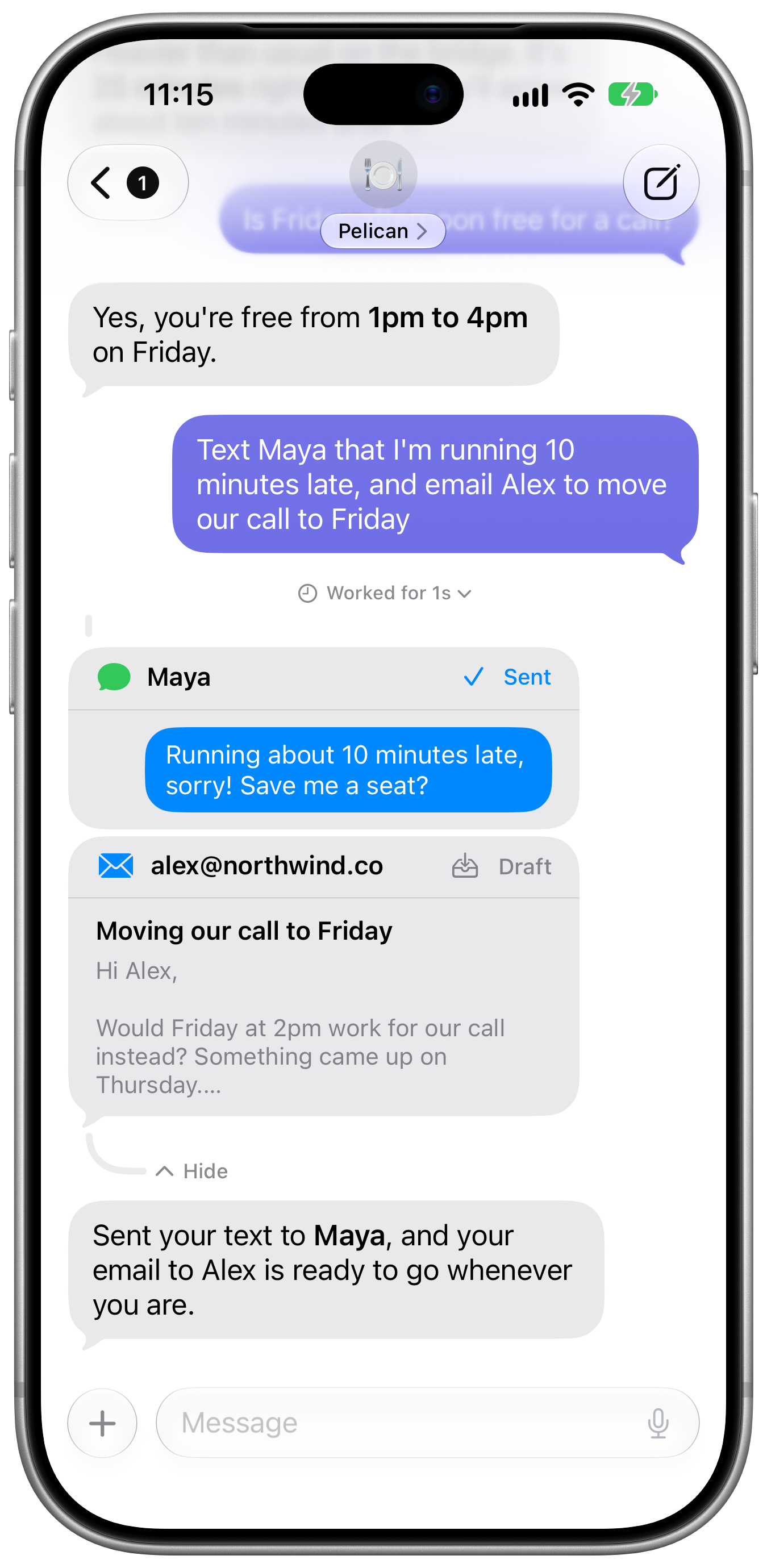
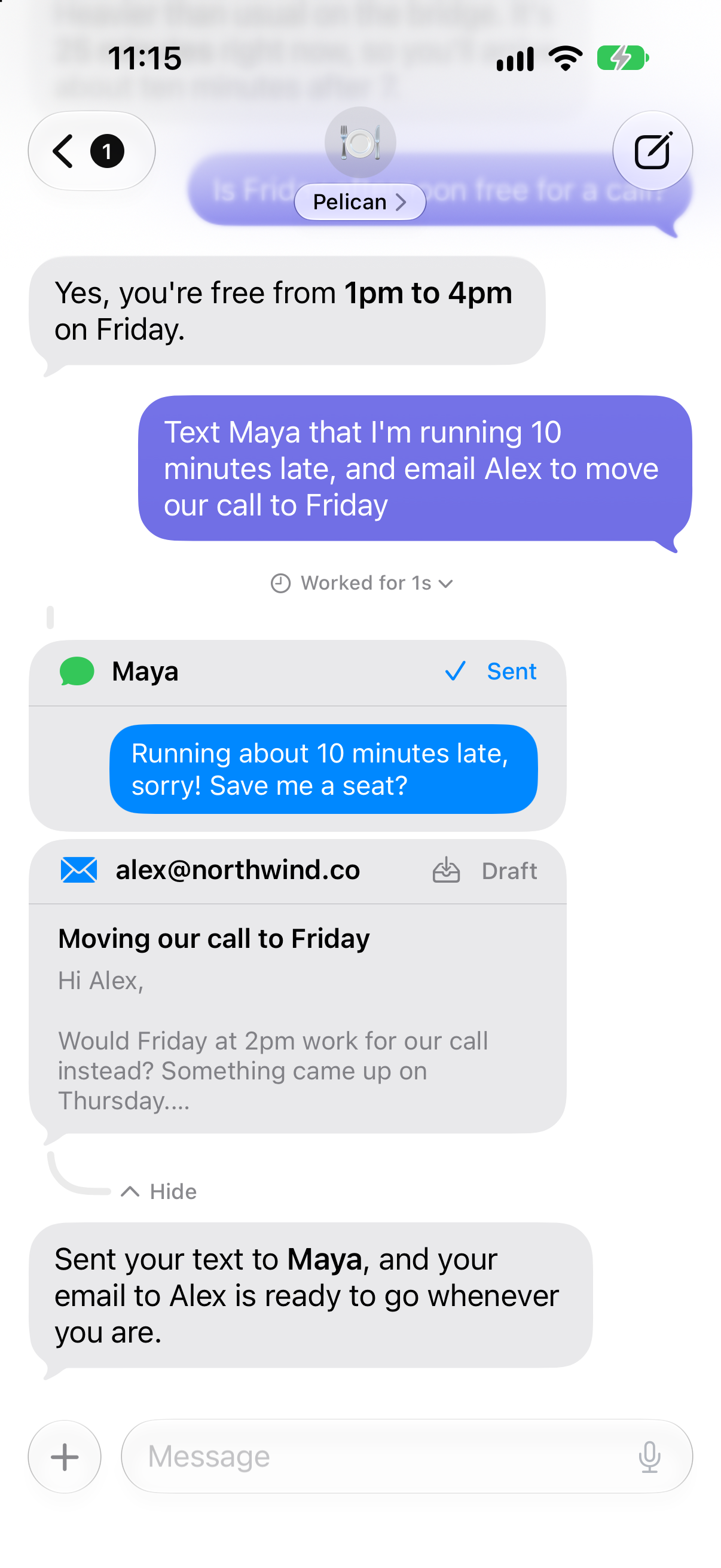
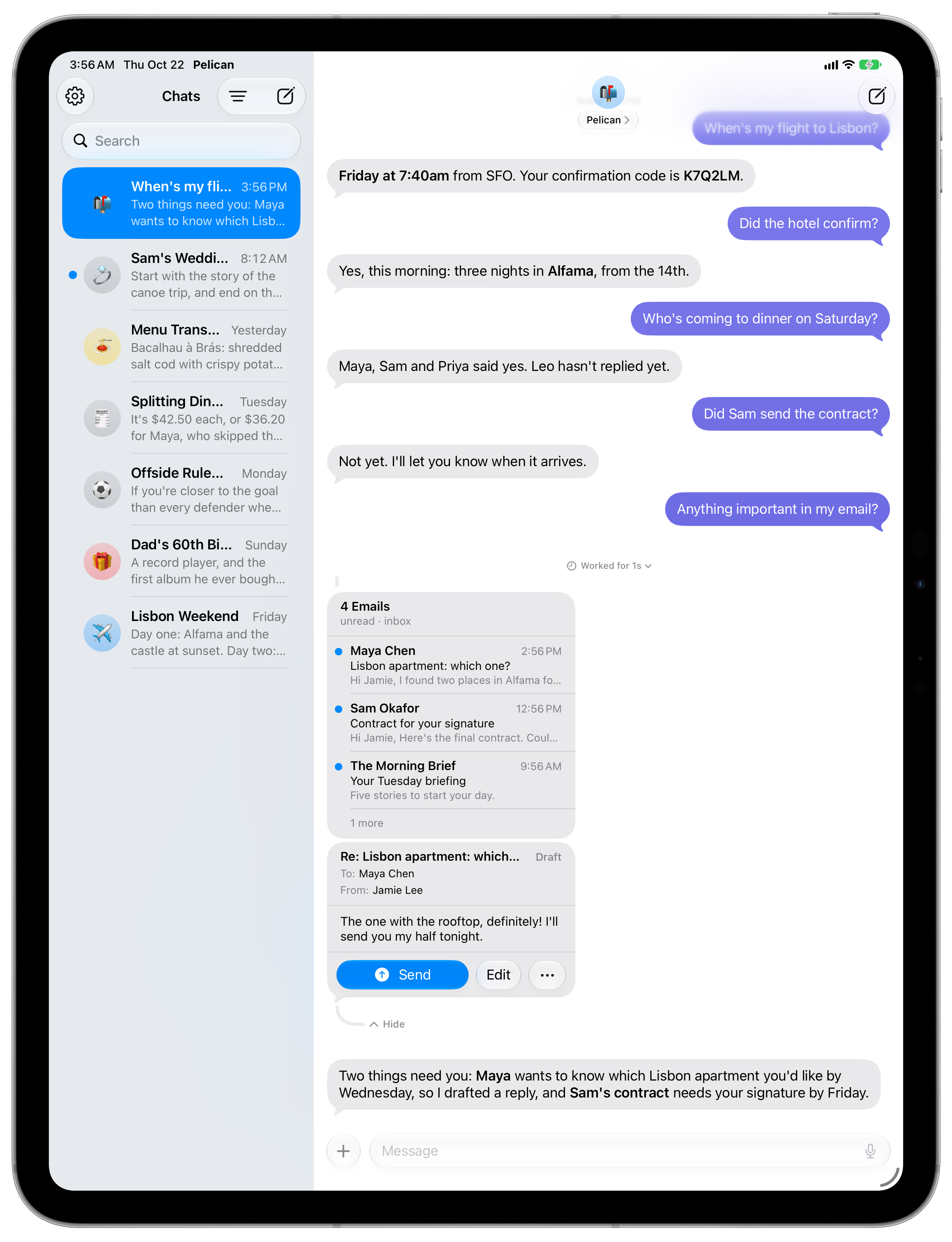
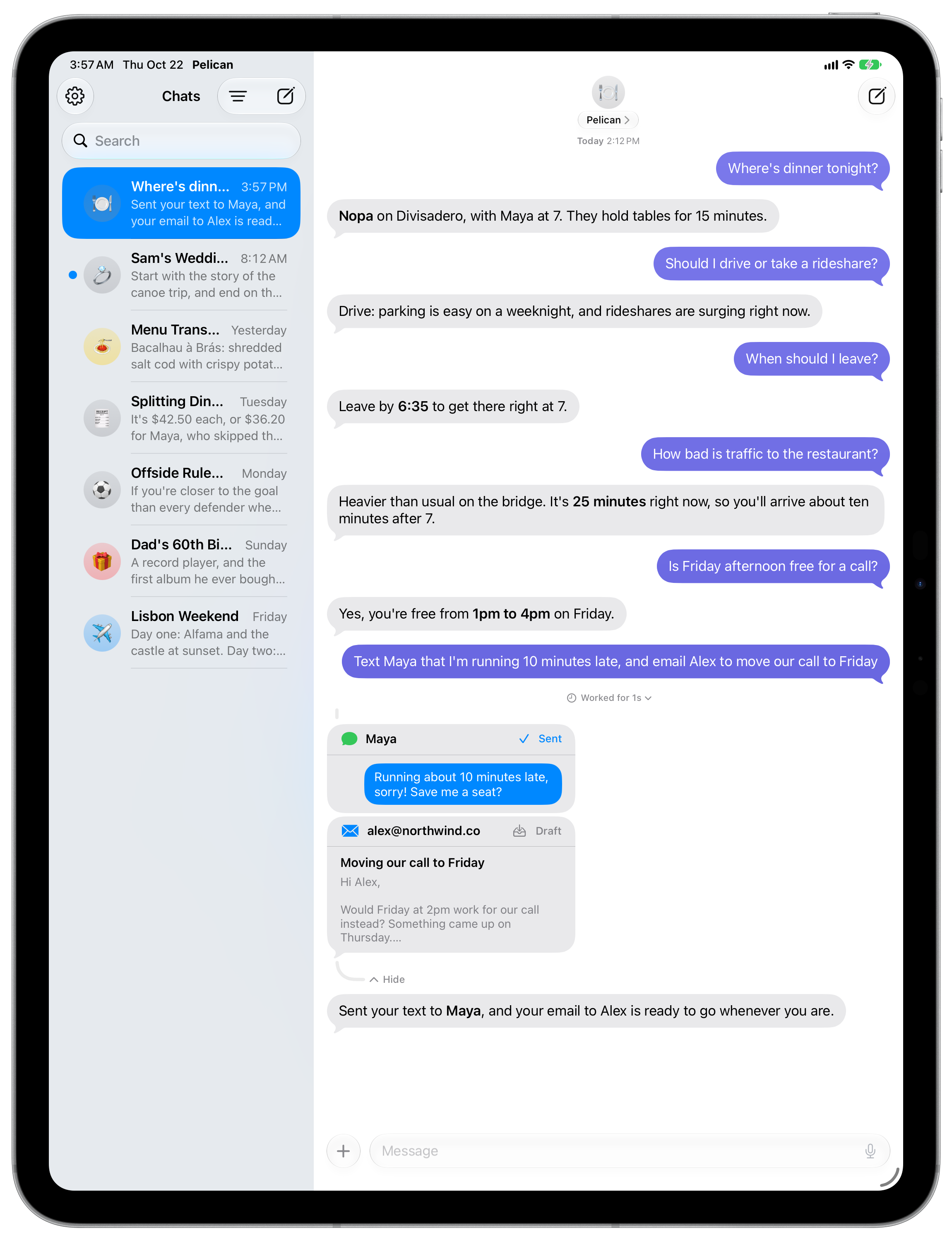
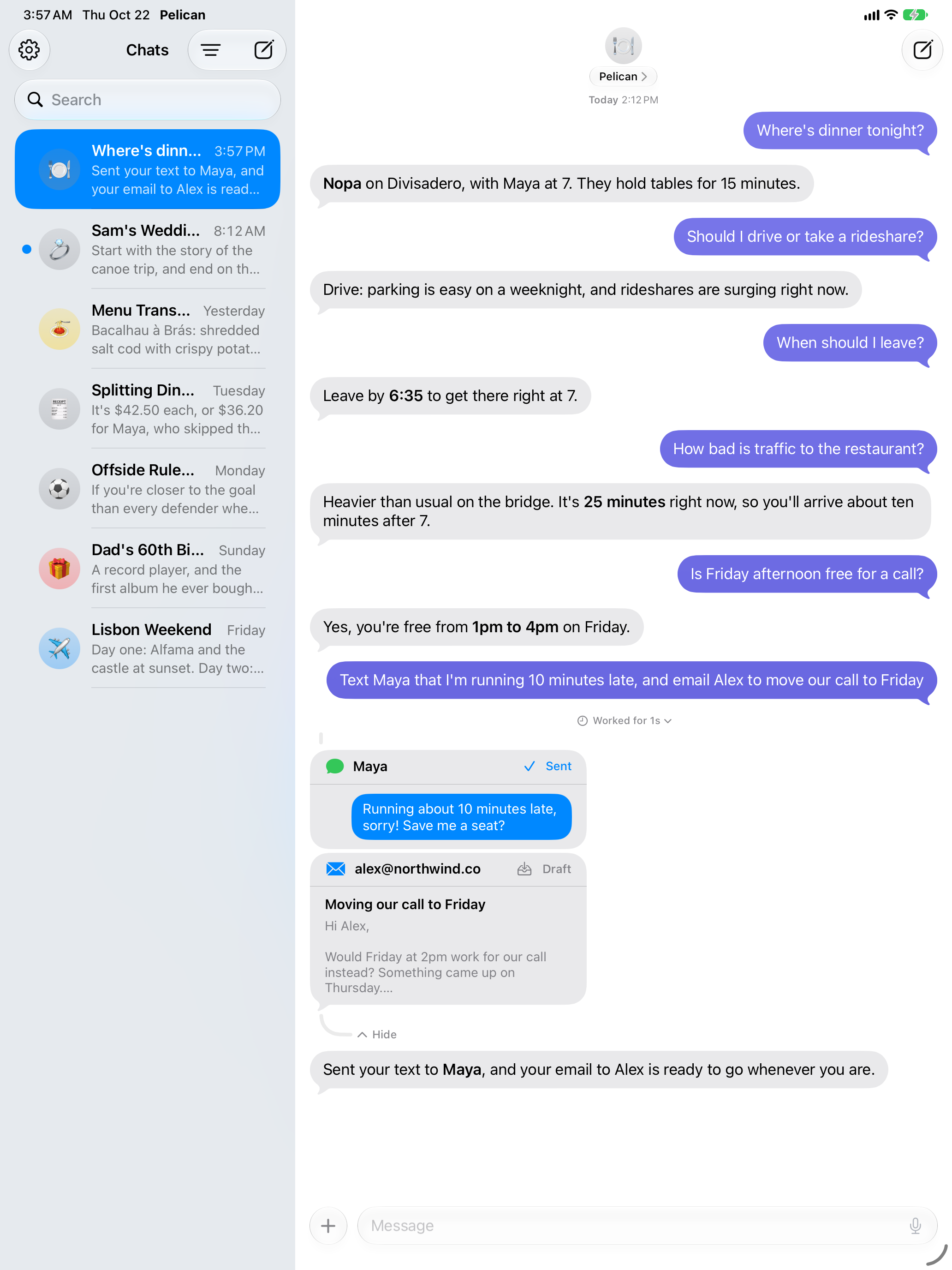
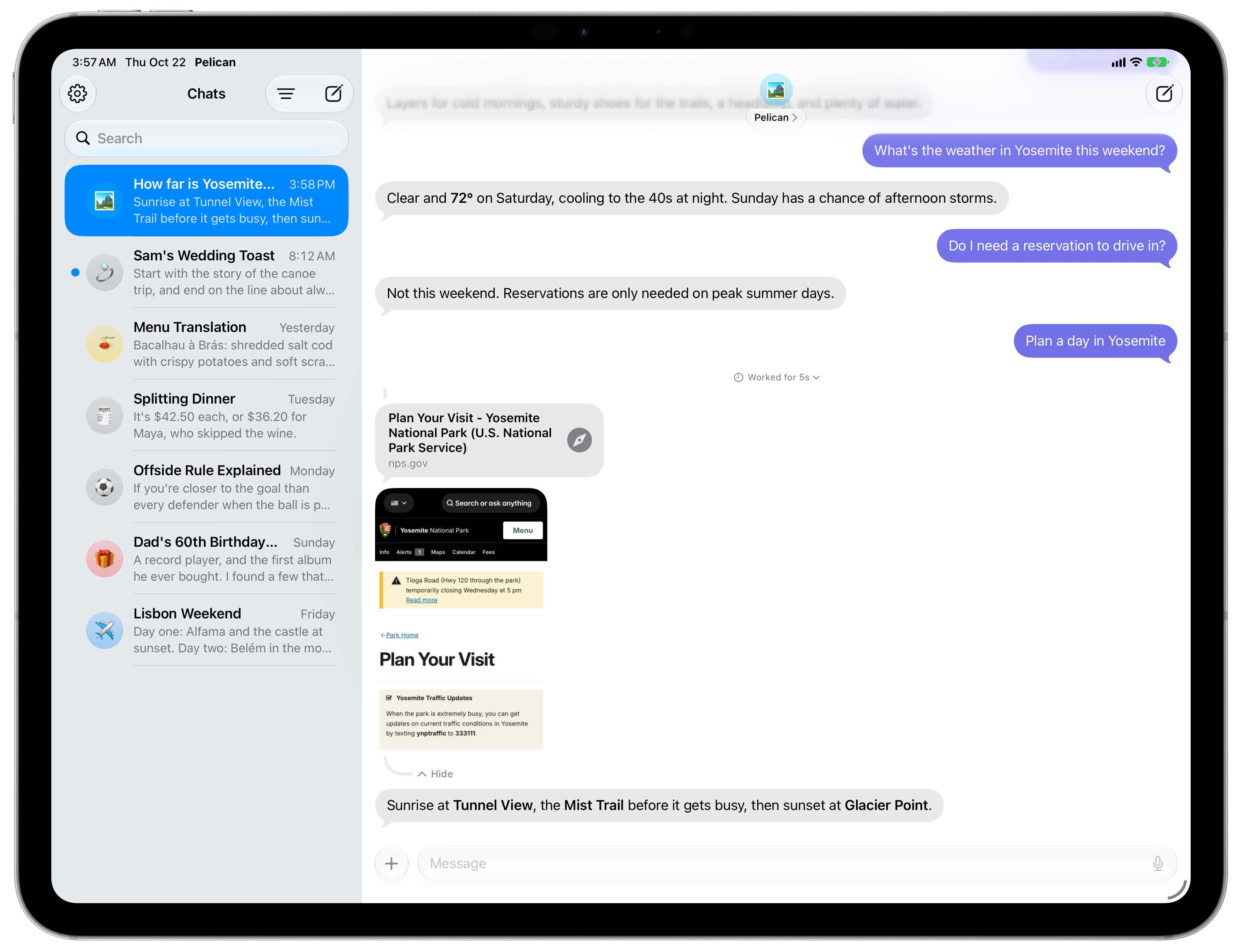
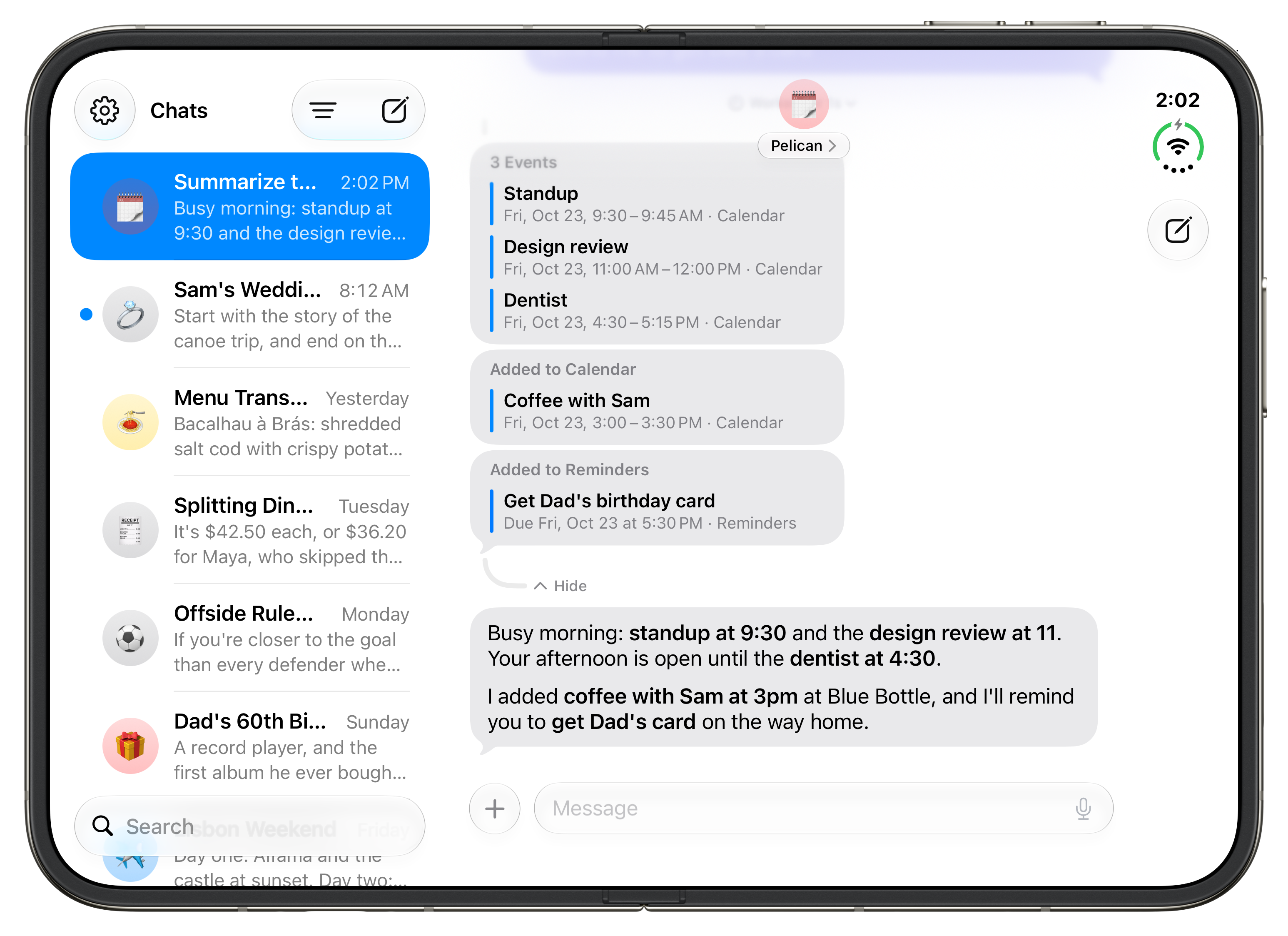
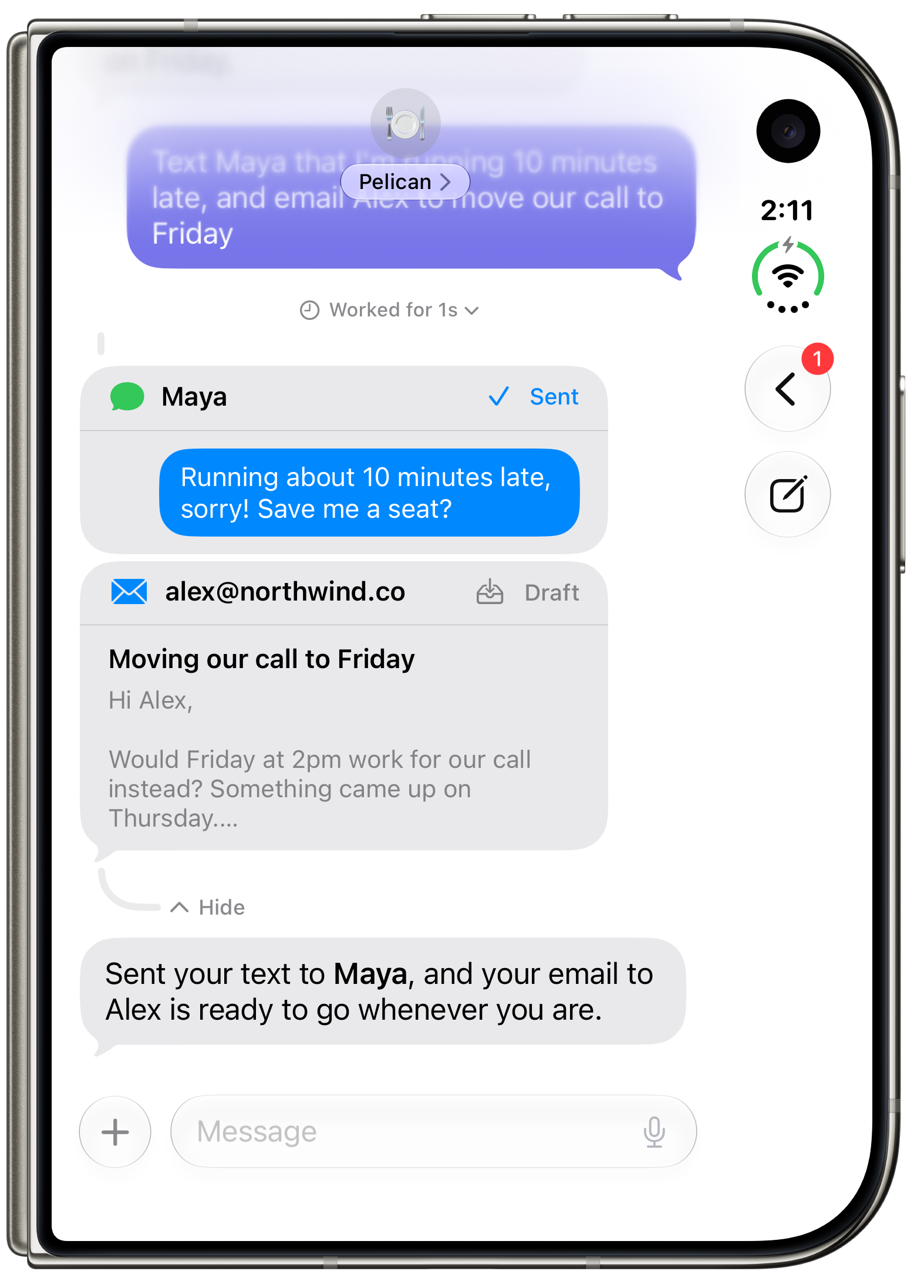
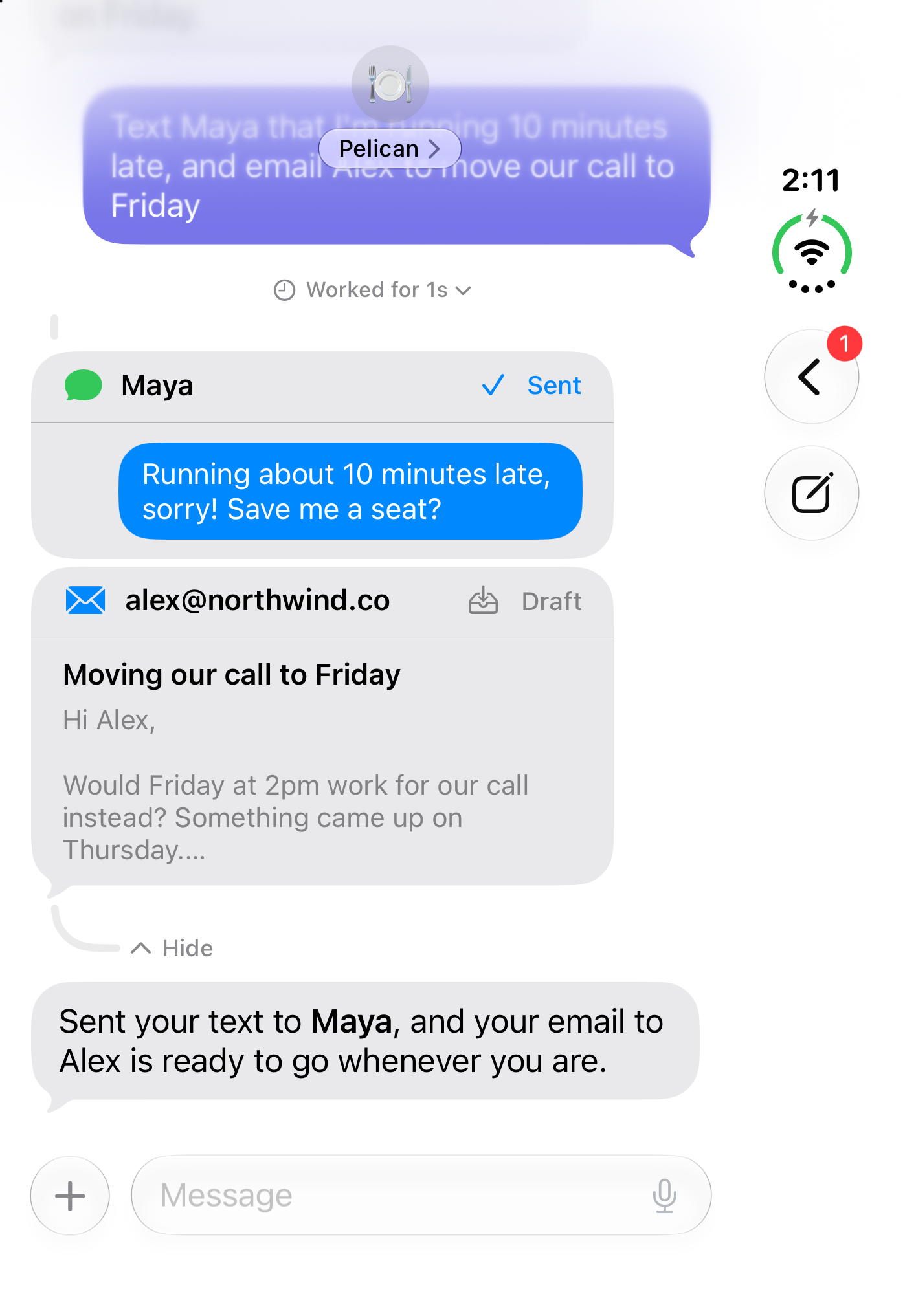
What happens when the AI gets something wrong? Pelican shows every step it took in the chat (the events it read, the reminder it added, the pages it visited), so you can check its work. Texts and emails are drafts that you review and send yourself. Pelican never sends email on its own.
Privacy
What leaves my iPhone? Your messages, and whatever Pelican looks up to answer them (such as calendar events or a web page), go straight from your iPhone to the AI provider you chose. They never go through Pelican’s servers. With Apple’s model, they go to Private Cloud Compute.
What stays on my iPhone? Your chats, memory, API keys, email passwords (in the Keychain) and your photo library. Private Photo Access analyzes your photos on your iPhone, and they never leave it.
What does the developer collect? Crash reports, anonymous usage counts (such as which features are used) and Pelican Pro purchase records, kept under a random identifier that isn’t linked to you. No chats, no account, no ads and no tracking. The App Store privacy label says “Data Not Linked to You”.
What can Pelican access, and how do permissions work? Every capability is off until you turn it on, and iOS asks for permission only then. You choose what each profile can use, such as which email accounts or which tools of a connected service. You can turn any capability off at any time.
Can I see or delete what it remembers? Yes. Everything Pelican remembers is listed in Settings, where you can change or delete it. Deleting the app deletes your chats and memory.
Features
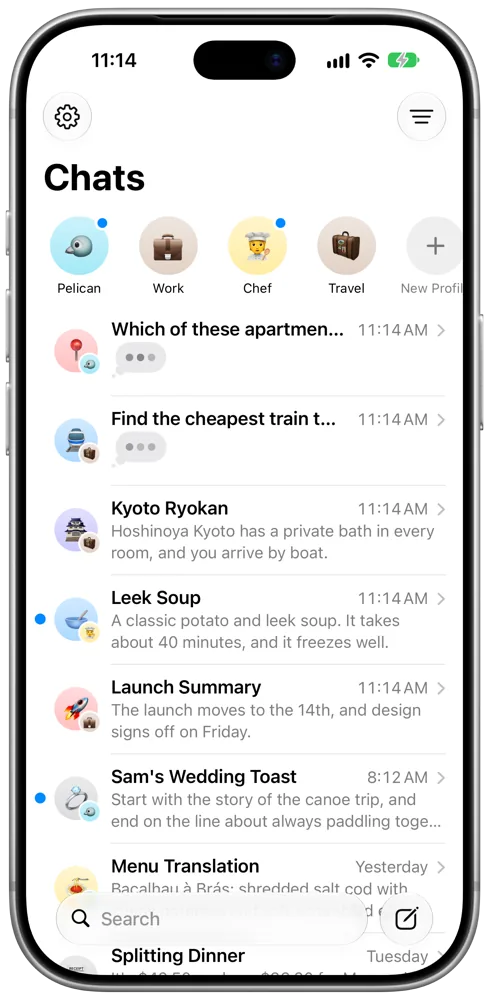
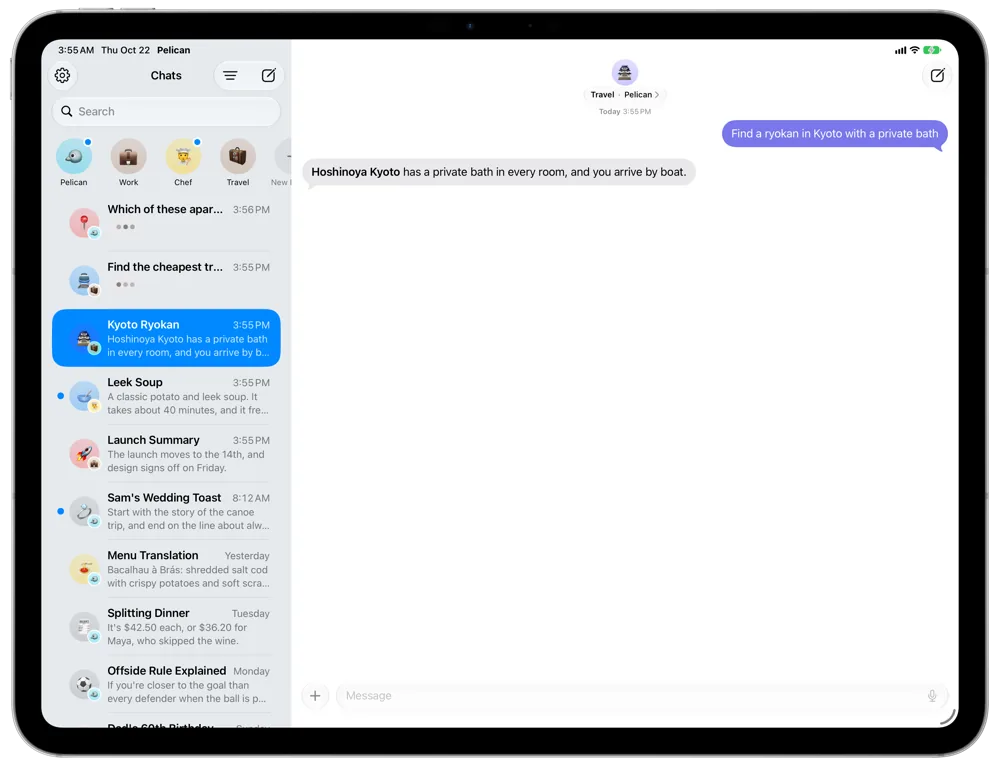
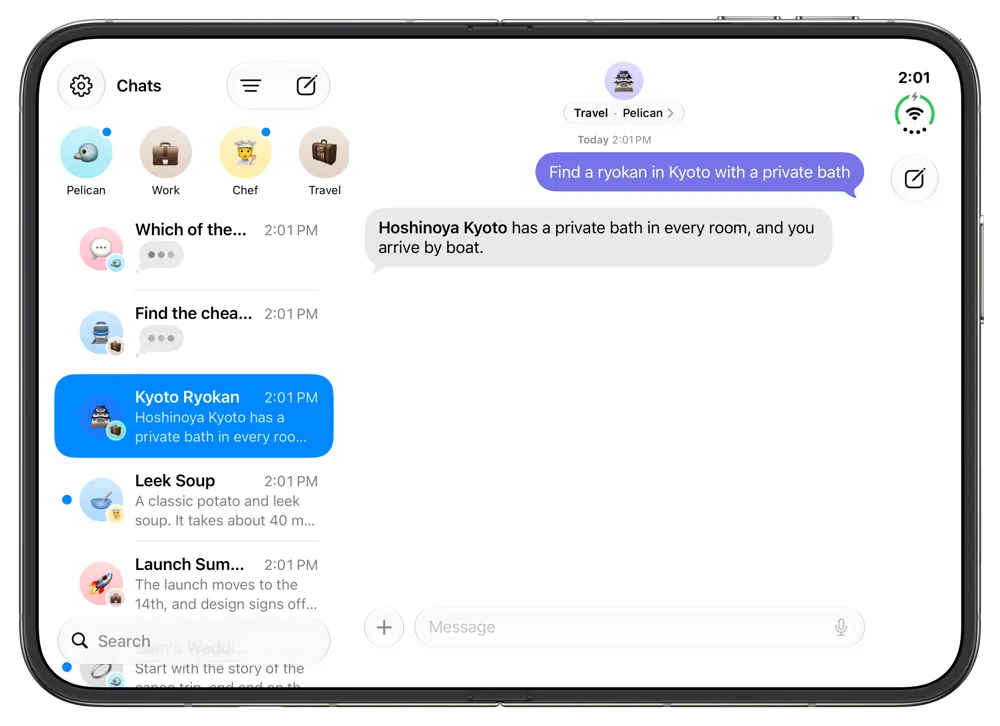
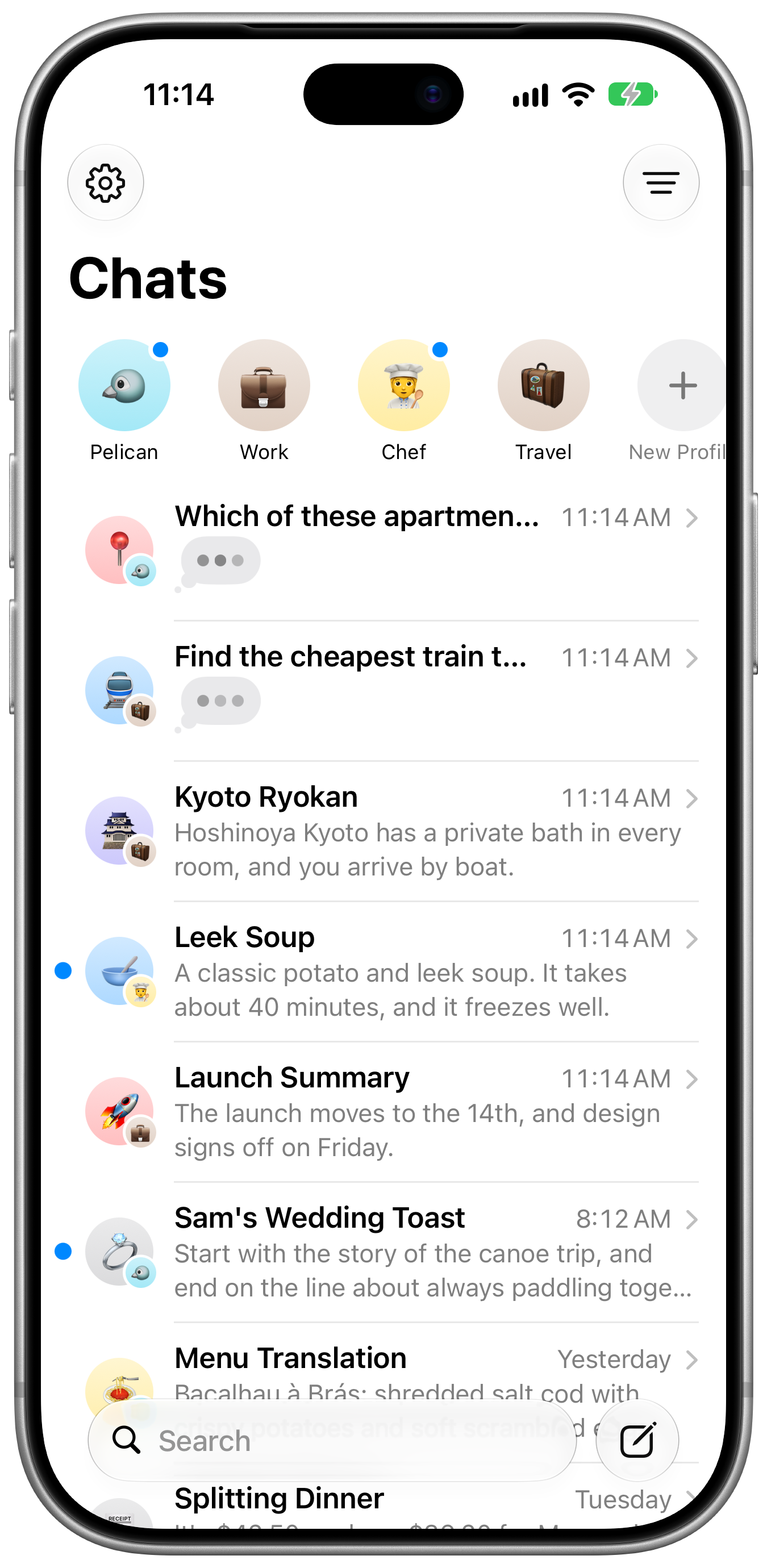
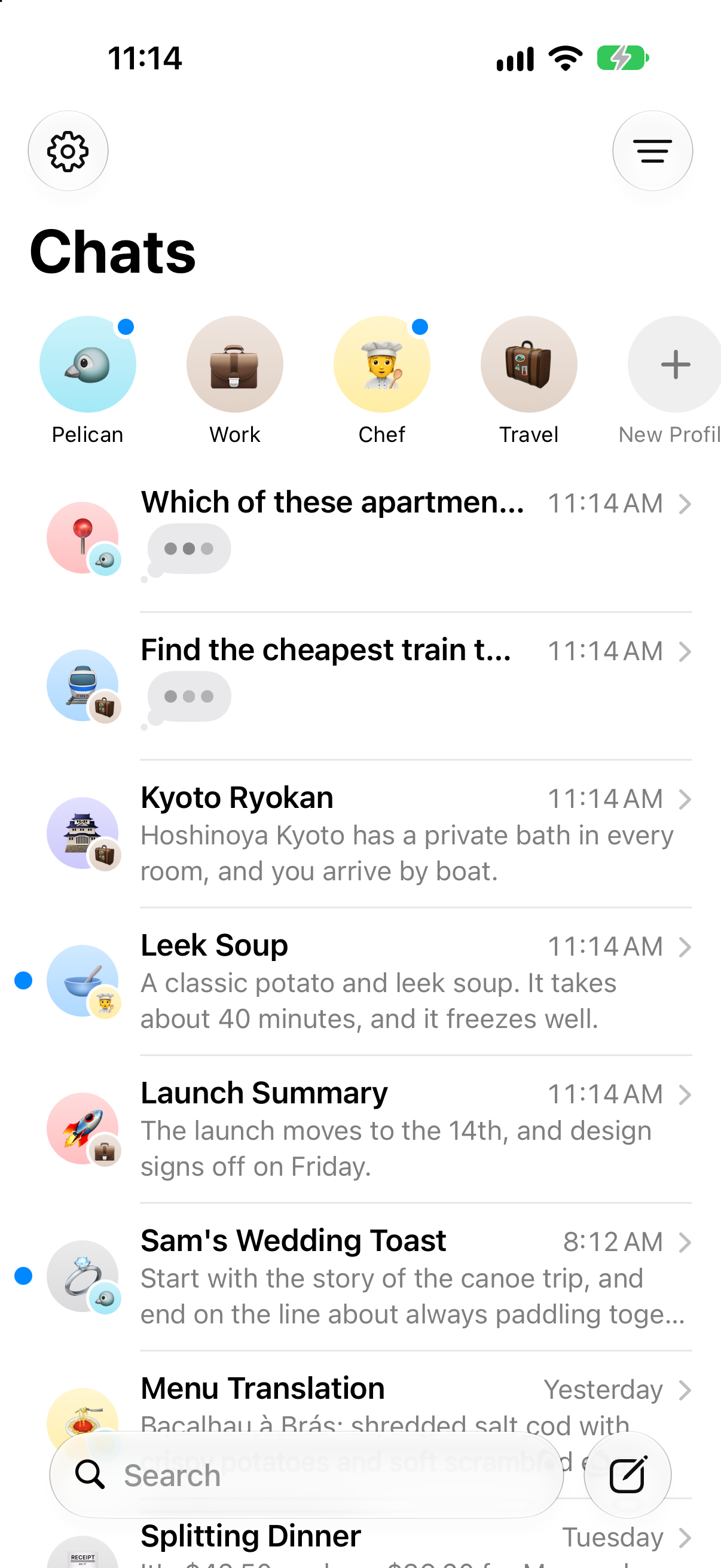
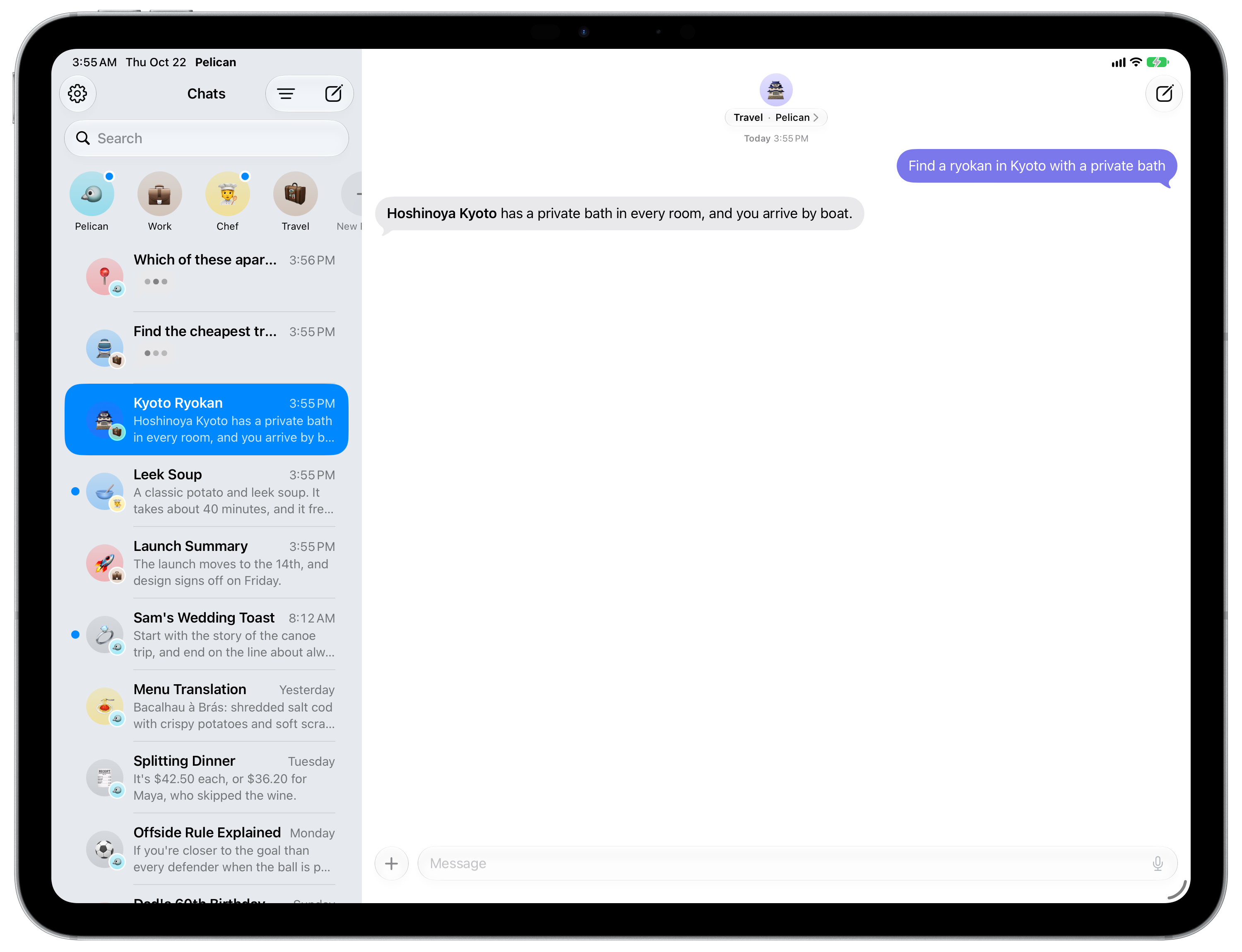
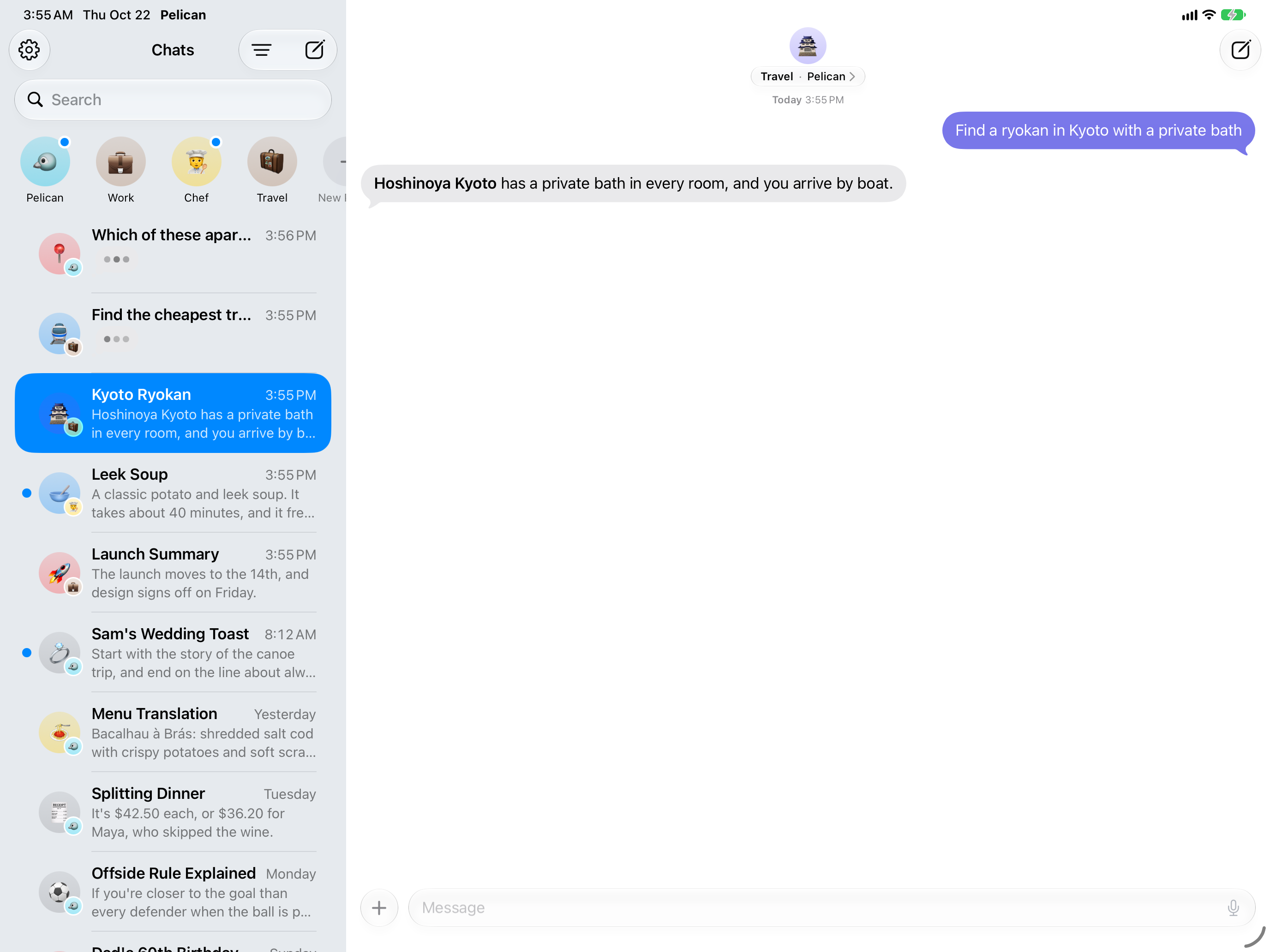
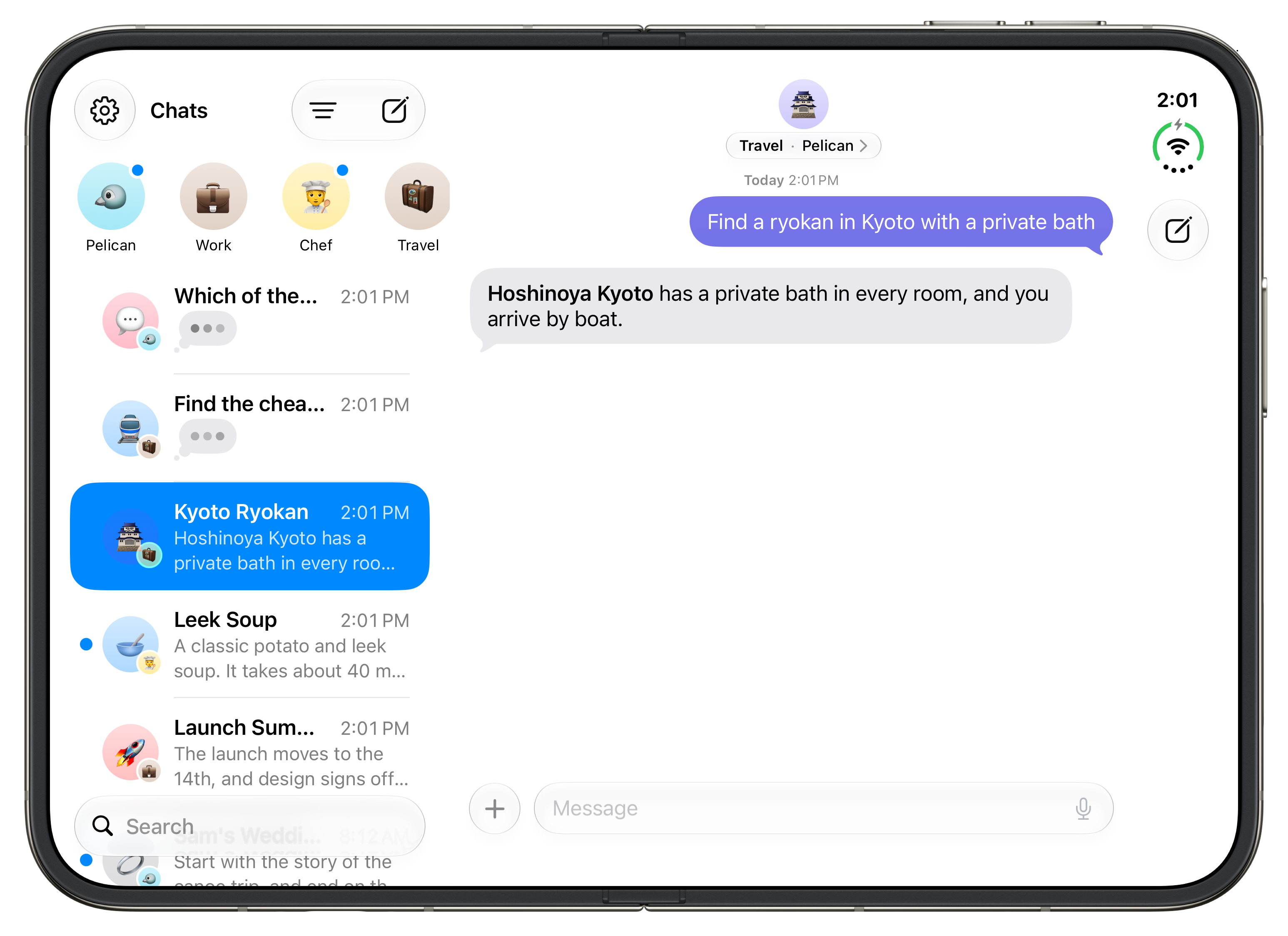
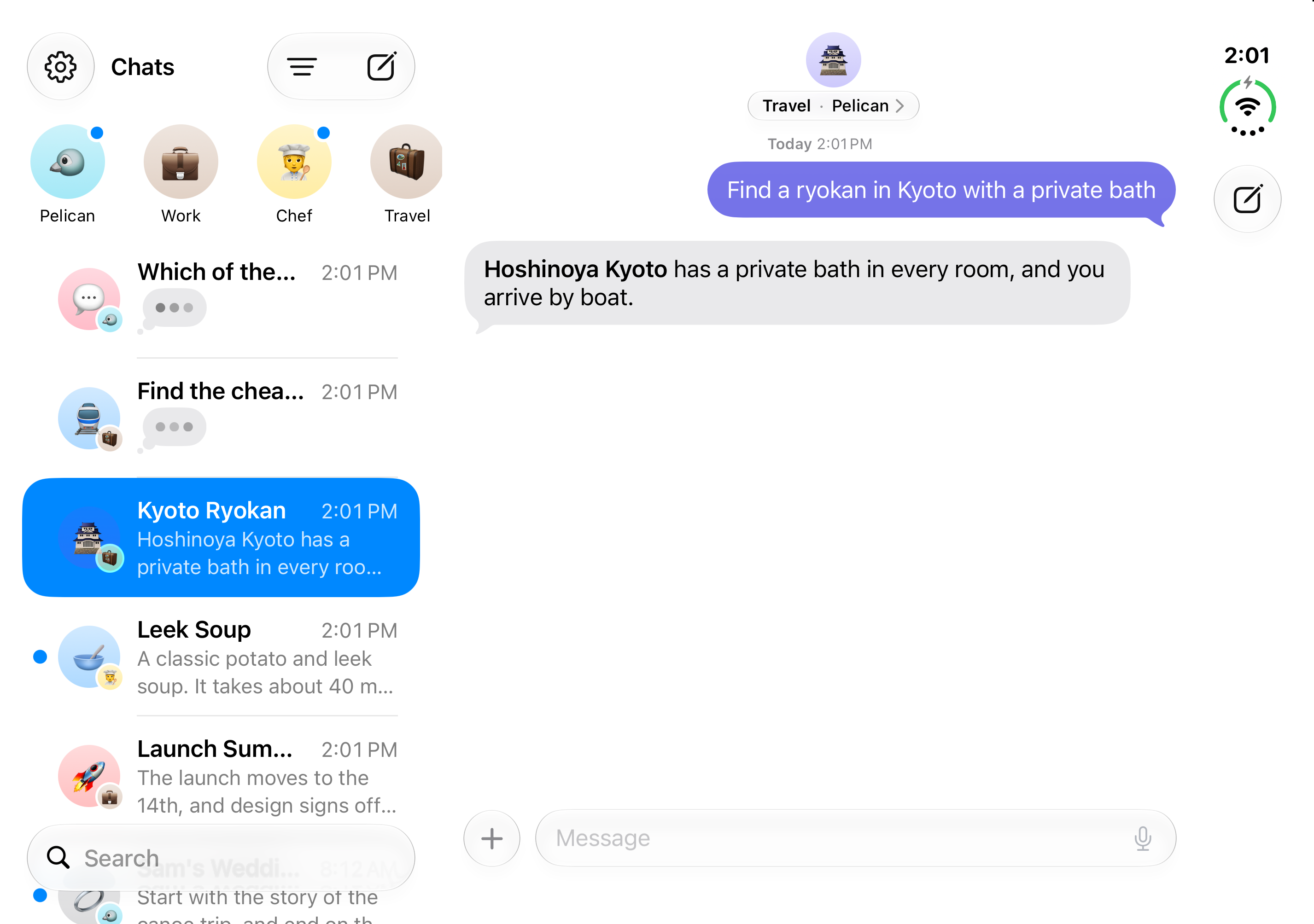
What are profiles? Specialists for different parts of your life. A Chef that plans meals, a Coach that builds workouts, a Tutor that quizzes you, or a Work profile with your work email. Each has its own model, memory and tools, and a Focus can pick one for you.
What are routines? Tasks Pelican runs on a schedule, like a morning brief with the weather and your meetings, a weekly plan, or word when something changes. They run in the background and send the result as a notification.
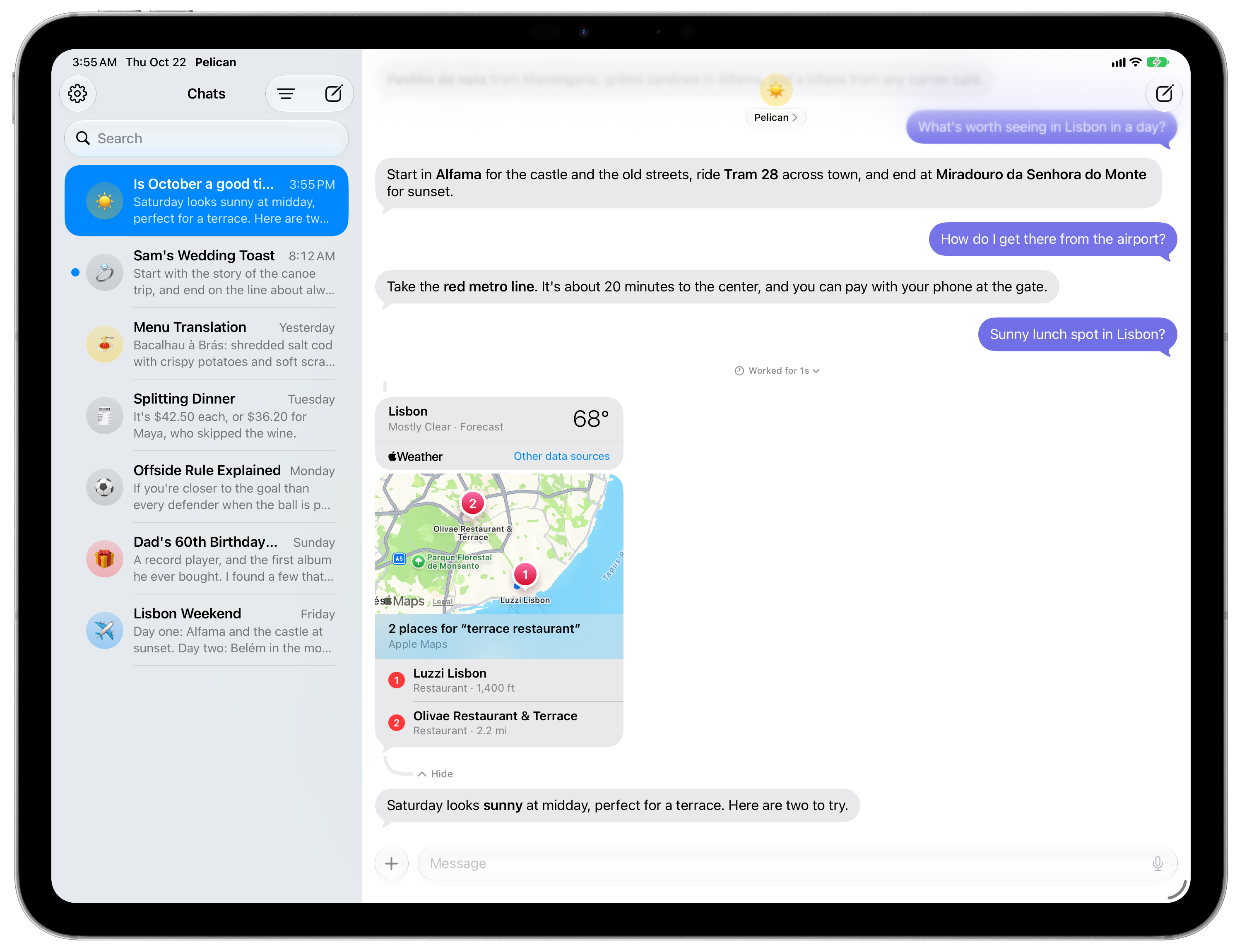
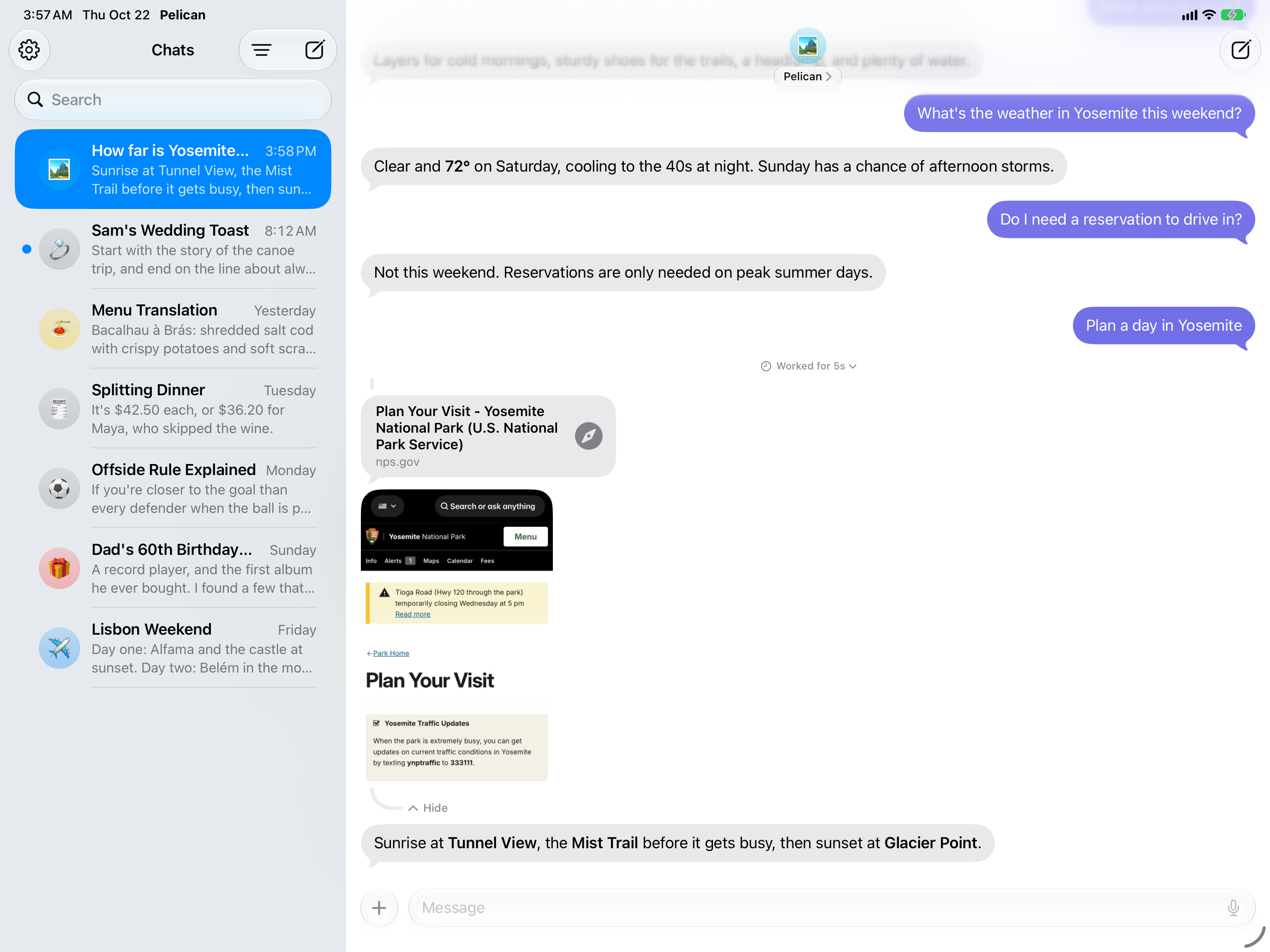
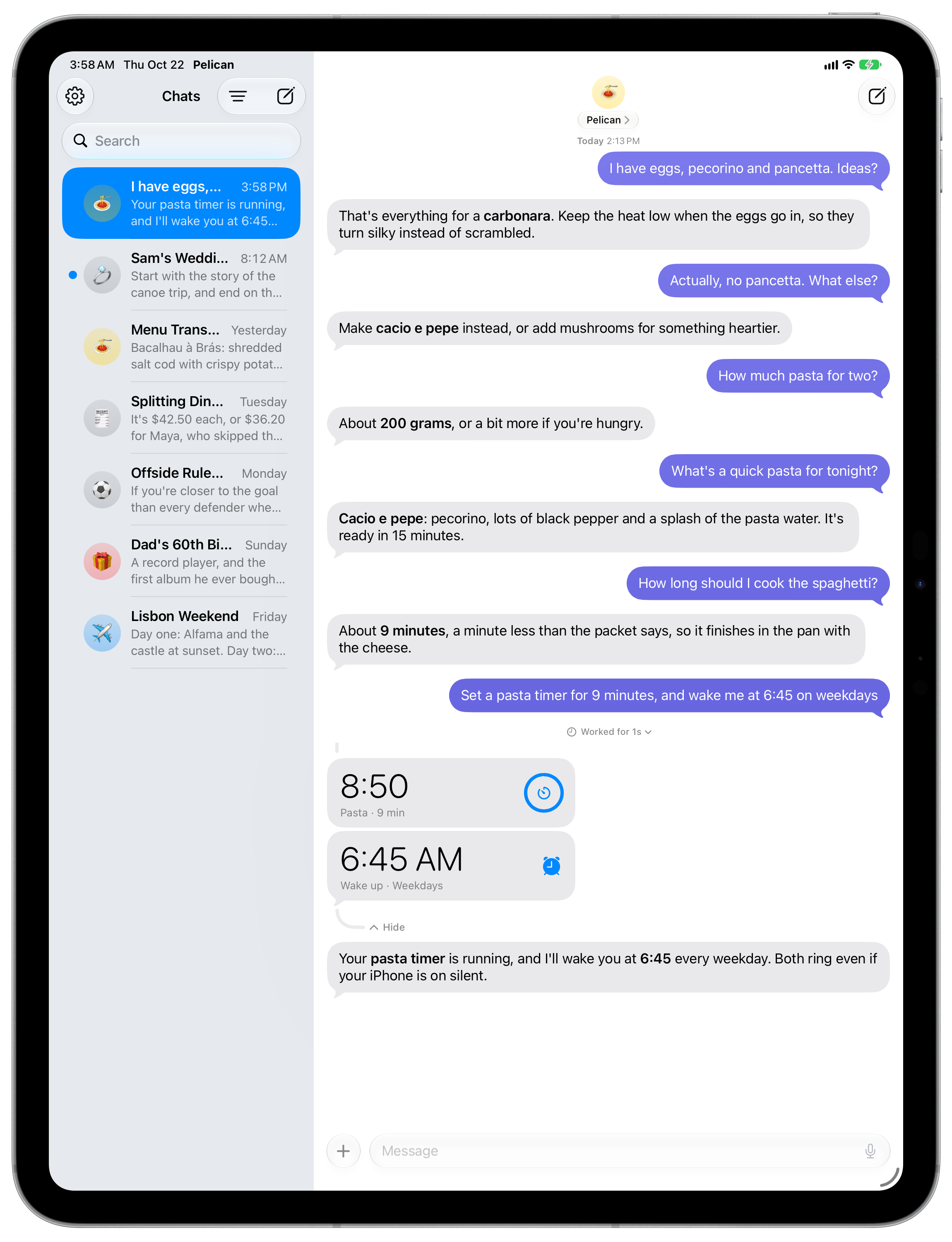
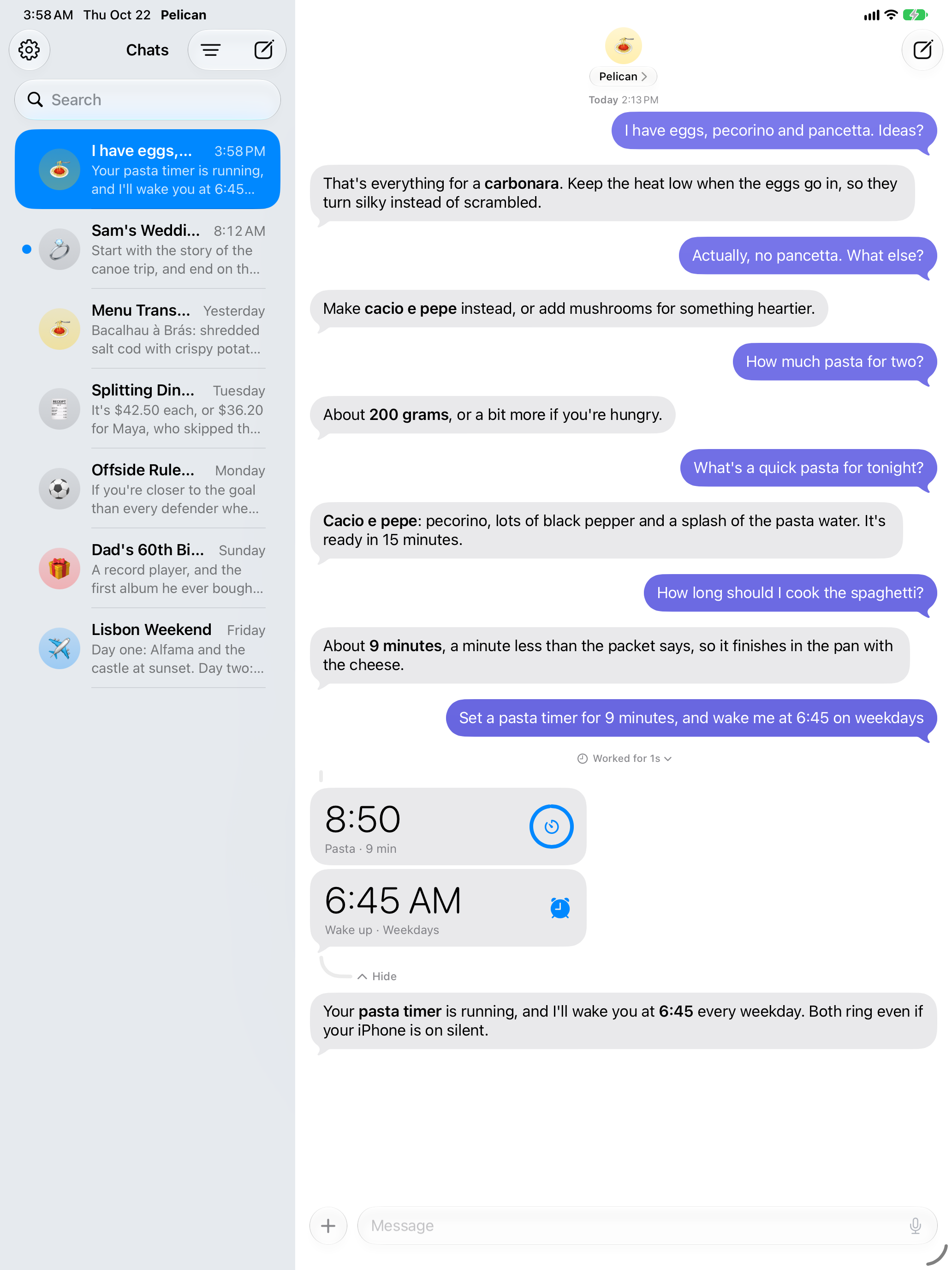
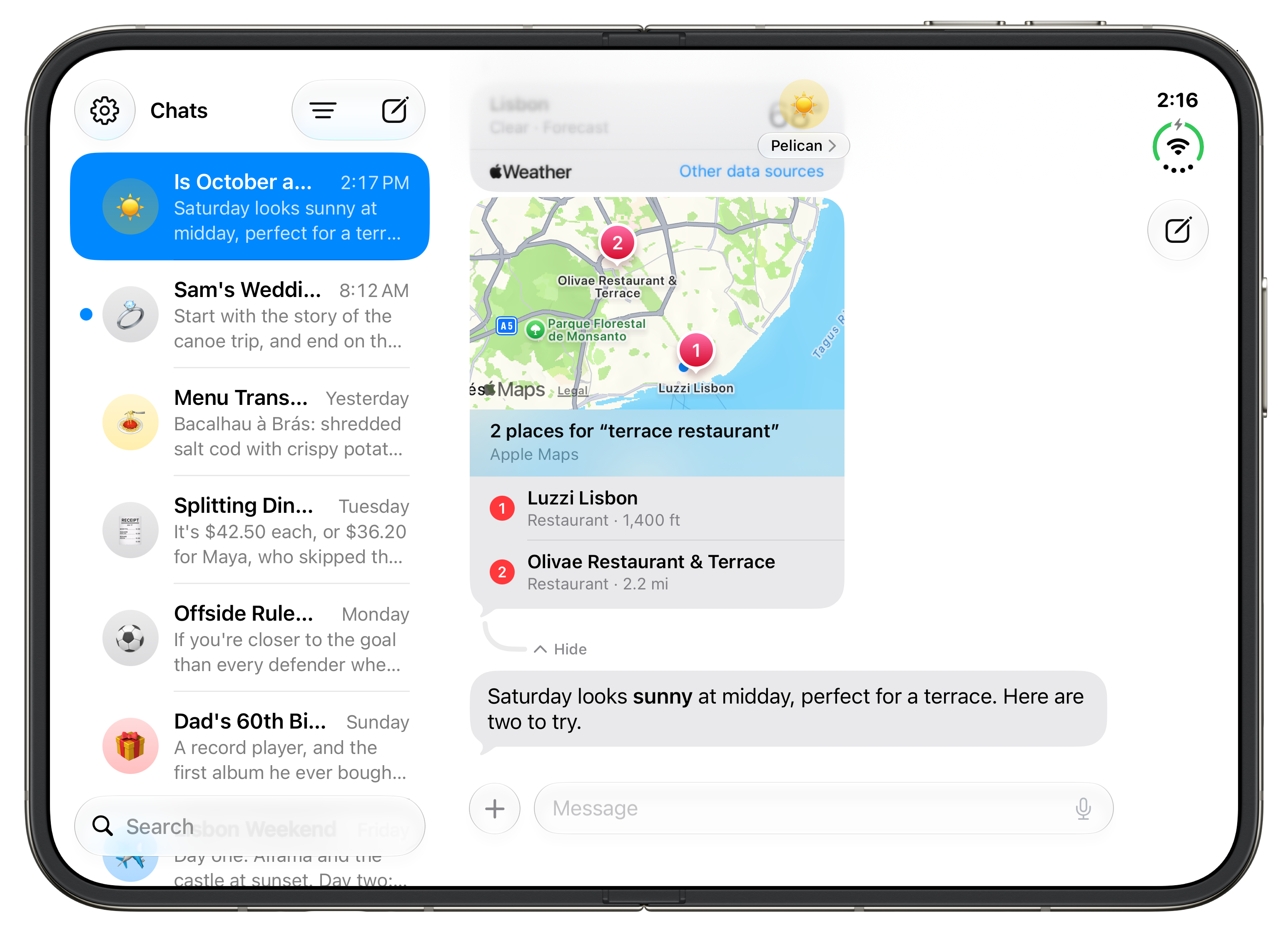
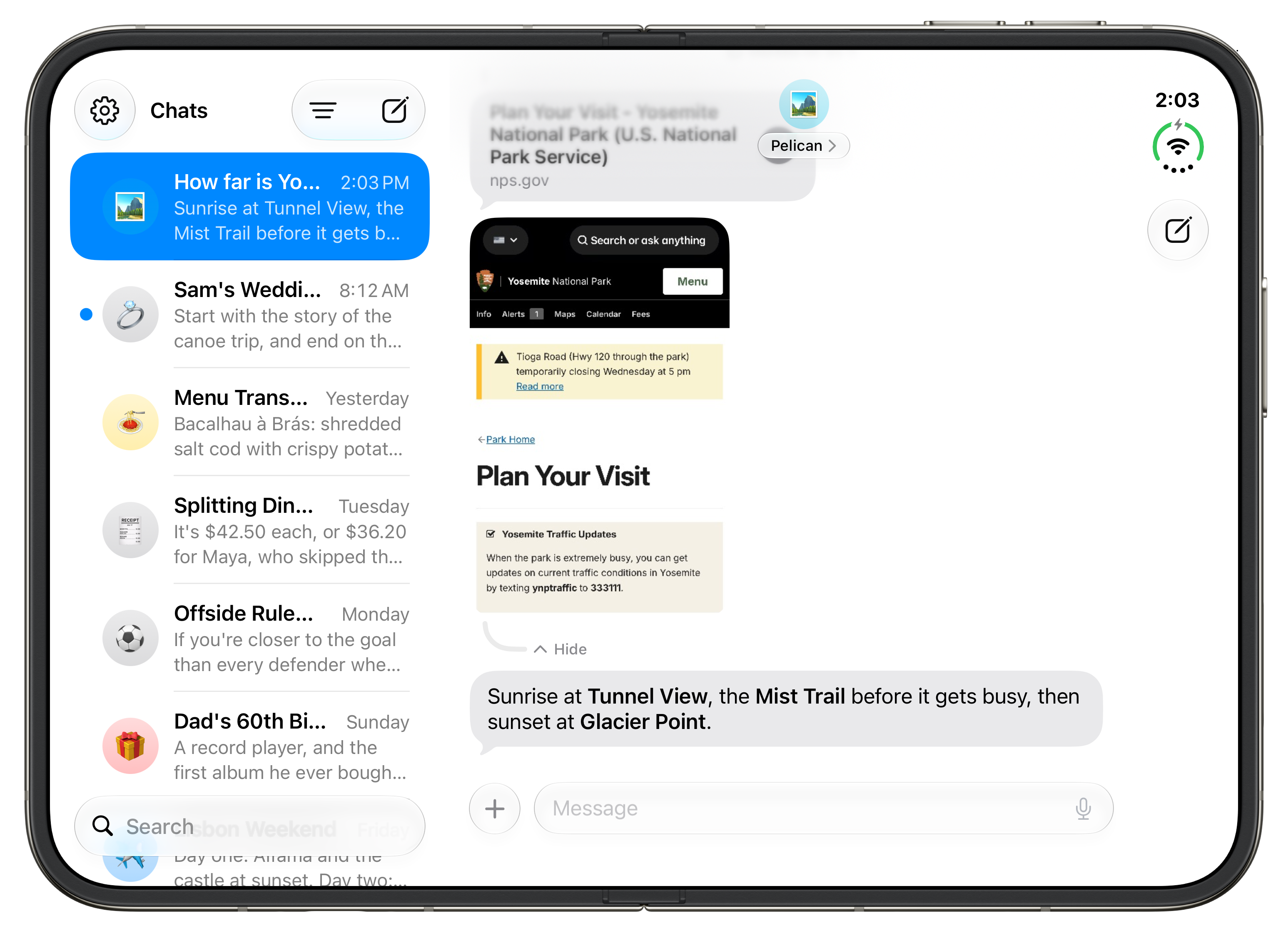
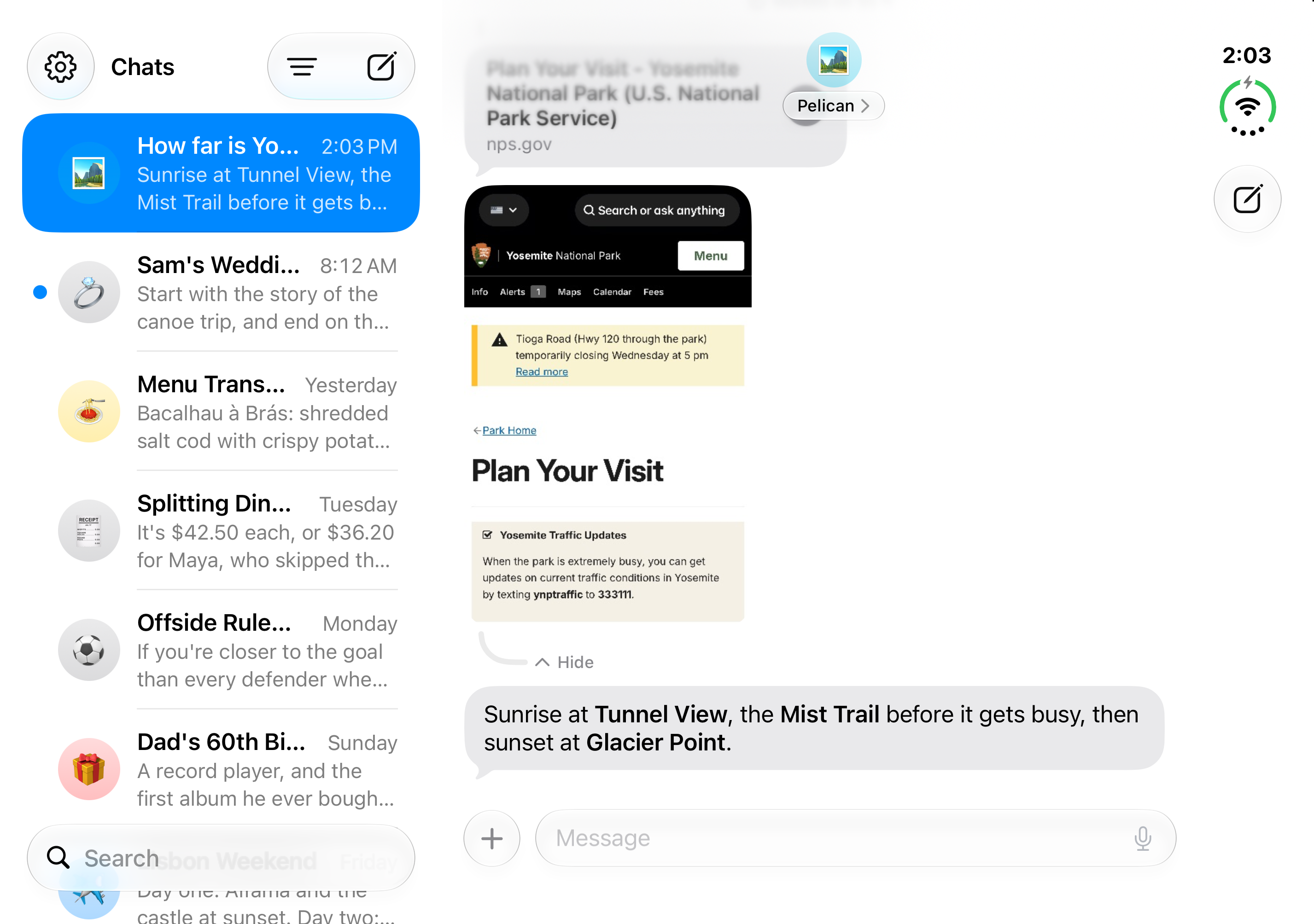
Does it work on iPad and iPhone Duo? Yes. On iPad and on an unfolded iPhone Duo, your chats appear beside the open chat.
Trying Pelican
Download Pelican free on the App Store. For anything else, write to finnvoorhees@gmail.com.